AI Assist Guide
Navigation

The AI Assist feature is nested in the Message Window under the AiAssist tab.

To view the Message Window, in the top-right section of CICON, left-click Options and left-click Message Window.
Question

To use the AI Assist, enter your question in the box and left-click Ask AI.
Answer
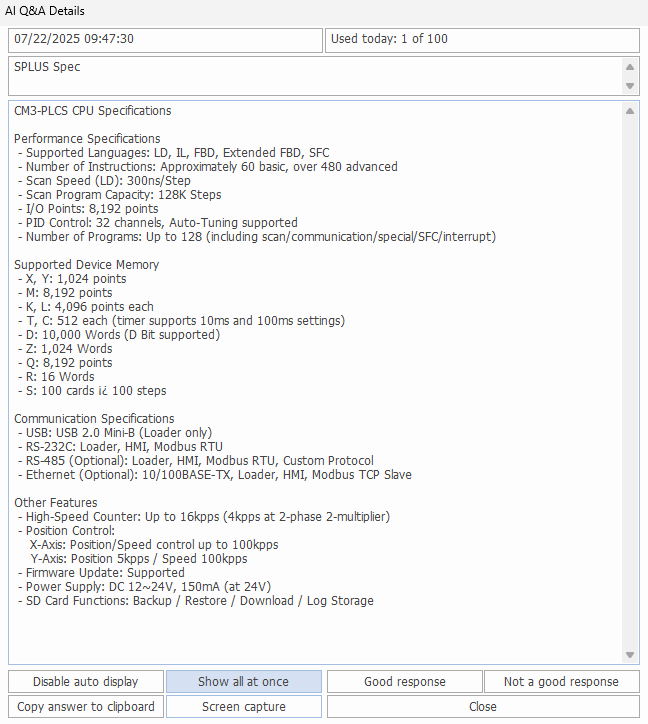
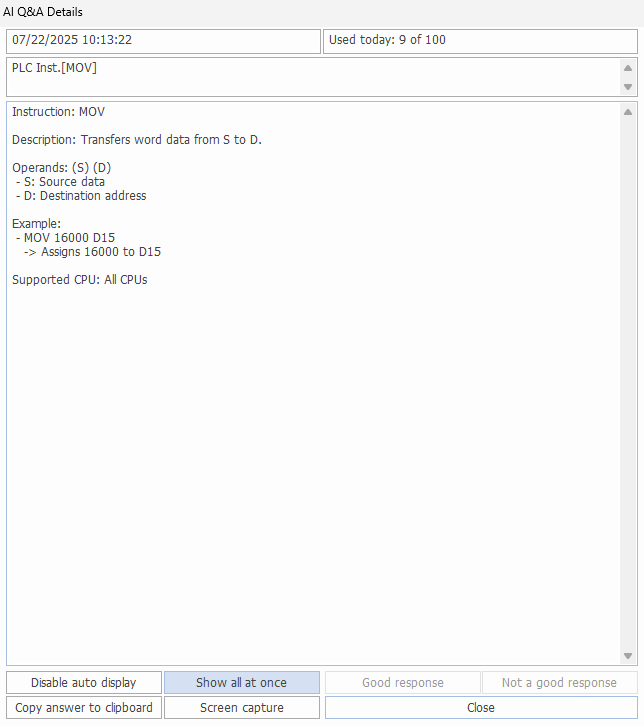
After about 5 seconds, the answer to the question will appear in a pop-up window.
Note: only 100 tokens (questions) can be used per day.
History
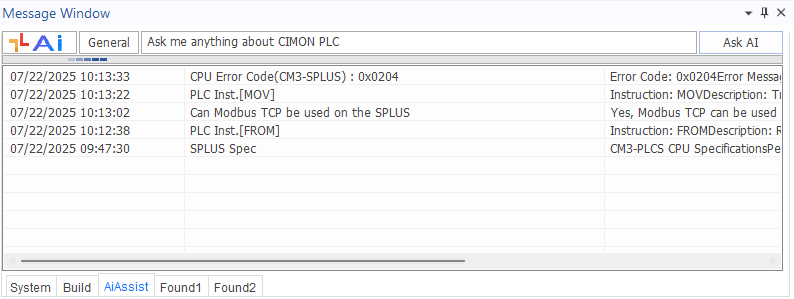
The Message Window will keep track of the questions asked.
Responses
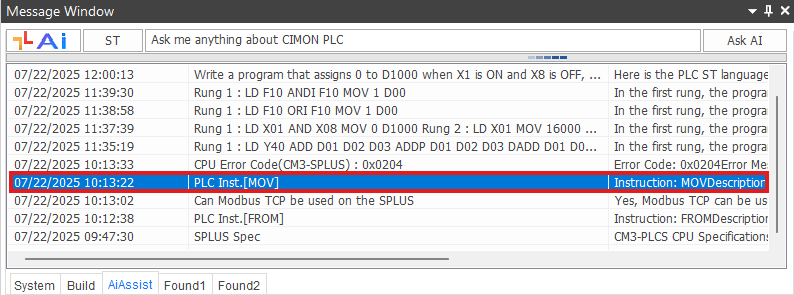
Double left-click on an old message to bring up the AI Assist response:
Usage
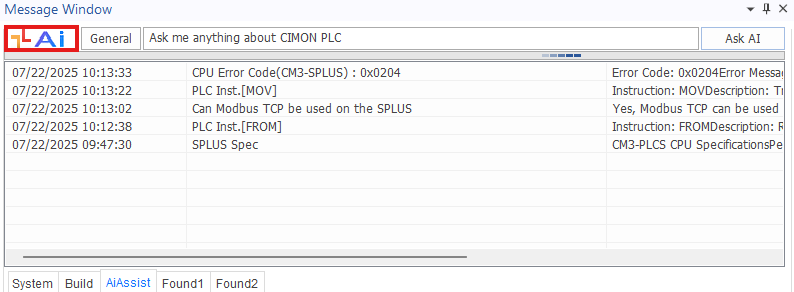
Additionally, left-click the AI icon button to show the total usage:

Program Analysis & Generation
Ladder Diagram

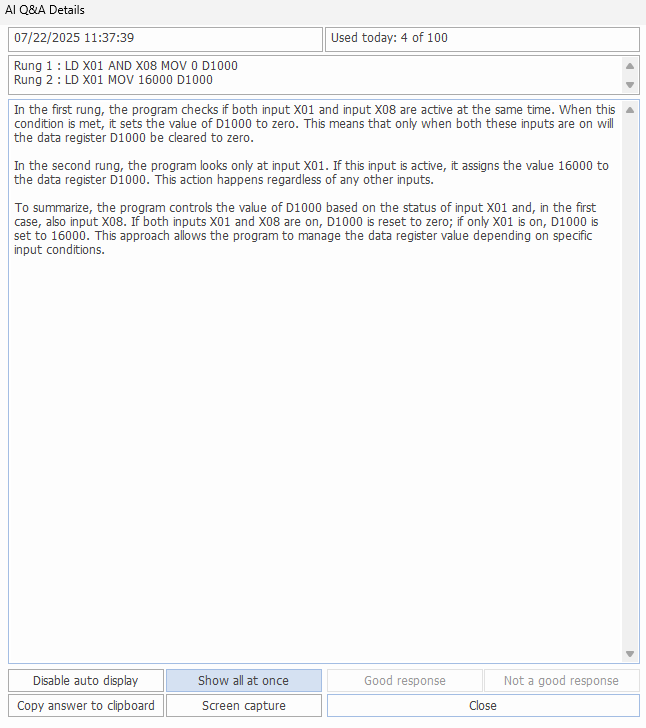
AI Assist will be able to answer questions about ladder logic.
Highlight the rungs in question, right-click, and left-click Ask AI Assist.
Optionally, highlight the rungs and type CTRL + G.

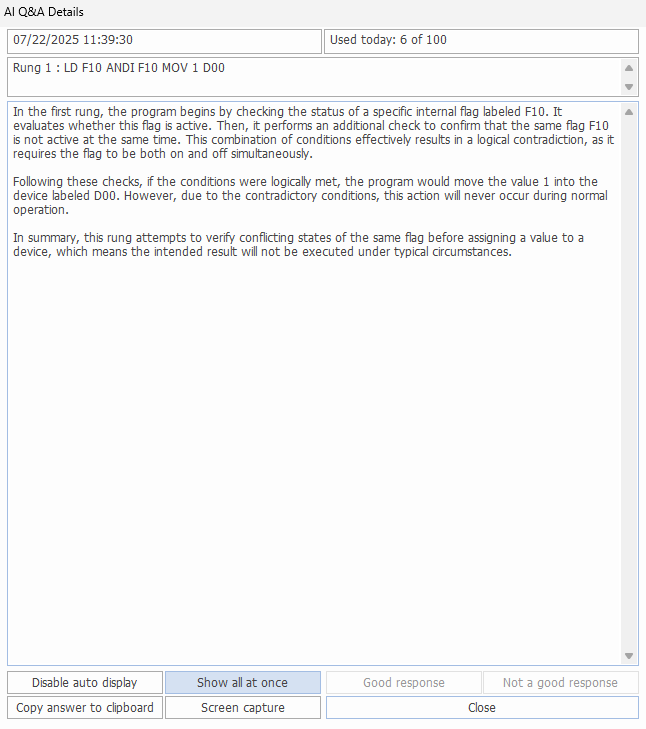
AI Assist can also tell if ladder logic is invalid:
Structured Text
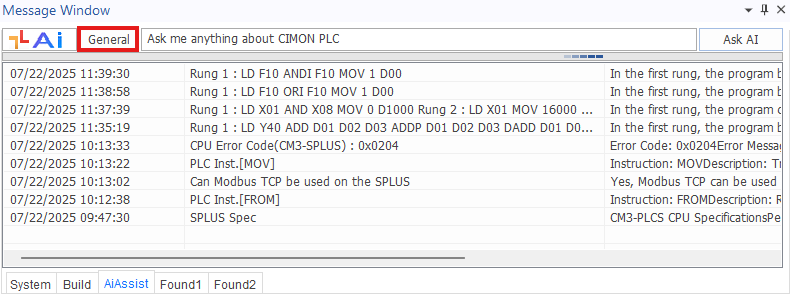
To switch to Structured Text questions, left-click the General button.
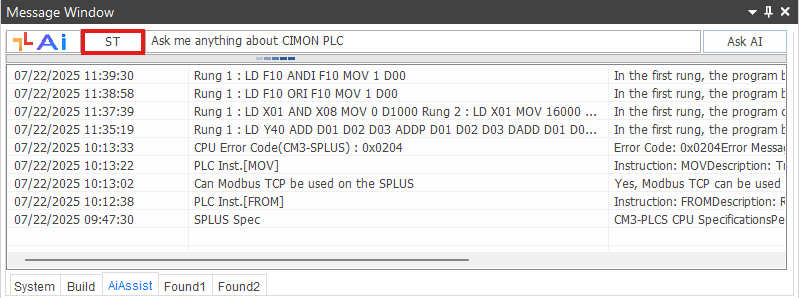
To switch back to general questions, left-click the ST button.
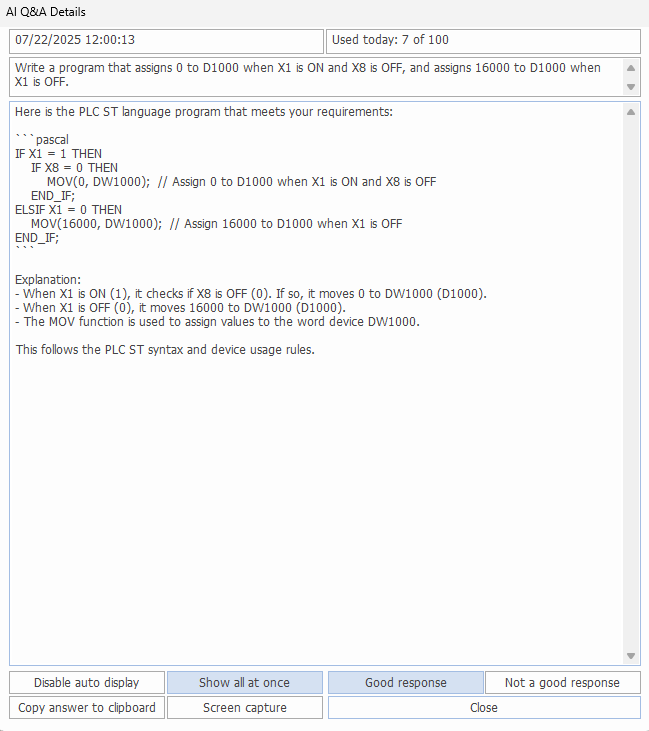
AI Assist is able to generate Structured Text code based on the information provided.
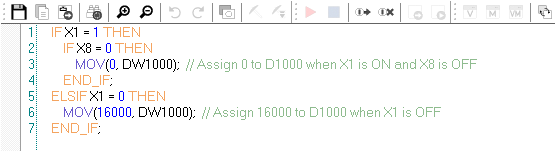
The generated code can then be copied into the Structured Text program.
Structured Text from Ladder Diagram
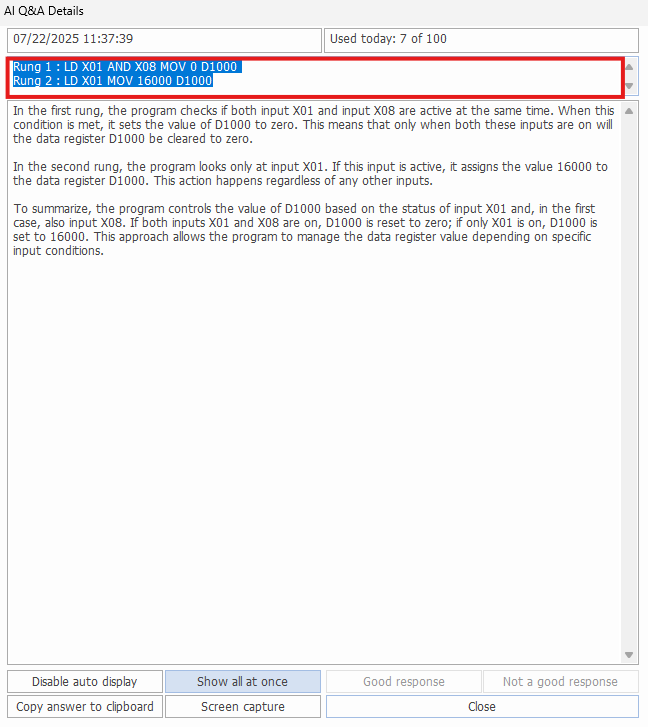
Ladder logic used by AI Assist in earlier messages can generate Structured Text code.
Copy the analyzed ladder logic from a previous message and paste it into AI Assist.
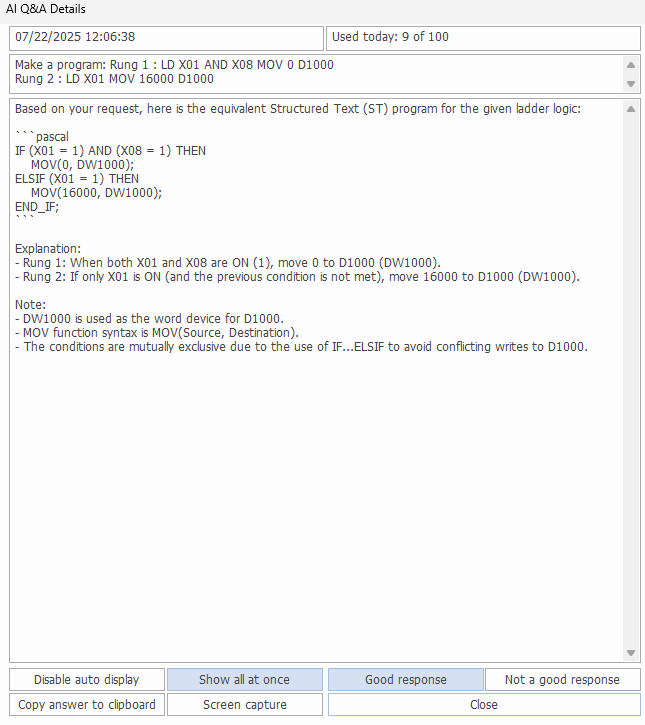
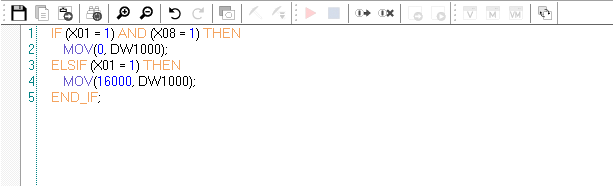
Paste the generated code into the Structured Text program.
Structured Text from Formula
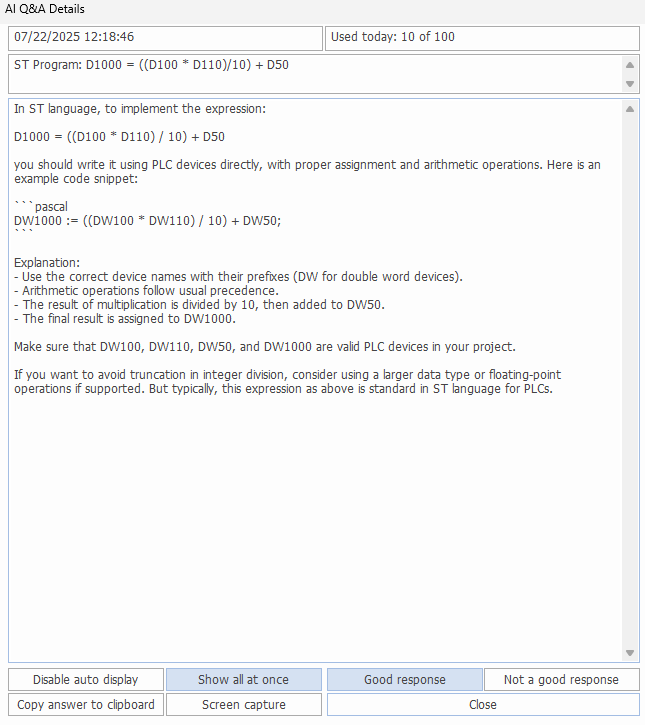
Formulas and mathematically equations can be generated with AI Assist.
For formulas, ensure the parentheses are correct.

Paste the generated code into the Structured Text program.