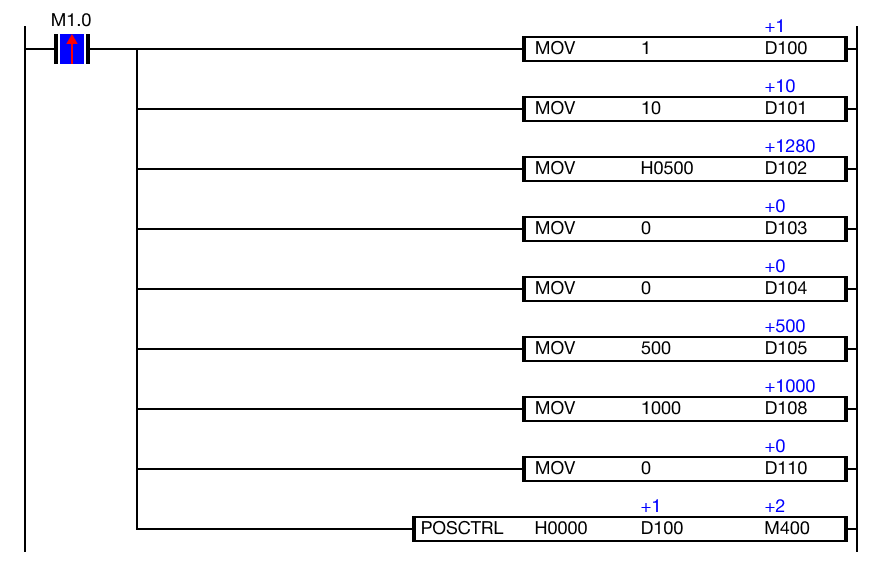
Example - Ladder Diagram
POSCTRL

The POSCTRL instruction controls the motion of the X-axis or Y-axis with the positioning parameters defined by the value of S. The operation status is saved in an assigned WORD data register D.
Ladder Diagram Example
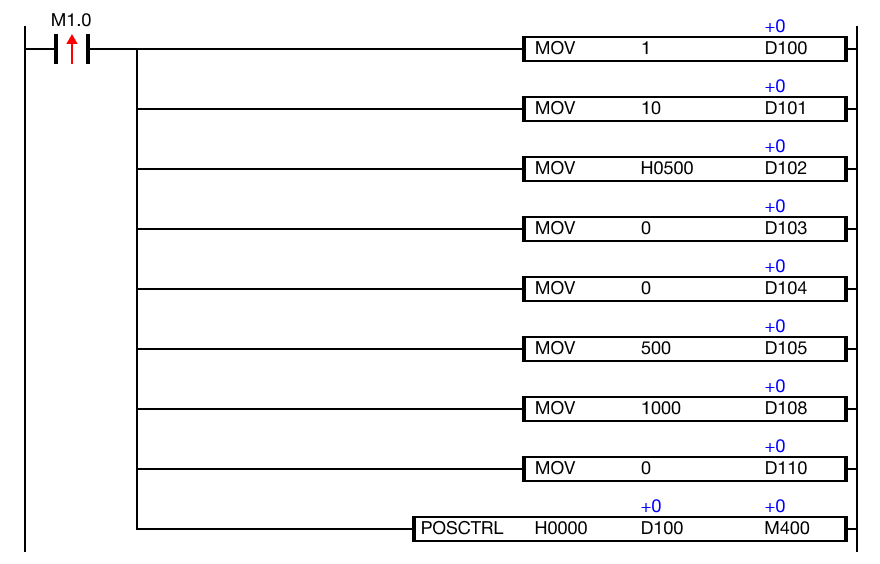
When the contact, M1.0, is powered ON (1), the POSCTRL instruction moves the positioning data into the positioning registers and controls the corresponding axis.