Add Data Register to Monitor
Add Data Register to Monitor
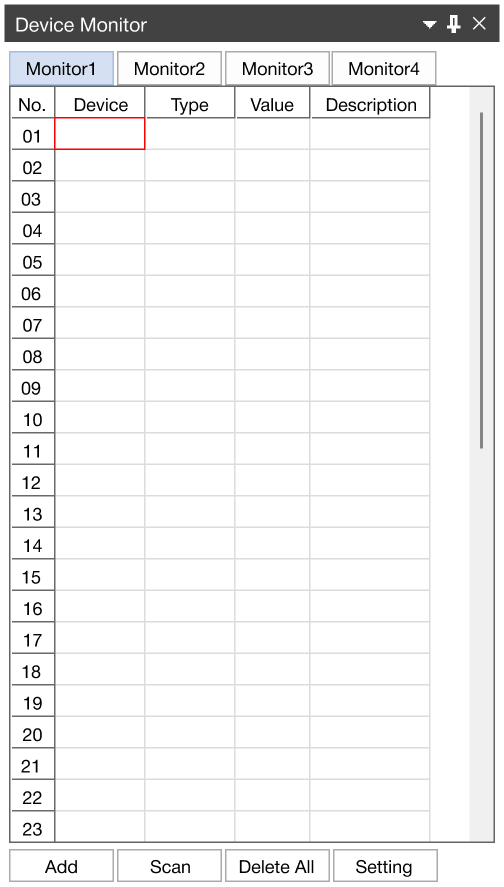
- To add a data register to monitor, double left-click in an empty slot in the Device tab.

-
Select the data register type, data register number, and data type.
-
Left-click OK.
Automatically Add Data Registers
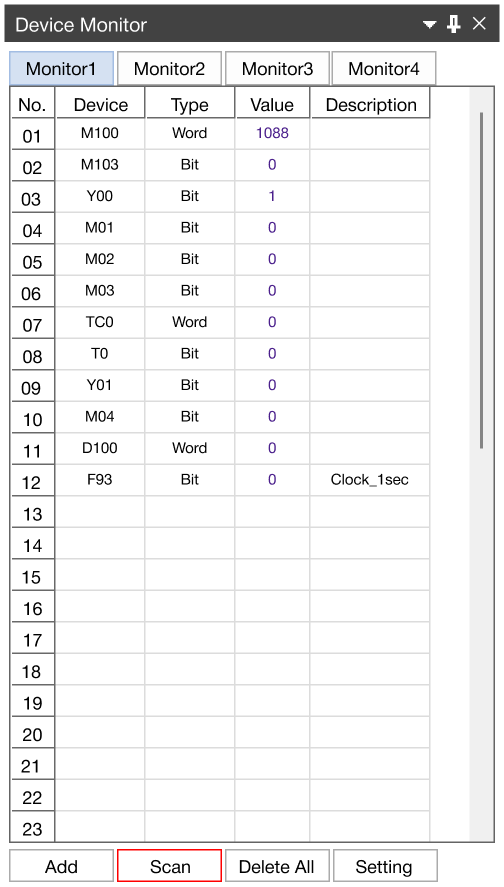
- To automatically add data registers, left-click the Scan button at the bottom of the Device Monitor window.
- This will add up to 49 data registers that exist in the scan program.
Alternative Method 1
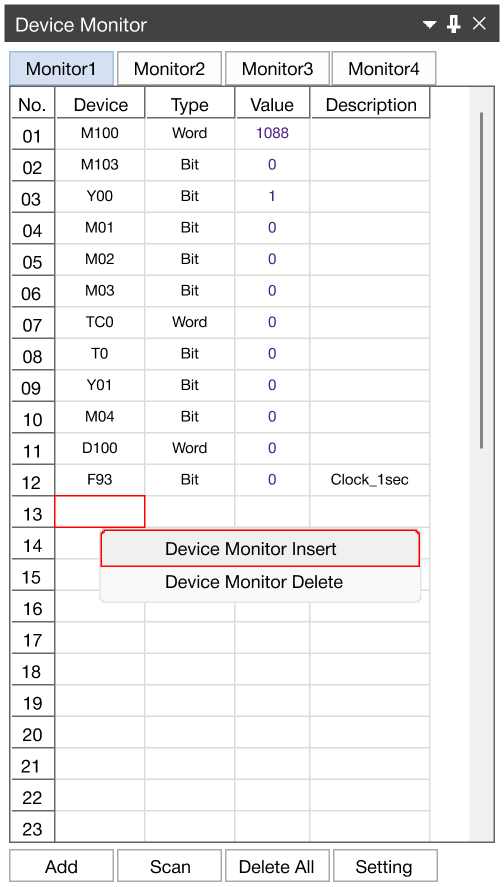
- Data registers can be added by right-clicking an empty tab, and left-clicking Device Monitor Insert.
Alternative Method 2
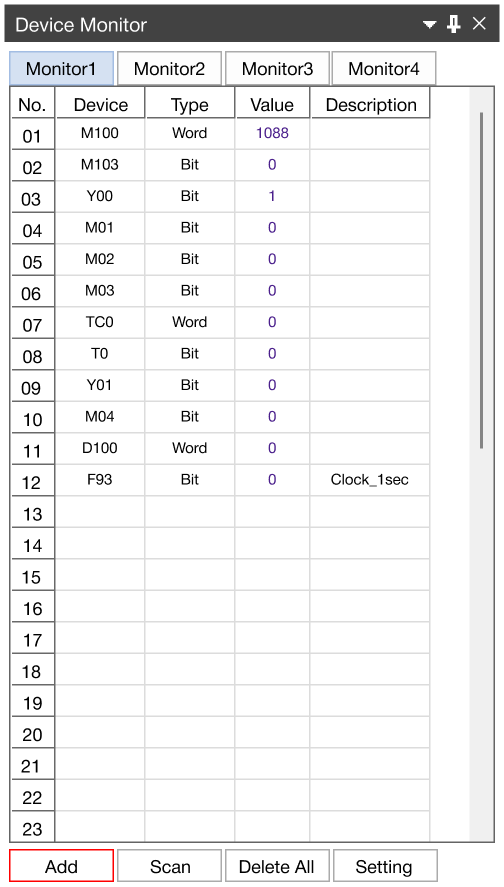
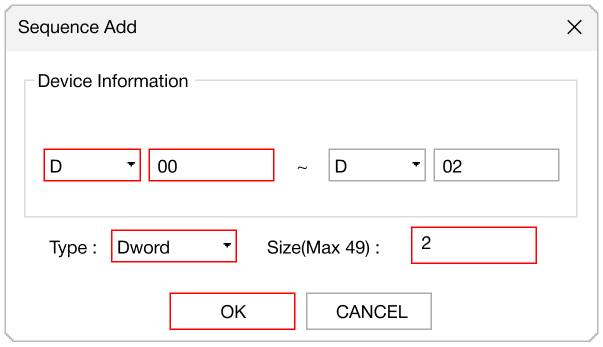
- To manually add a data register, left-click Add.
-
Select the data register type, starting data register, the data type, and the size of the data register.
-
Left-click OK.