Data Register Monitoring Configuration
Open Device Monitor

- To monitor data registers, left-click Options and left-click DevMonitor Window.
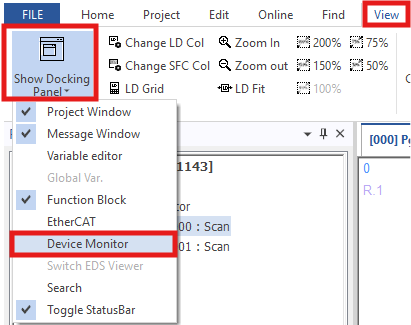
- Optionally, left-click View, left-click Show Docking Panel, and left-click Device Monitor.
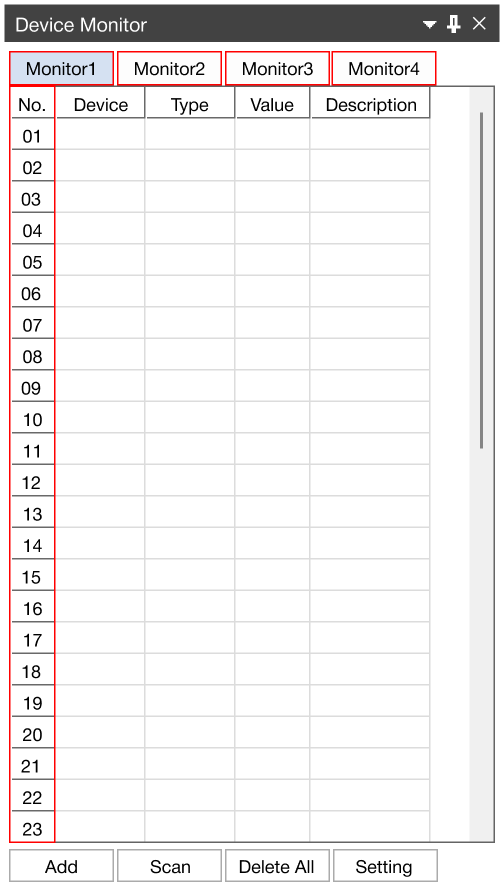
- In the Device Monitor window, there are 4 monitoring tabs.
- Each tab can monitor up to 49 data registers.
Monitor Data Register

- The example used will be increasing the data register, M100, every second.
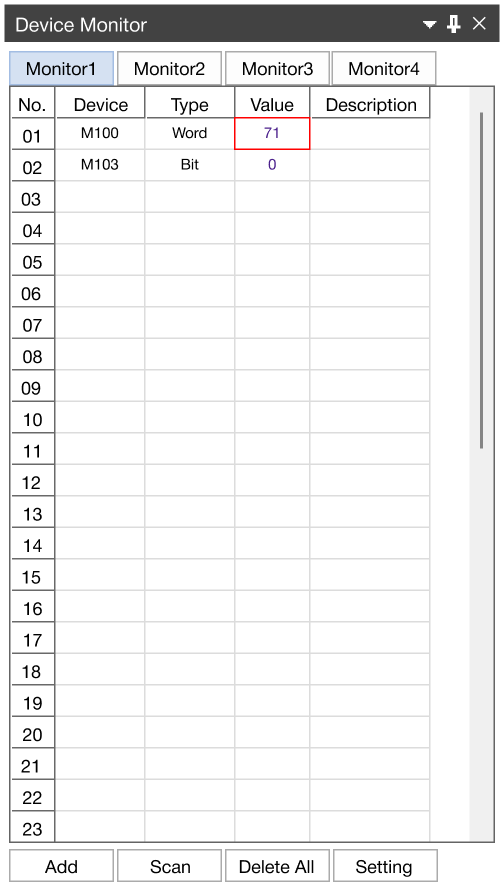
- When the PLC is online and being monitored, the Device Monitor window will display the value of the monitored data registers.