Function Block Create User Library
Create User System Library
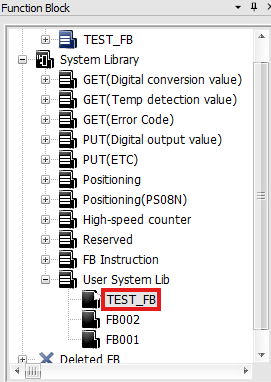
- The exported Function Block will appear in the User_Library.
Delete Function Block in Library
-
Navigate to the folder and delete the Function Block:
C:\CIMON\CICON_ENG\SYSTEM_LIBRARY\FBLIB\<FB_name>.FBL. -
Restart CICON.
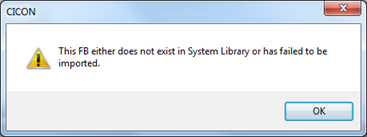
- The above message will appear if CICON doesn't restart.