File Menu Bar
File Menu Bar Icons
Sidebar

| Icon/Menu Item | Description |
|---|---|
 | Returns to the previous page. |
| PROJECT | Opens the project tab. |
| HELP | Opens the help tab. |
| Opens the print tab. | |
| SETTING | Opens the CICON settings window. |
| CICON Version | Displays the current CICON version. |
Project
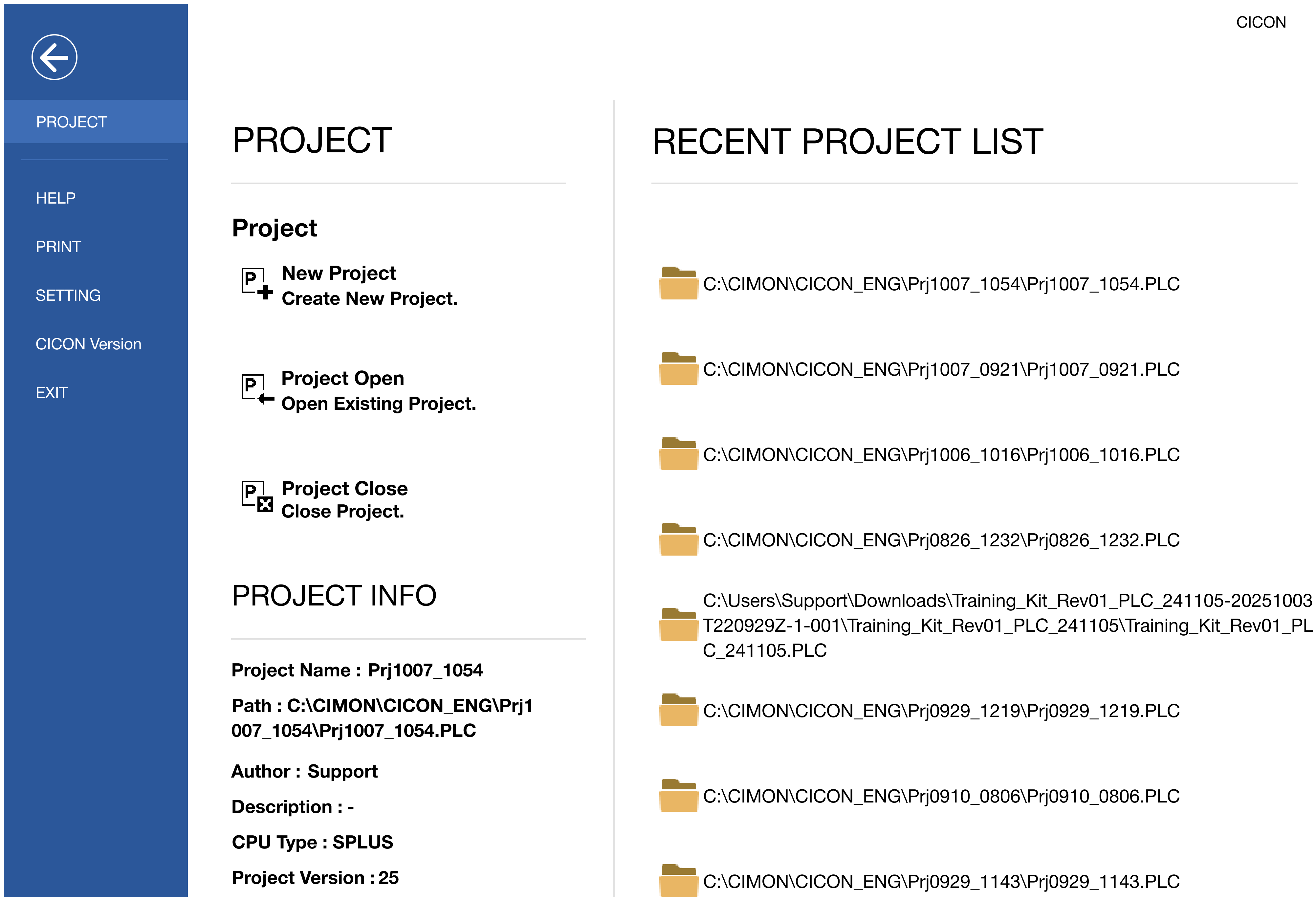
Project
| Icon | Description |
|---|---|
 New Project | Creates a new PLC program environment. |
 Open Project | Opens an existing PLC program environment. |
 Close Project | Closes the current PLC program environment. |
Project Info
| Item | Description |
|---|---|
| Project Name | Displays the selected project's name. |
| Path | Displays the selected project's path. |
| Author | Displays the selected project's author. |
| CPU Type | Displays the selected project's PLC CPU type. |
| Project Version | Displays the selected project's version. |
Recent Project List
| Icon | Description |
|---|---|
 | Displays the project location. Left-click to open the project. |
Help
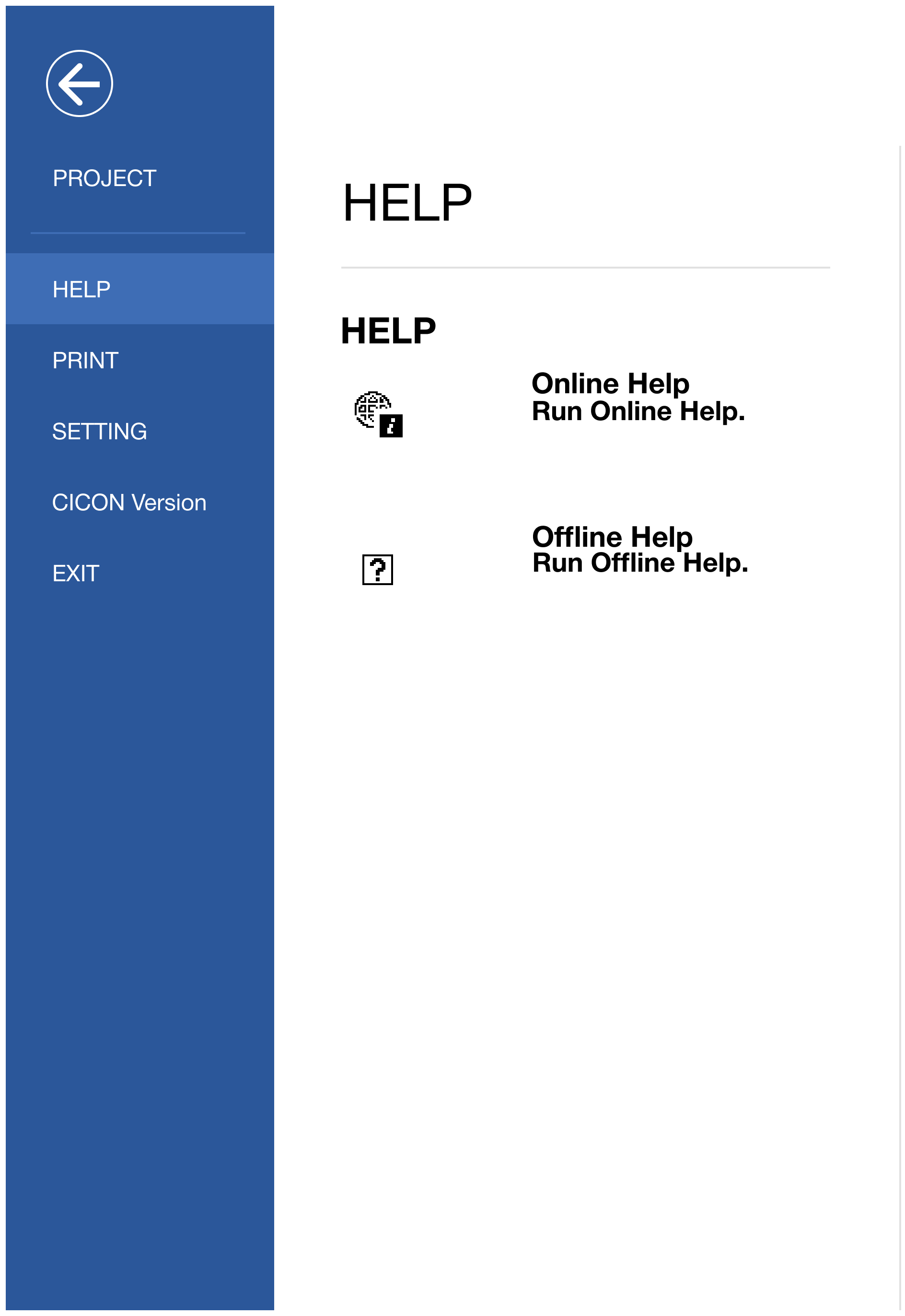
Help
| Icon | Description |
|---|---|
 Online Help | Opens the online help file. |
 Offline Help | Opens the offline help file. |
Print
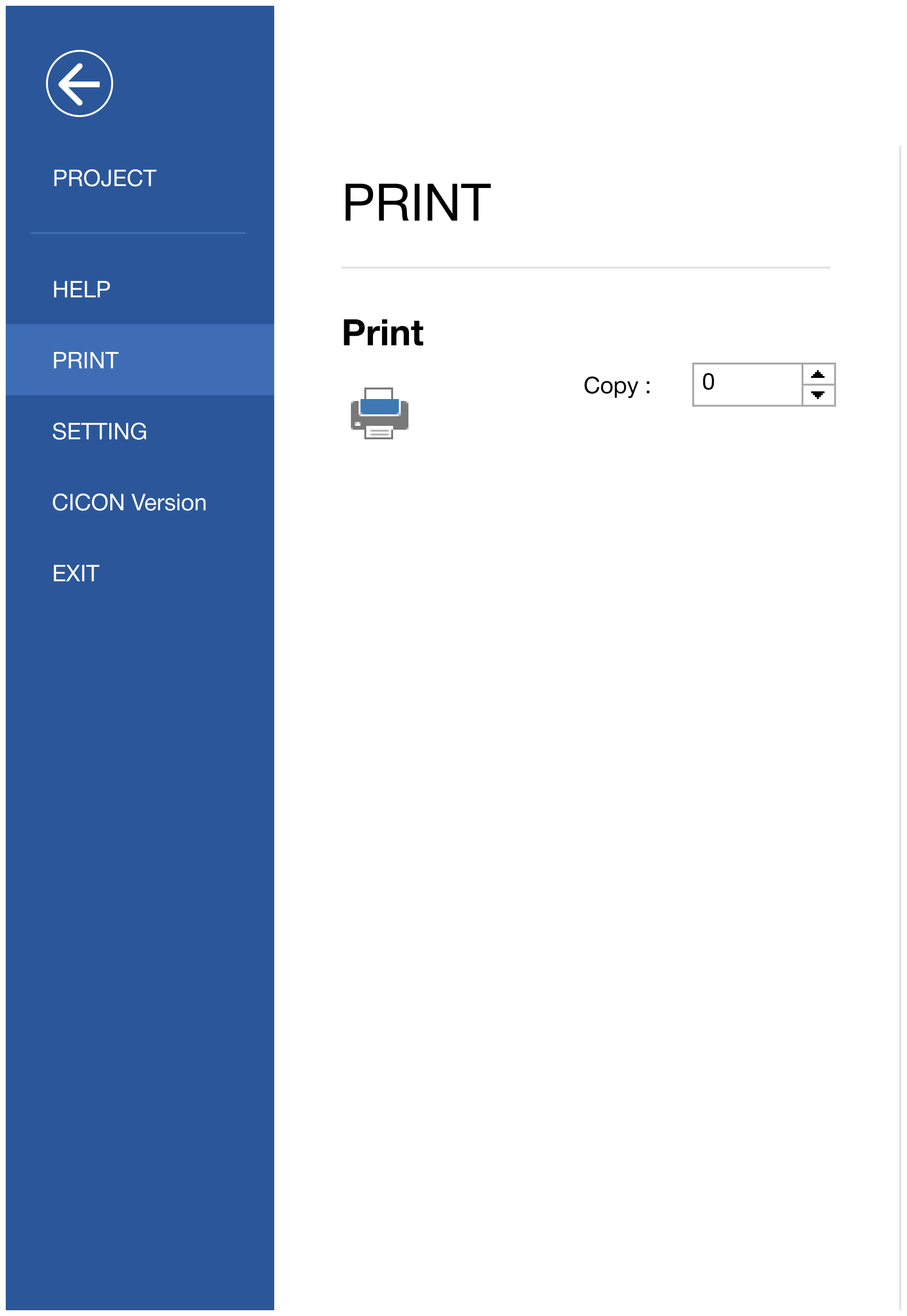
Print
| Icon | Description |
|---|---|
 | Prints the project. |
 | Prints the specified number. |
Setting
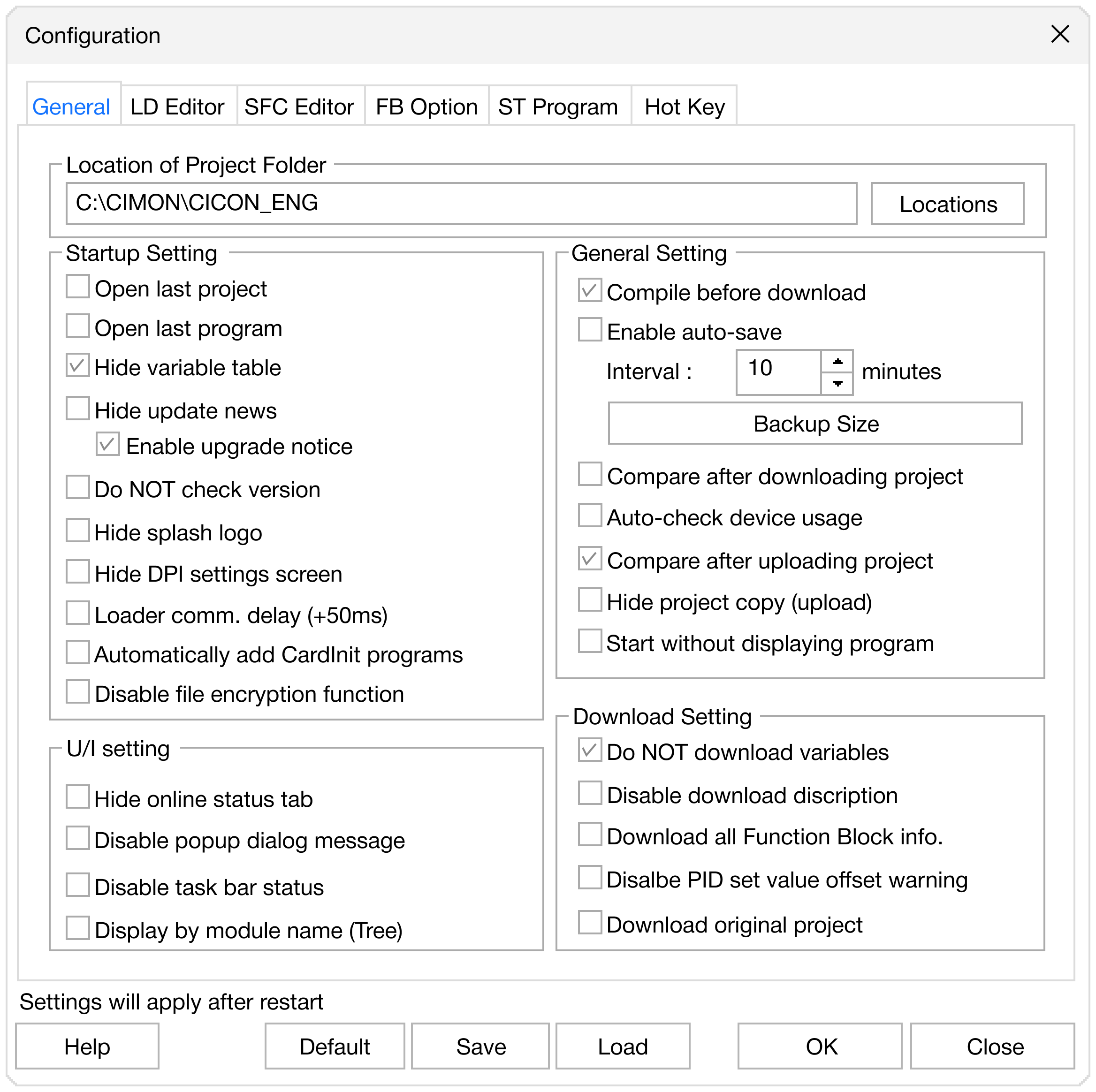
Opens the CICON settings window.
CICON Version
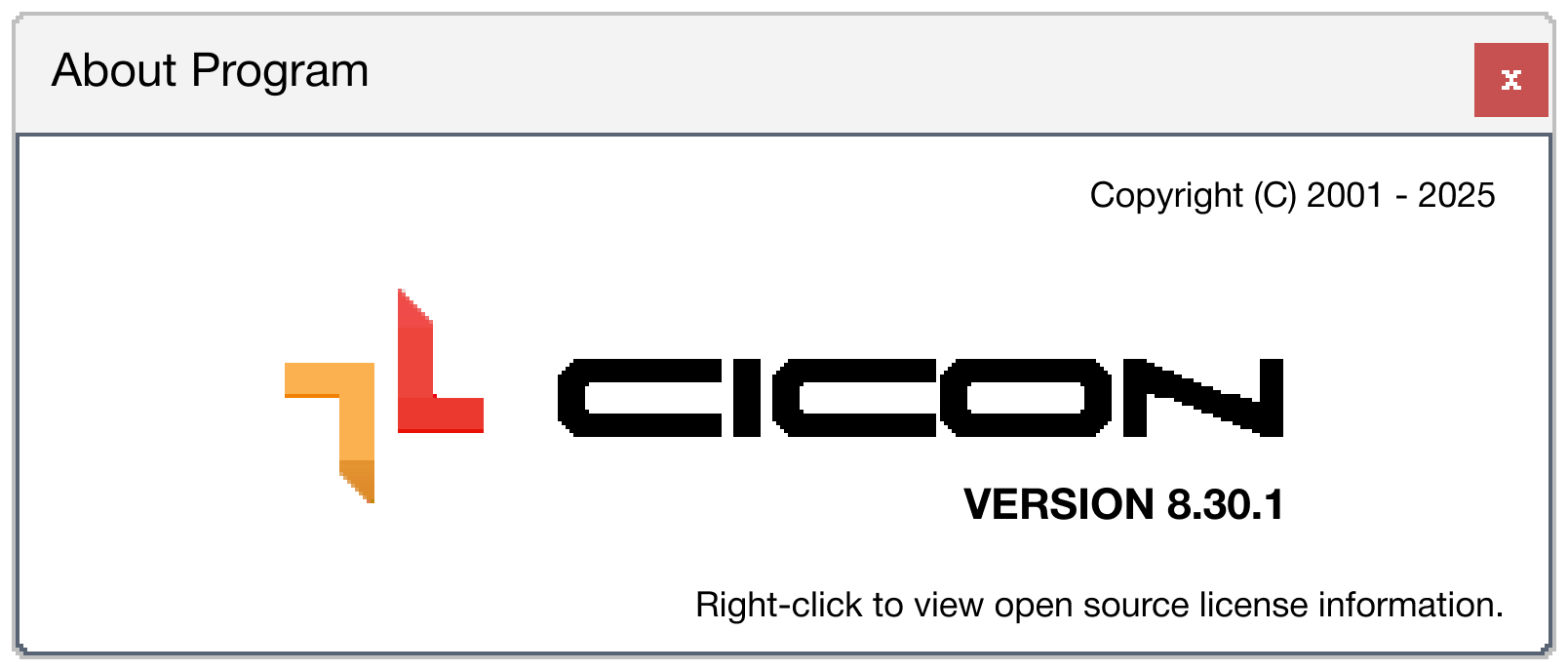
Displays the current CICON version.