Function Block Program
Function Block Program
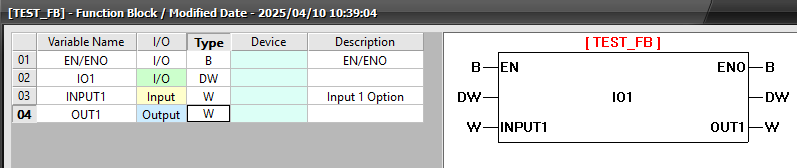
- To add the Function Block logic, in the Function Block window, expand the Function Block and double left-click Program[?].

The Function Block program is similar to a normal Scan program. However, the Function Block program is terminated with the FB Program End line.
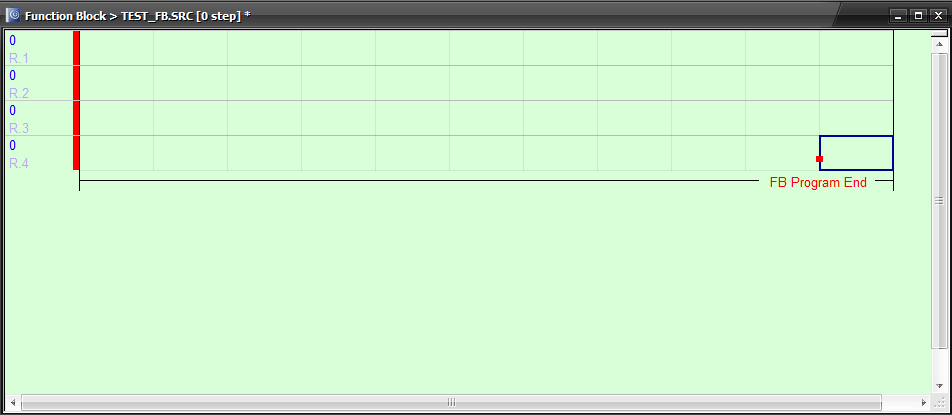
- Type CTRL + L to insert a new rung.
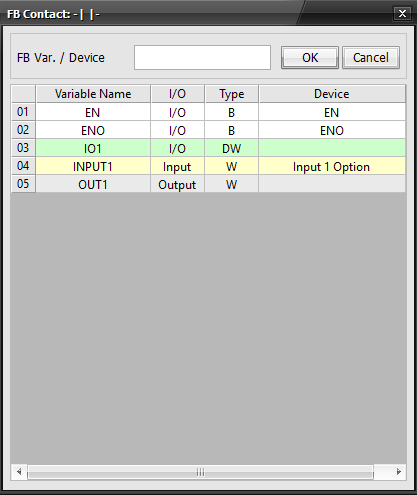
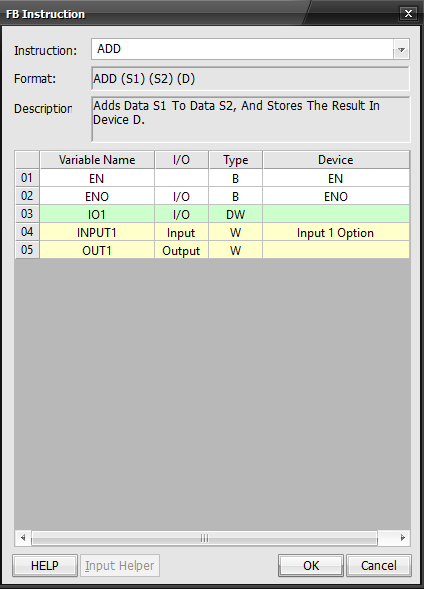
- Entering a contact, coil, or instruction will pop up the above menus.
- Double left-click on a variable or device to add it to the instruction or contact/coil. Left-click OK when finished.
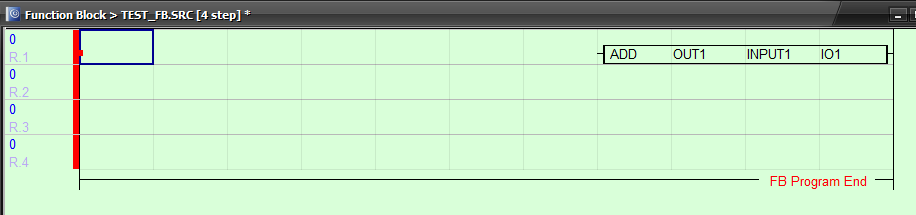
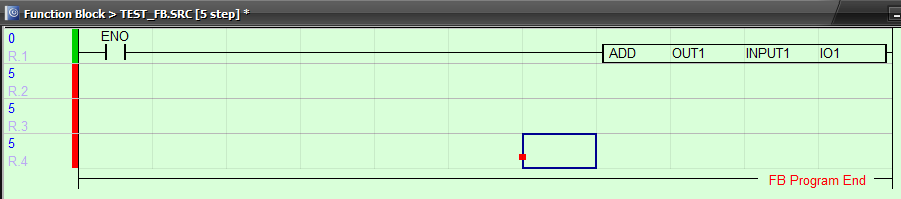
- Complete the rung by make a valid execution condition.
Function Block Scan Editor

- To change the Function Block Scan Editor options, left-click Tools and left-click Options.
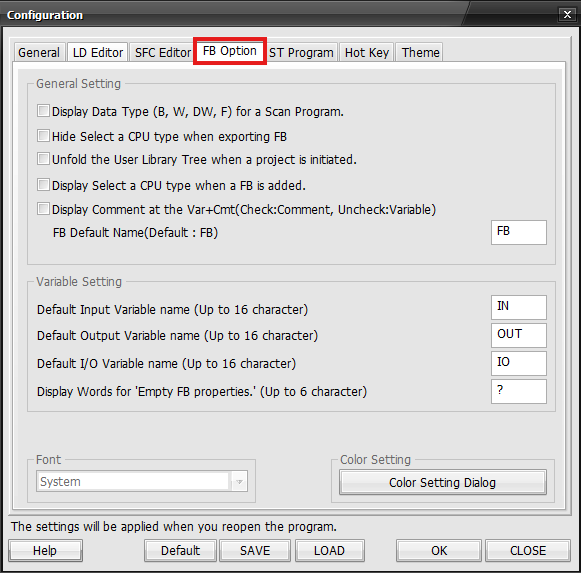
- Change the options of the Function Block Scan Editor.