Monitor Program
Monitor a Program
CICON programs can be monitored while the PLC is online and in RUN mode.
Program Monitor
Ensure the PLC is connected to the computer beforehand.

- Left-click Home and left-click Monitor Start/Stop to toggle between program monitoring.
Start Monitoring
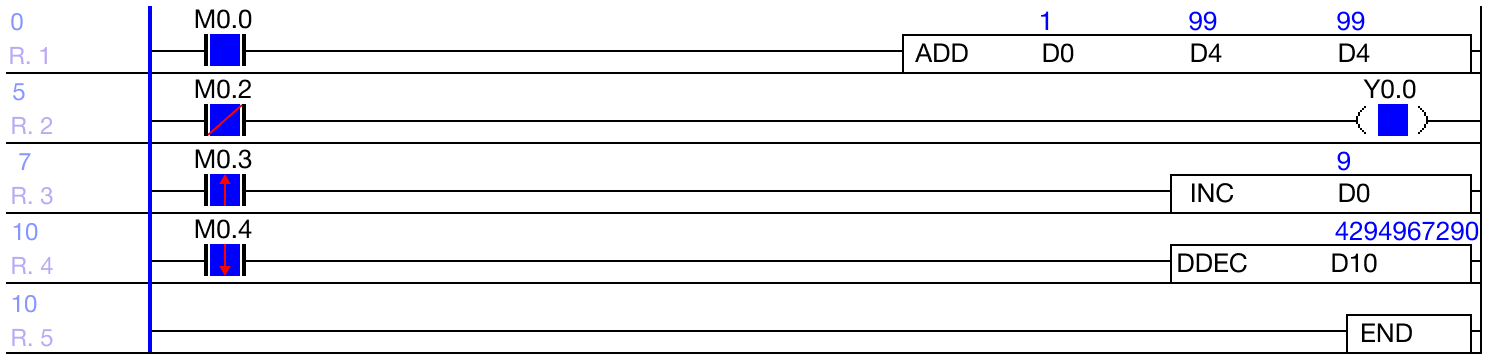
- When program monitoring is on, the contacts, coils, instructions, and data registers will display their information and values.
Stop Monitoring
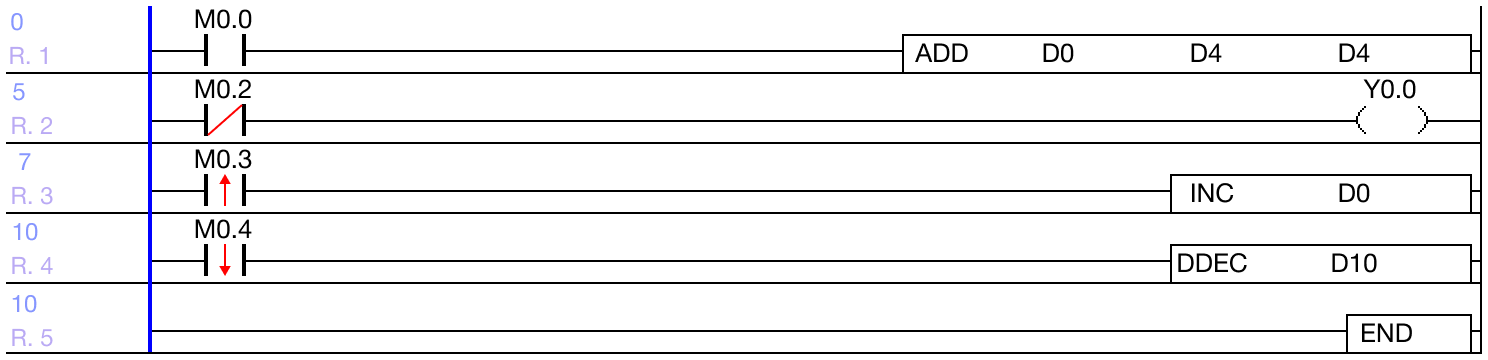
- When program monitoring is off, the contacts, coils, instructions, and data registers don't display any information or values.
Conn & Write

- When using the Download + option, the program will be downloaded to the PLC and program monitoring will be enabled by default.