Online Edit
Online Edit
Online edit allows the PLC program to be edited while the PLC is online and connected to the computer.
Start

- To edit the PLC program, left-click Home and left-click Online Edit Start/Stop.
Download
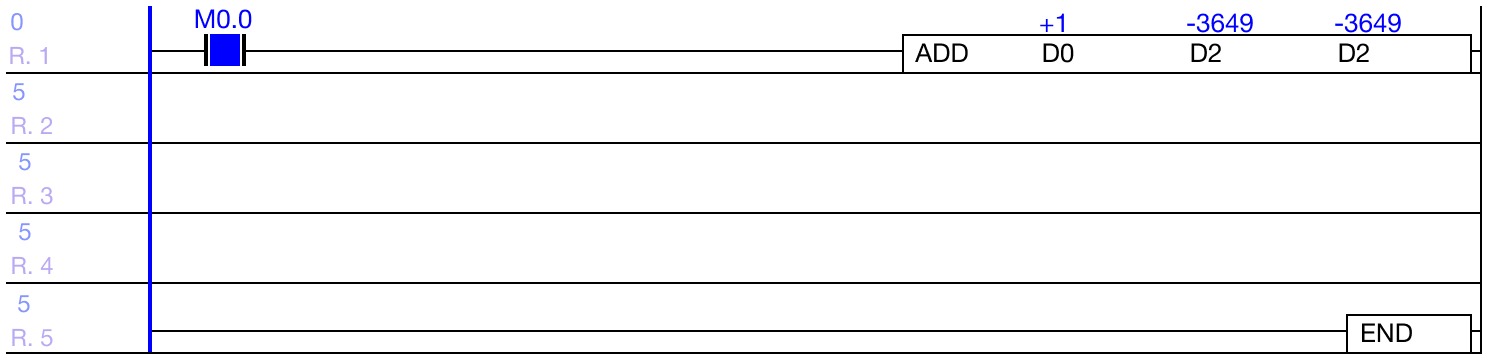
- While in Online Edit mode, the background of the ladder diagram will change to a different color.
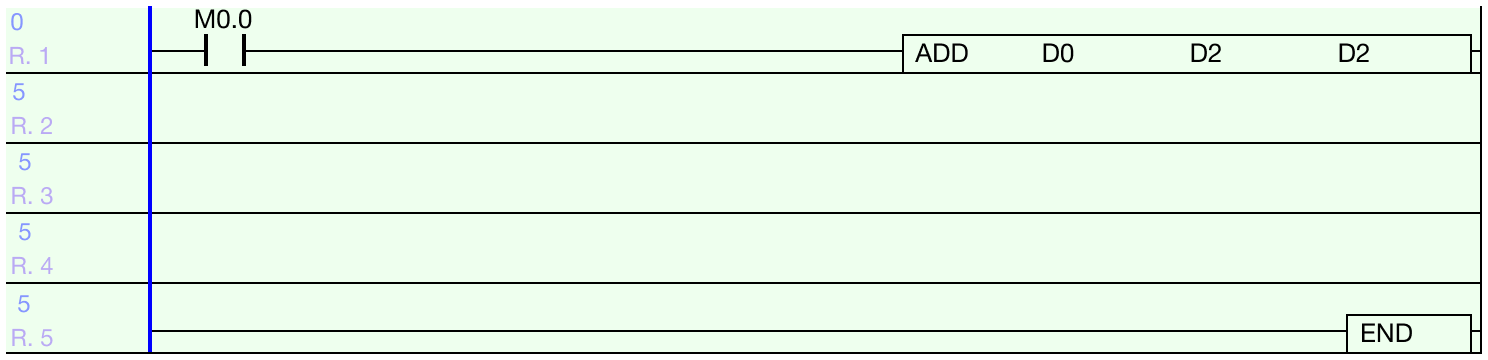
- Make the necessary changes to the ladder diagram program.
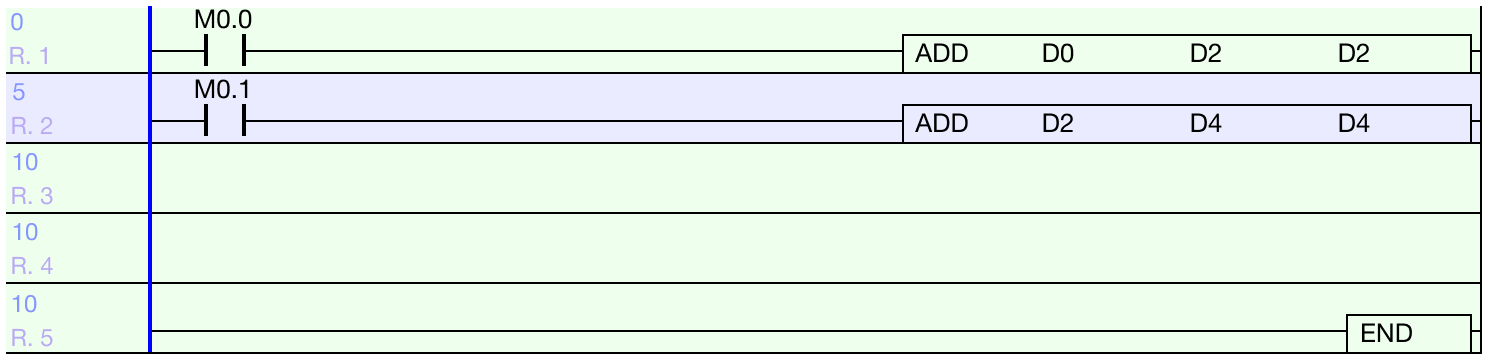
- IMPORTANT: Only 64 steps of ladder logic can be downloaded at one time.
- Otherwise, the online editor will not download any changes.

- To download the changes made, left-click Home and left-click Online Edit Download.
Cancel

- To canel the Online Edit changes, left-click Home and left-click Online-Edit Start/Stop again.

- Left-click Yes to cancel online editing.