Interrupt PLC Parameters
Interrupt
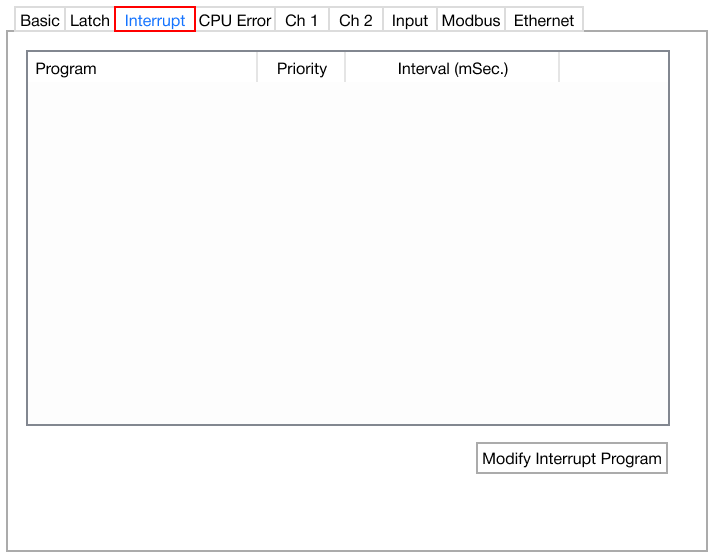
- The Interrupt PLC parameter makes a sequence of periodic interrupt programs.
Create Interrupt Program
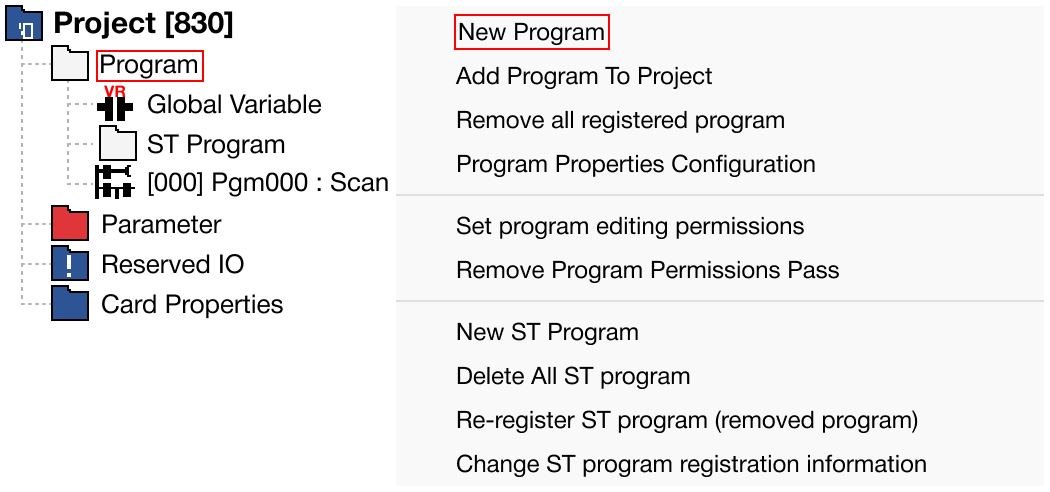
- To make a periodic interrupt program, in the Project Window, right-click Program and left-click New Program.
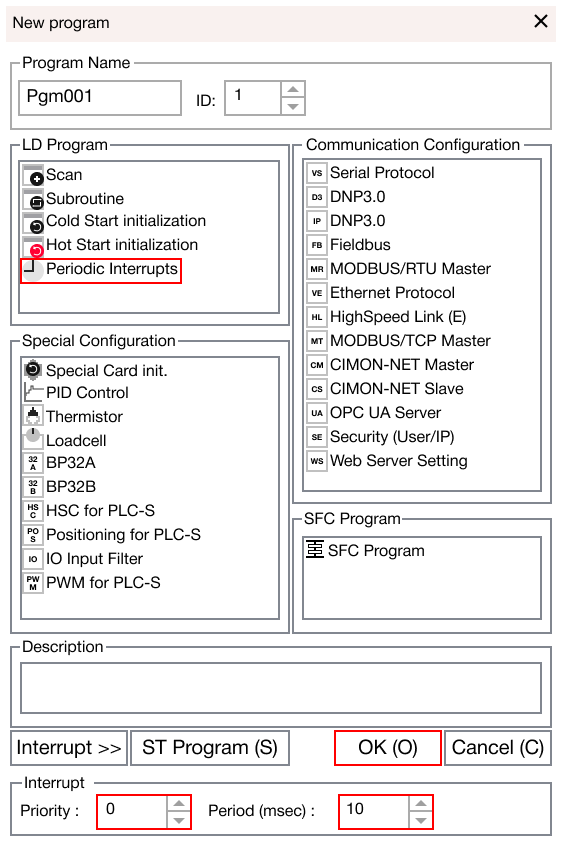
-
Left-click Periodic Interrupts, specify the priority for the current periodic program, specify the amount of milliseconds for the interrupt program, and left-click OK.
- The time range can be between 10ms ~ 655,350ms.
- The lower the number, the higher the priority.
-
Refer to the following instructions below:
| Interrupt Instructions | |
|---|---|
| Instruction | Action |
| EI | Enable interrupt |
| DI | Disable interrupt |
| GEI | Enable all interrupts |
| GDI | Disable all interrupts |
| IRET | End interrupt program |
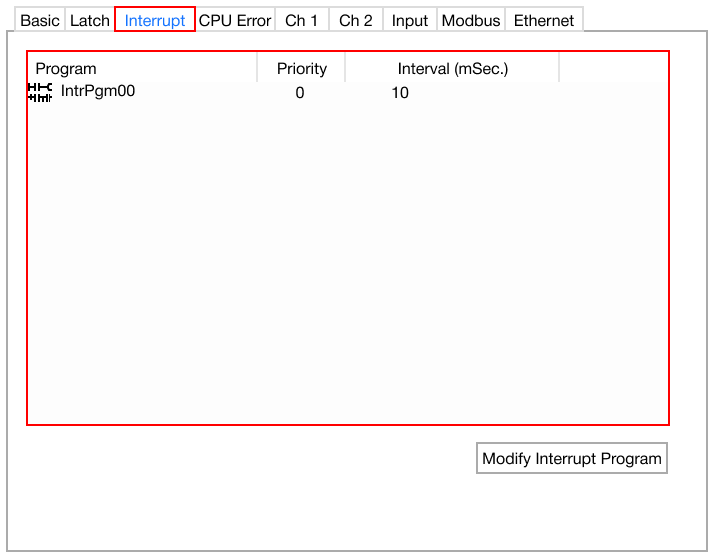
- All interrupt programs will appear in the space above.
Modify Interrupt Program
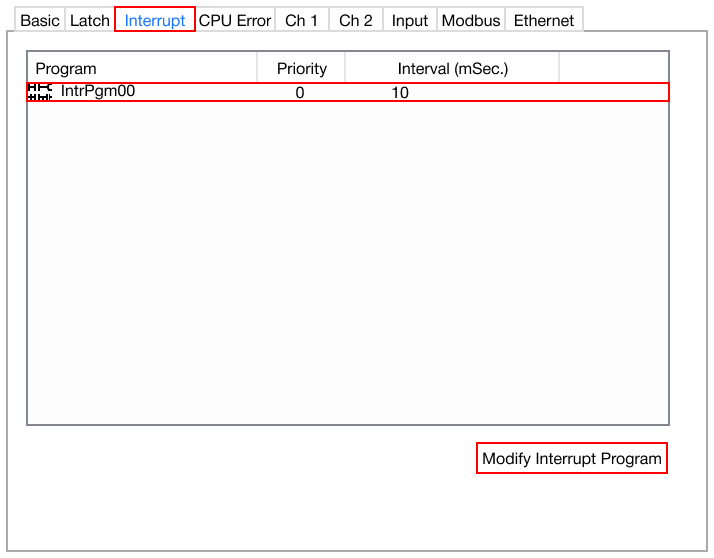
- To modify an existing interrupt program, left-click the periodic interrupt program and left-click Modify Interrupt Program.
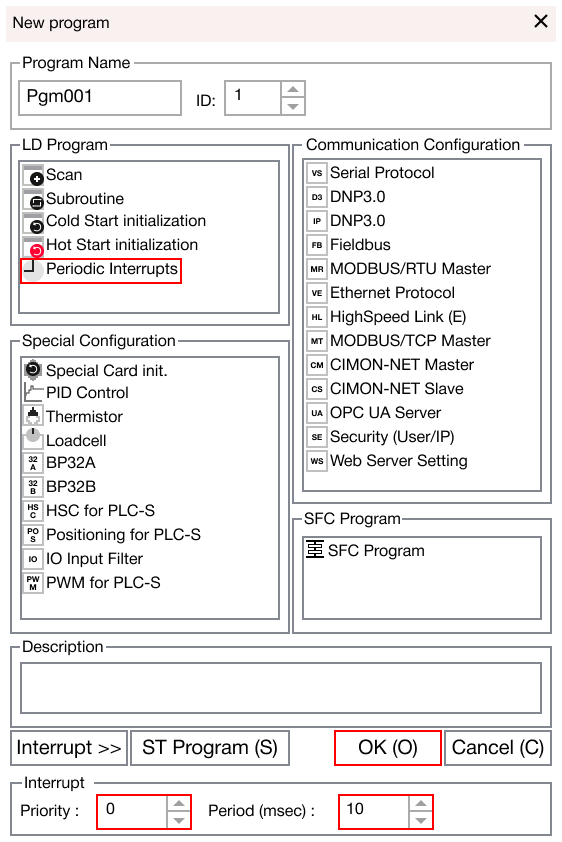
- Change the priority, time range, and left-click OK.