Network Setup
Network Setup
Section titled “Network Setup”The Network Setup allows users to configure the IP settings and hostname of the XPanel.
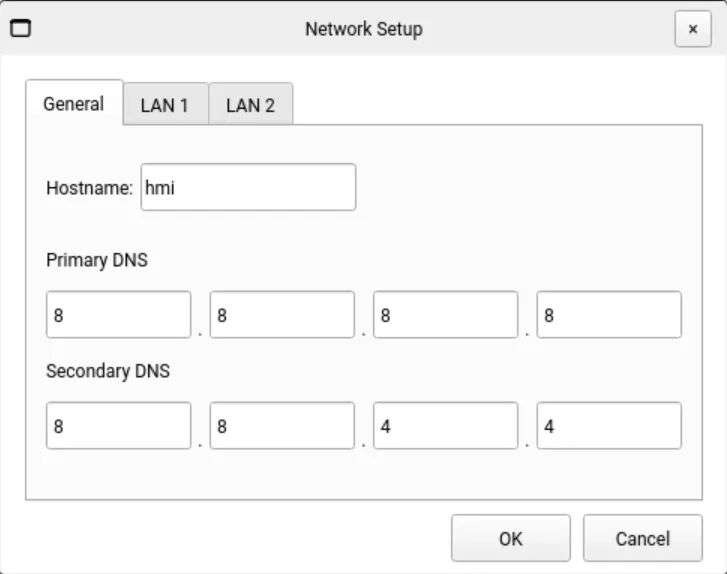
The General tab defines the hostname of the HMI as it appears on the network and allows configuration of the primary and secondary DNS servers.
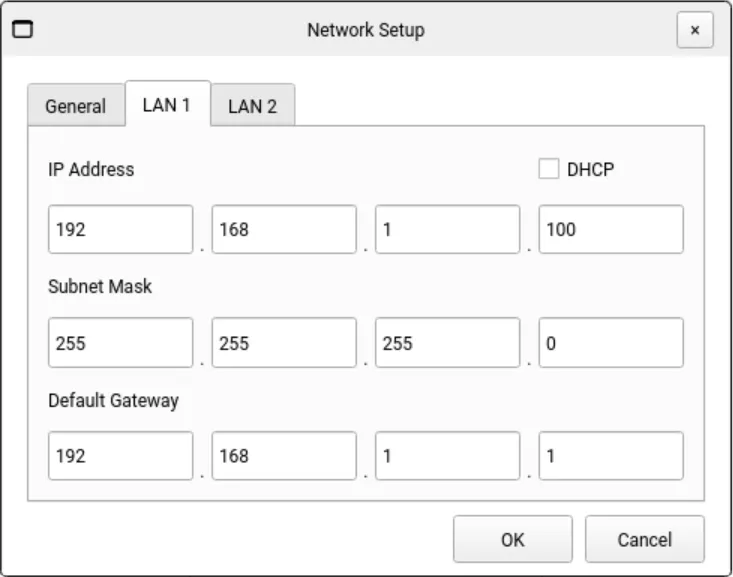
The LAN 1 and LAN 2 tabs allow users to configure the IP address, subnet mask, and default gateway for each Ethernet port on the Xpanel.
These settings can be modified only when DHCP is disabled (Static mode). When DHCP is enabled, the Ethernet ports are automatically assigned an IP address by the network’s DHCP server.