Bookmark
Bookmark
Bookmarks allow quick navigation between rungs in a ladder logic program.
Save

- To save a bookmark location, select the rung to bookmark and left-click Tool, left-click Bookmark, and left-click Save/Delete Bookmark.
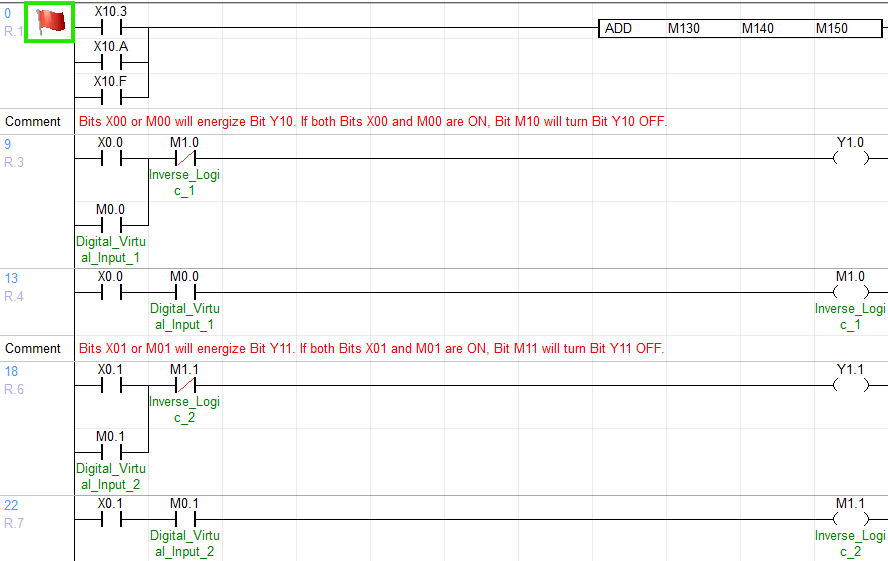
- Saved bookmarks will display a red flag at the beginning of a rung.
Delete Current
- To delete a bookmark location, select the rung to bookmark and left-click Tool, left-click Bookmark, and left-click Save/Delete Bookmark.
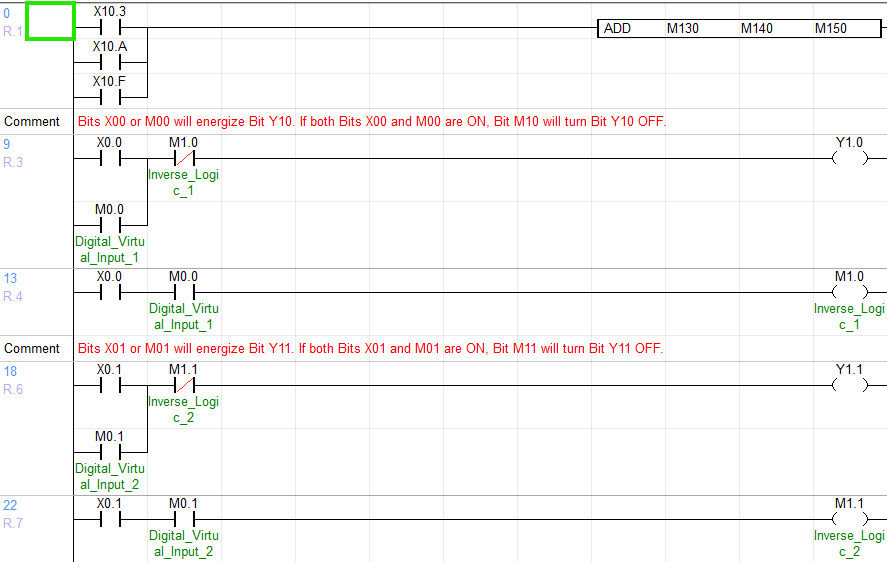
- The current rung will no longer display a red flag at the beginning.
Delete All

- To delete all bookmark locations, left-click Tool, left-click Bookmark, and left-click Delete All Bookmarks.
Previous

- To navigate to the previous bookmark, left-click Tool, left-click Bookmark, and left-click Prev. Bookmark.
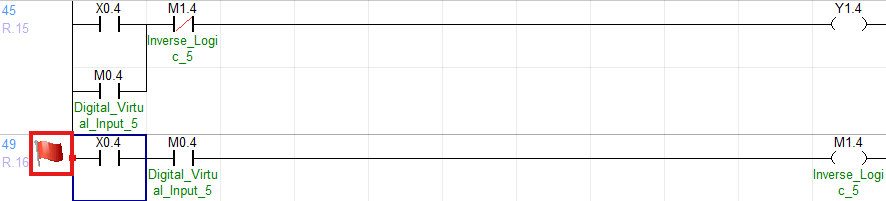
- The previous bookmark option will navigate UP the ladder.
Next

- To navigate to the next bookmark, left-click Tool, left-click Bookmark, and left-click Next Bookmark.
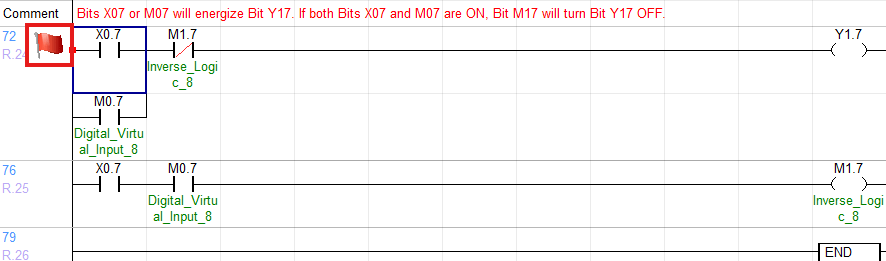
- The next bookmark option will navigate DOWN the ladder.