Upload Project from PLC
Upload Project from PLC
Programs can be uploaded to the computer from a PLC CPU.
Upload

- Ensure the PLC is connected to the computer beforehand. Left-click Home and left-click Connect.

- Left-click Home and left-click Upload.

- If an existing project is open, left-click Yes to back it up.

- Specify a name and file path for the project backup and left-click OK.
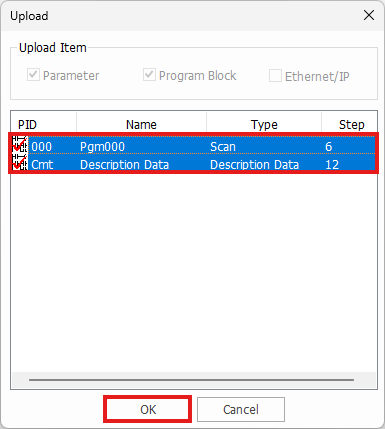
-
Select the items to upload from the PLC by pressing left-click, SHIFT + left-click, or CTRL + left-click.
-
When finished, left-click OK.

- Acknowledge the warning and left-click Yes.
-
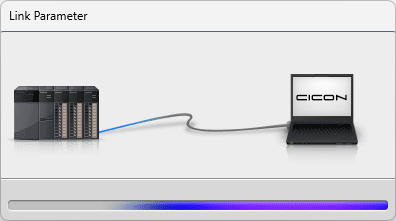
The transferring animation will play:
-
The following message will display while the upload is processing:

- Once the upload has complete, left-click OK.