Cross Reference
Cross Reference
The cross reference tool is used to display all information about data registers in a report window.
Open Cross Reference

- To open the cross reference window, left-click Home and left-click Cross Ref.
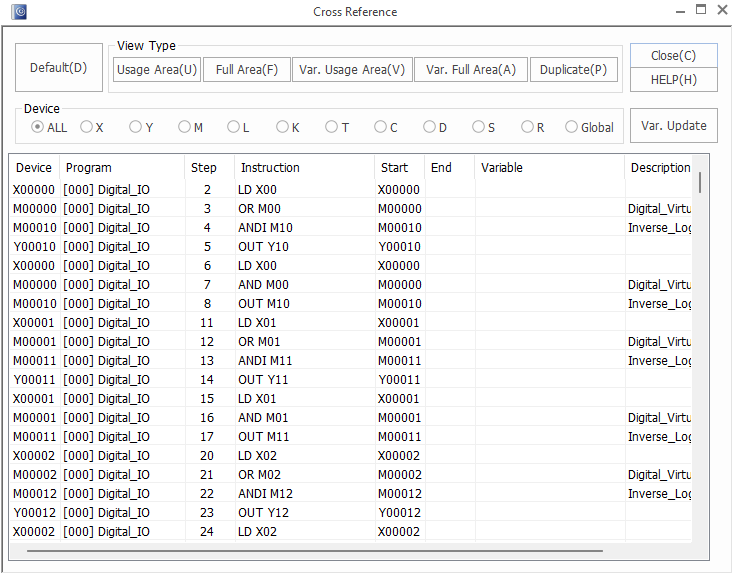
- The report window will open up.
- The results of the report window depend on the CICON project.
Default
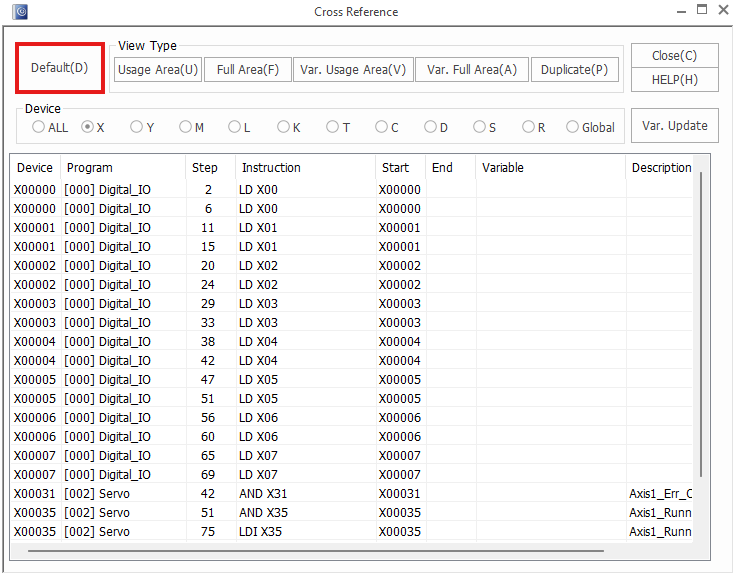
- To view the default cross reference report window, left-click Default.
Navigate Cross Reference
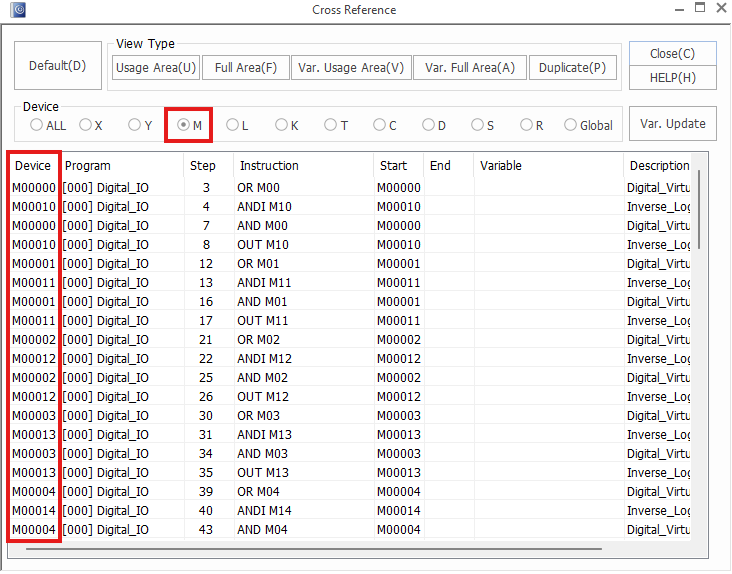
- To display a set of data registers, left-click on the data register type.
- This will display the selected set of data registers.
- To view all data registers, left-click ALL.
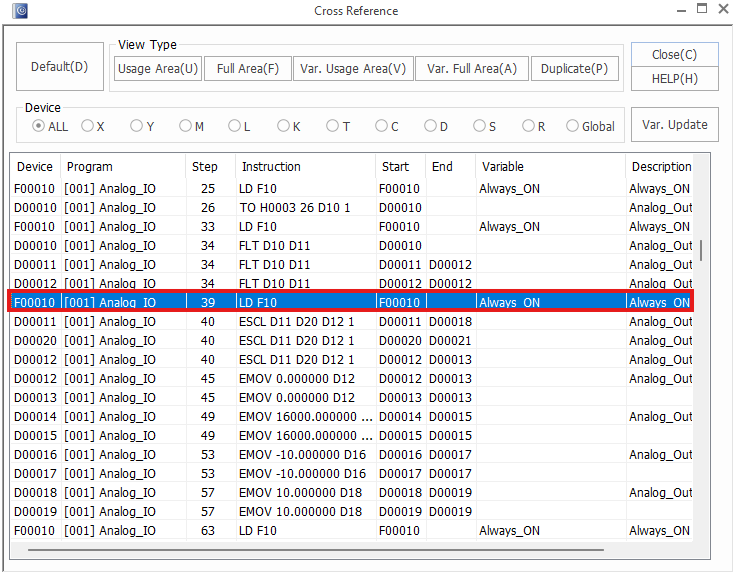
- To navigate to the usage of a data register in the scan program, in the cross reference report window, double left-click on the data register to navigate to.
Usage Area
- The usage area displays the bits of WORDs that are being used by data registers.
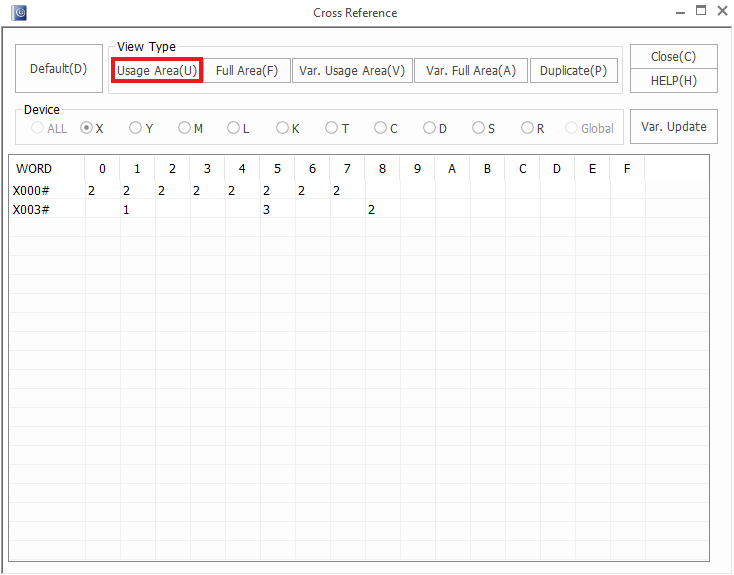
- Left-click Usage Area to view the area of WORDs being used by the data registers.
Full Area
- Similar to the Usage Area, the full area displays the full usage area of all WORDs for each data register type.
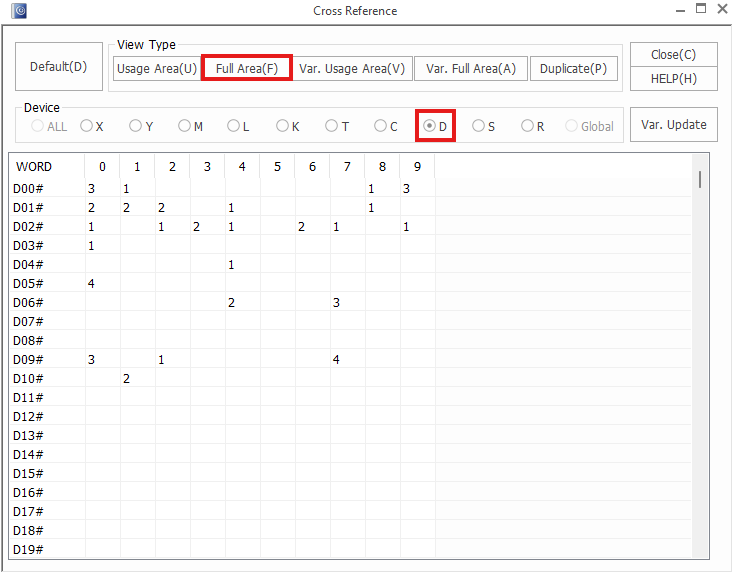
- Left-click Full Area to view the full usage area for a set of data registers.
Variable Usage Area
- The variable usage area displays where data register variable names and descriptions are being used.
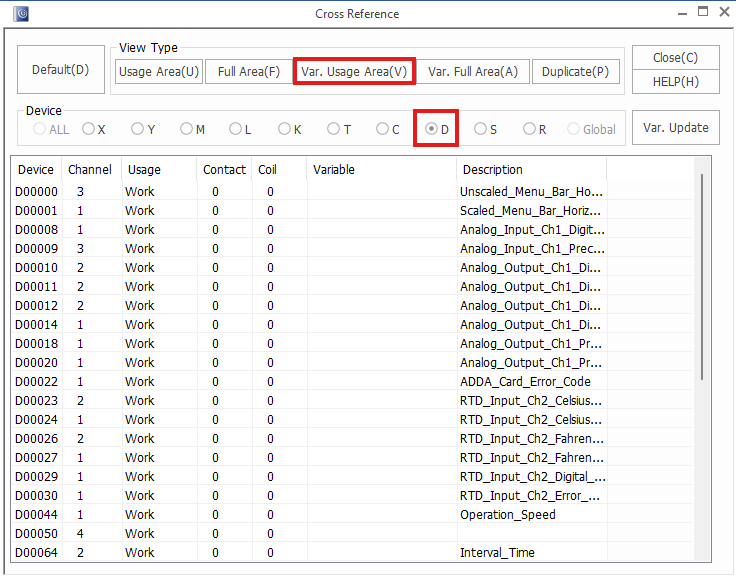
- Left-click Var. Usage Area to view.
Variable Full Area
- The variable full area displays where data register variable names and descriptions are and aren't being used.
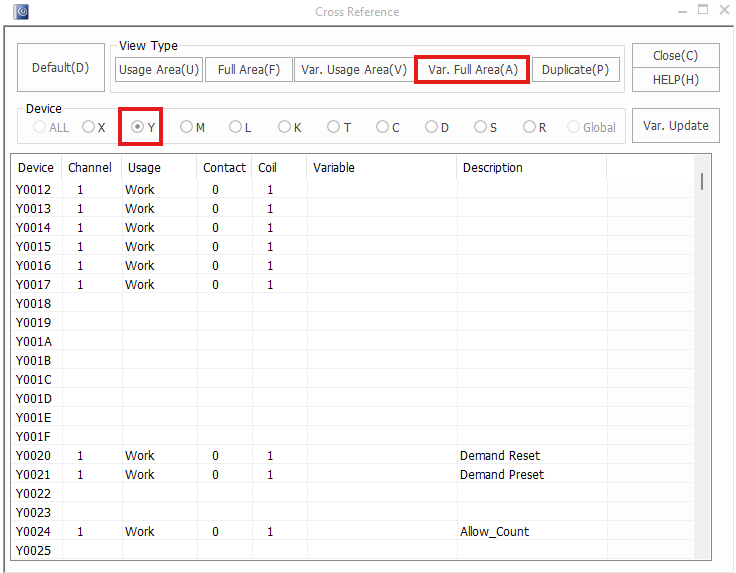
- Left-click Var. Usage Area to view where variables and descriptions for data registers are and aren't being used.
Duplicate
- The duplicate tab displays data registers that are used in multiple locations throughout a project.
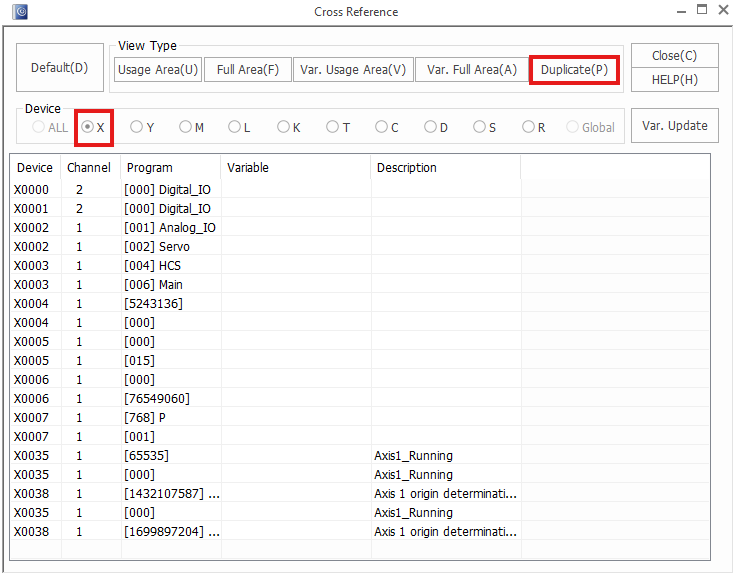
- Left-click Duplicate to show if multiple instances of the same data register are being used.