Expansion Module Configuration
Expansion Module Configuration
Before preceding, connect to the PLC to display the full chassis in the Project Window under Card Properties.
Refer to the Connection Setup guide for more information.
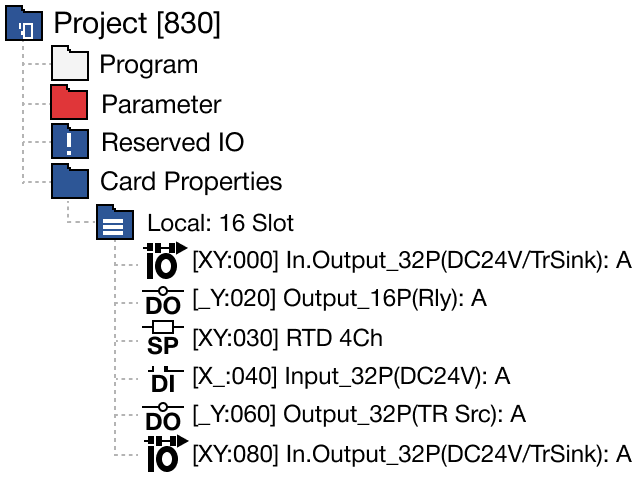
- After connecting to the PLC CPU, all modules within the chassis will appear in the Project Window under Card Properties.
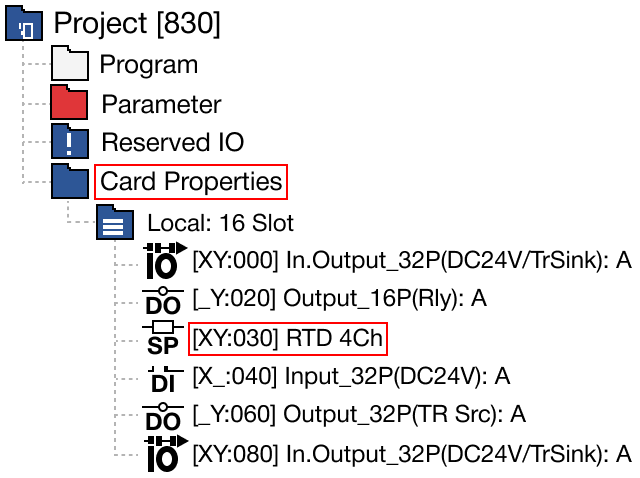
- Double left-click on the module to configure.
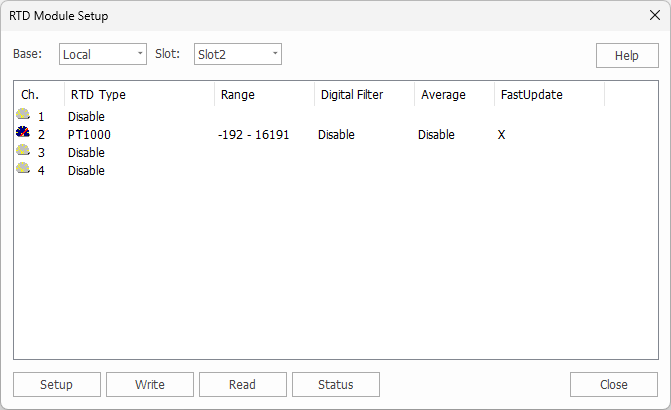
- A configuration window will appear. Some modules may have different settings to configure depending on their purpose.