High-Speed Counter (HSC) Modules
High-Speed Counter (HSC)
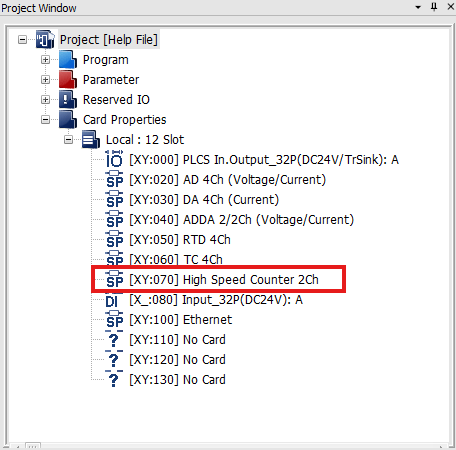
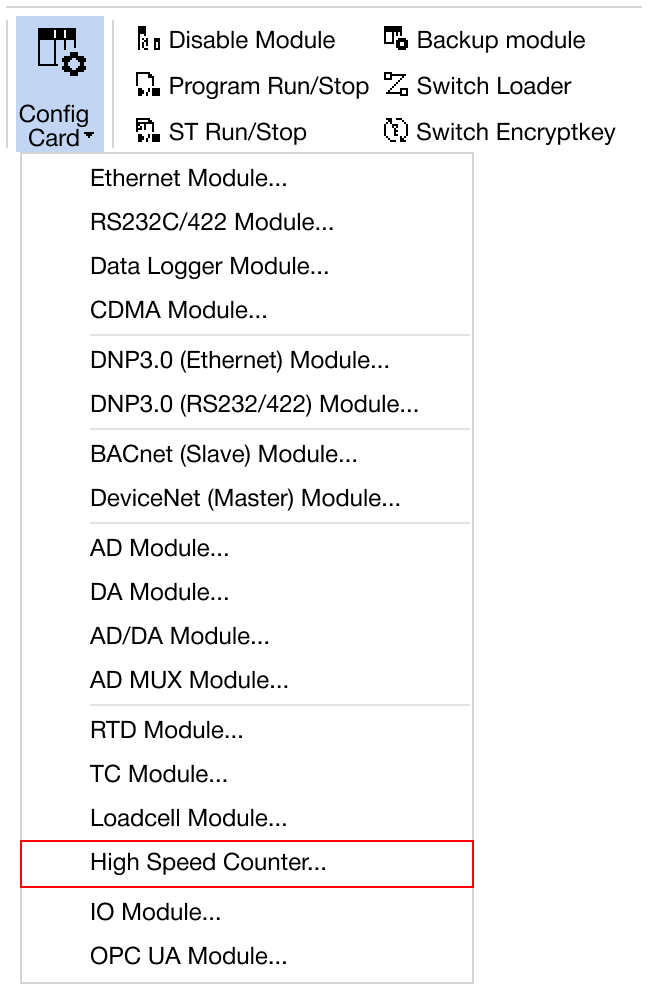
Navigate to Online → Special Module Setup → AD Module or click on the AD module within the Card Properties.
Applied Modules
- CM1-HS02C
- CM1-HS02E
- CM1-HS02F
- CM3-SP02HSC
- CM3-SP02HSD
HSC Module
-
Hold CTRL to configure all channels at once.
-
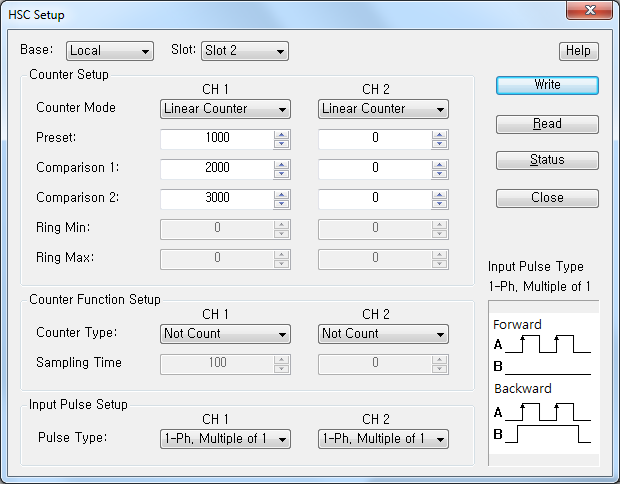
Click Setup to configure the counter mode, preset value, comparison 1 and 2 values, ring minimum and maximum value, counter type, sampling time, or pulse type.
- Counter Mode:
- Linear Counter
- Ring Counter
- Counter Type:
- Not Count
- Latch Count
- Sampling Count
- Interval Pulse Count
- Pulse Type:
- 1-Ph. Multiple of 1
- 1-Ph. Multiple of 1 (B-Ph. Sw)
- 1-Ph. Multiple of 2
- 1-Ph. Multiple of 2 (B-Ph. Sw)
- CW/CCW
- 2-Ph. Multiple of 1
- 2-Ph. Multiple of 2
- 2-Ph. Multiple of 4
- Counter Mode:
-
Once the settings are configured, click OK to confirm and apply the changes.
-
To save the configured parameters to the PLC, click Write.
-
Click Read to check the parameters.
-
For real-time monitoring and module diagnostics, click Status. This displays the current value, minimum and maximum values, firmware version of the module, and any error codes.