
Dial Exercise
Exercise
Section titled “Exercise”Exercise: Process Mode Control
Please follow the exercise to understand the Dial functionality.
Configuration
Section titled “Configuration”The following configuration is used to set up this exercise.
Tag Configuration
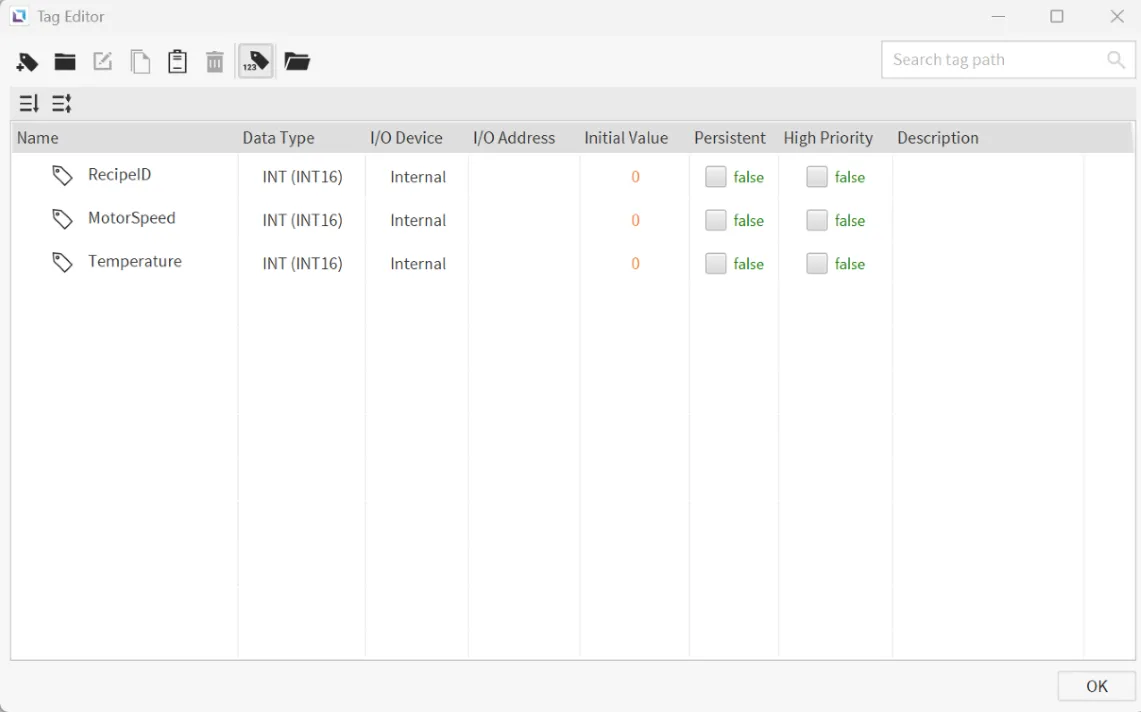
Section titled “Tag Configuration”- Create the following tags:
- RecipeID
- Data type: INT
- Initial value: 0
- MotorSpeed
- Data type: INT
- Initial value: 0
- Temperature
- Data type: INT
- Initial value: 0
- RecipeID
Recipe Configuration
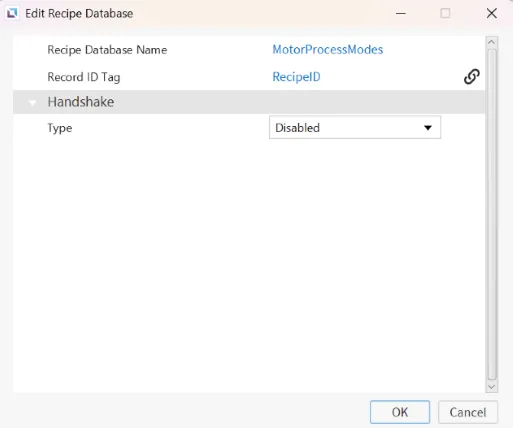
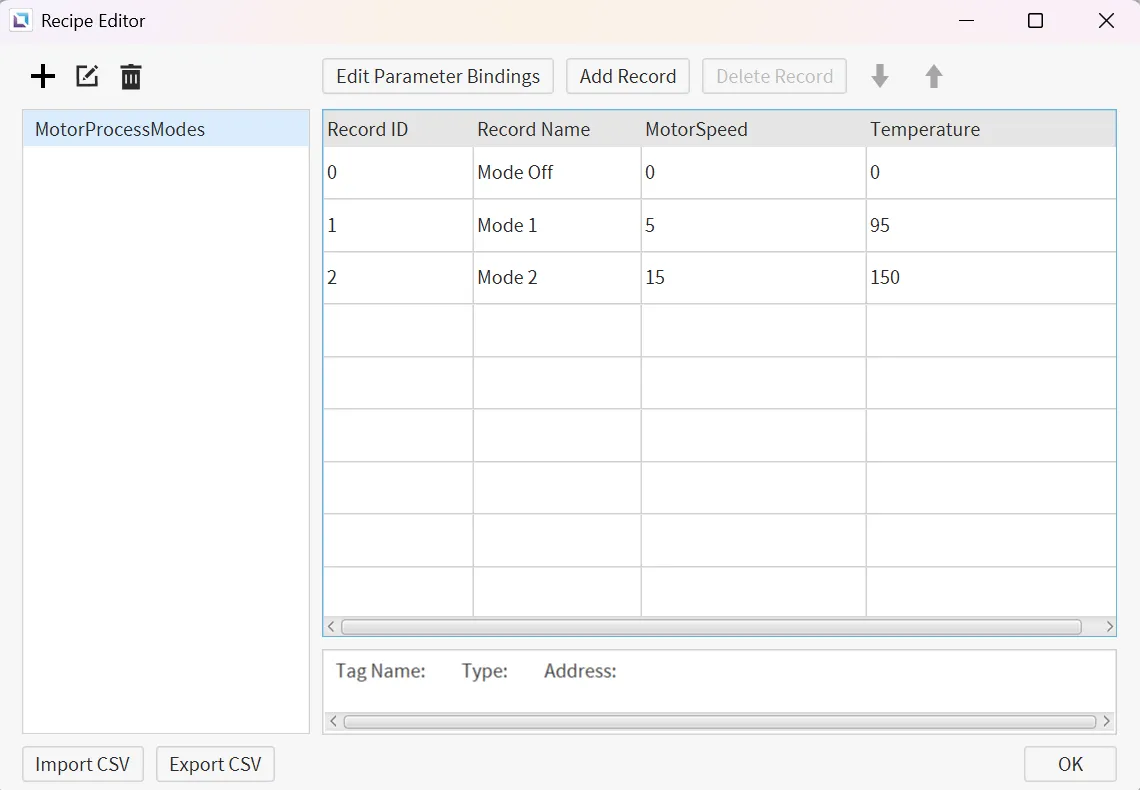
Section titled “Recipe Configuration”- Create the following recipe database:
-
MotorProcessModes
- Record ID Tag: RecipeID
- Parameter bindings: MotorSpeed, Temperature
Create two distinct records, the first labeled as MotorSpeed and the second as Temperature. Add their respected values as you see fit.
Assign a tag to every one of these parameters to avoid an error warning. It is not necessary to actually utilize these tags.
-
Script Configuration
Section titled “Script Configuration”- Insert Custom Script:
- Navigate to the tag editor and edit the RecipeID tag.
- Underneath the Actions tab, left-click Add New Command under Value Changed.
- A Command Editor window will appear, on the left-hand side, locate Script > Insert Custom Script.
- Insert the following script.
tag.write("MotorSpeed", recipe.getParameter("MotorProcessModes", tag.read("RecipeID"), 0));tag.write("Temperature", recipe.getParameter("MotorProcessModes", tag.read("RecipeID"), 1));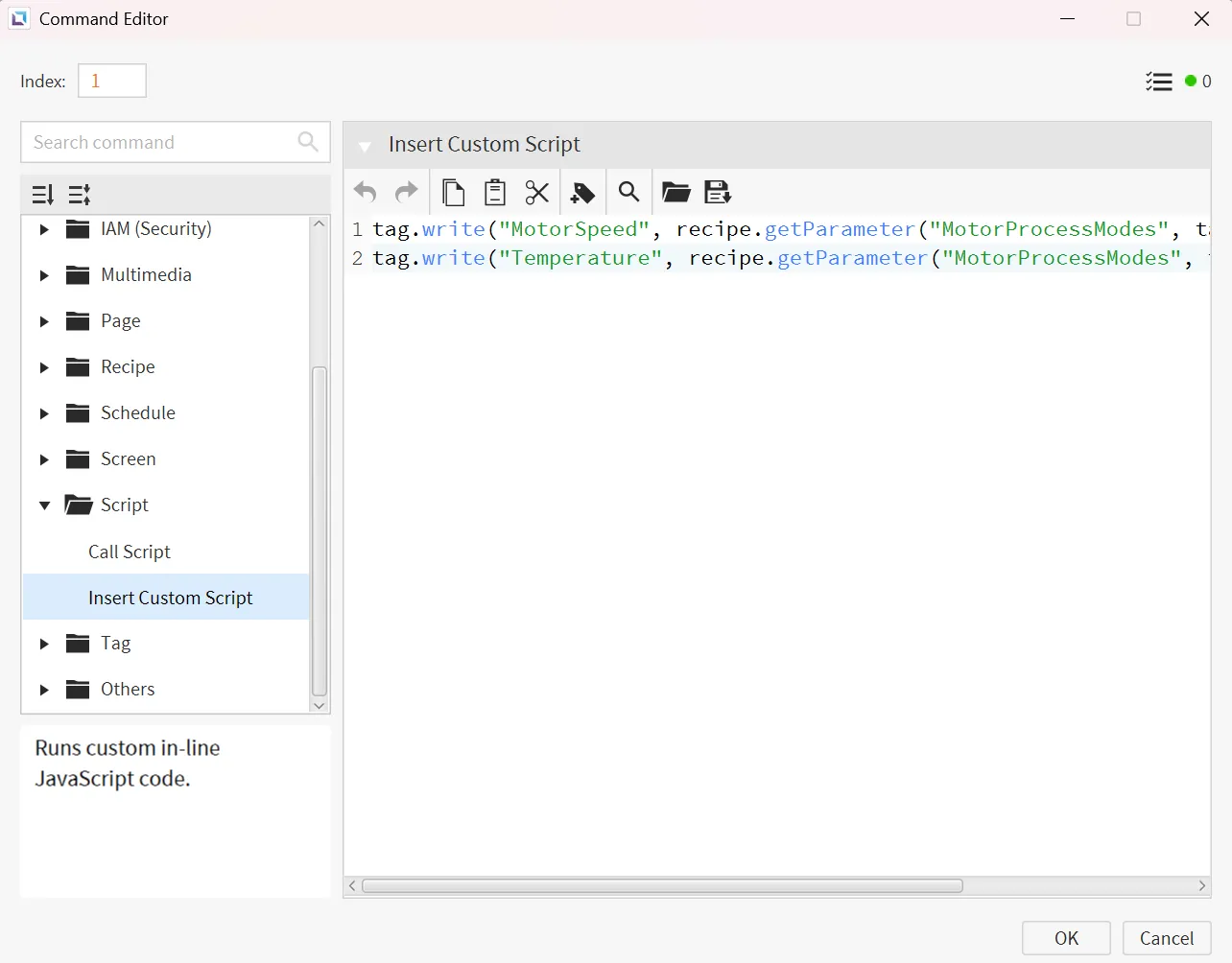
The script is executed when the value of RecipeID changes. The script checks which record value to write to both MotorSpeed and Temperature from the recipe using the Record ID and Recipe ID tag.
Project Configuration
Section titled “Project Configuration”- Add Dial:
- Insert a dial object. Under the properties of the dial object bind the RecipeID to Value and add a 2 more values to have a total of 3 values. Label each value it's corresponding index value.
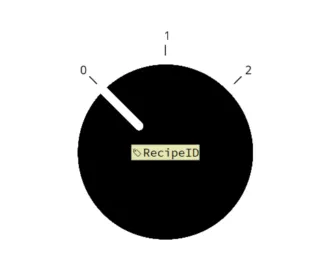
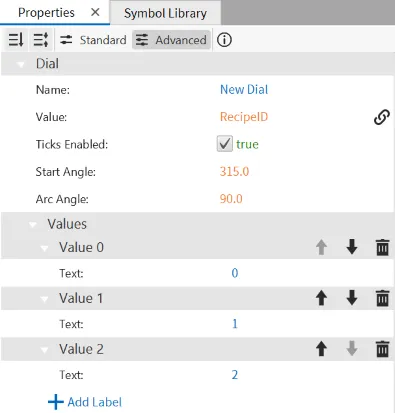
- Add Duct With Fan:
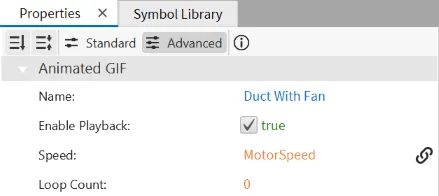
- Navigate to the Symbol Library tab then Animation Library, left-click the drop-down Ducts, add the Duct With Fan object. Select the Duct With Fan object and under it's properties, bind it's Speed to the MotorSpeed tag.
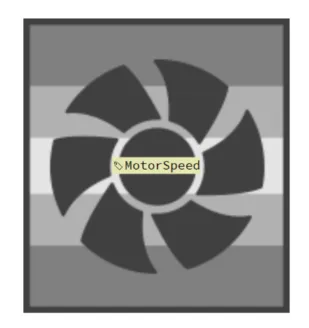
- Add Numeric Display:
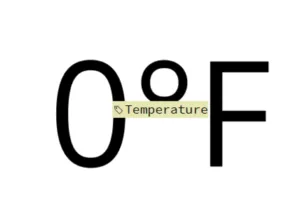
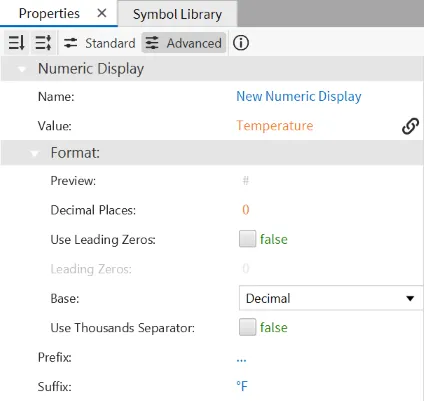
- Insert a number display object. Under the Numeric Display properties bind the Temperature tag to its Value and add the Suffix: °F.
Project Deployment
Section titled “Project Deployment”-
Click Tools > Launch Simulator to launch the Canvas Simulator.
-
The end result of this project is to have the Motor Speed and Temperature output tags instantaneously updated with predefined recipe values when the Dial is rotated. Each rotational position of the dial (1, 2, or 3) corresponds to a unique process mode (Off, Setting 1, or Setting 2).