Entry Object Introduction
Entry Feature Description
Section titled “Entry Feature Description”Canvas has two entry objects: the Text Entry and the Numeric Entry. Users are able to use these entries to input data into a tag. The Text Entry allows users to input text data into a tag, while the Numeric Entry allows users to input numerical data into a tag.
Text Entry Designer Functionalities
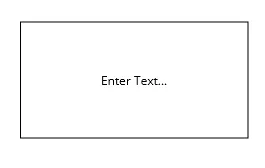
Section titled “Text Entry Designer Functionalities”The Text Entry object allows users to input any alphanumeric and special characters into the field. To create a Text Entry object, click Insert > Text Entry, or the Insert Text Entry icon in the toolbar and click and drag on the page to bring up the Text Entry object.
Text Entry Properties
Section titled “Text Entry Properties”The Text Entry can be customized based on specific properties.
To ensure the property windows are enabled, click View > Properties.
Basic Properties
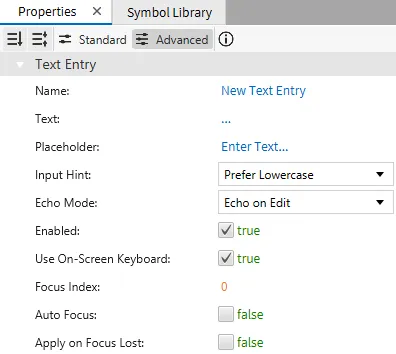
Section titled “Basic Properties”The Basic Properties section allows users to change the displayed content and the behavior of the object when it is interacted with.
Appearance
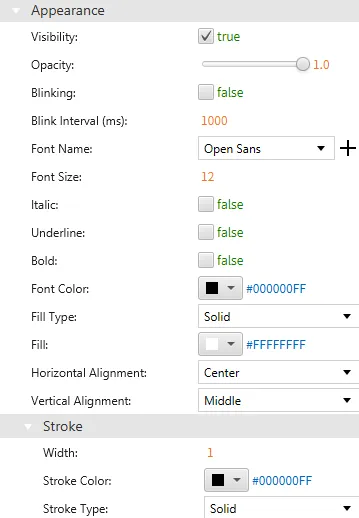
Section titled “Appearance”The Appearance section enables the use of selections to alter visible characteristics.
Position
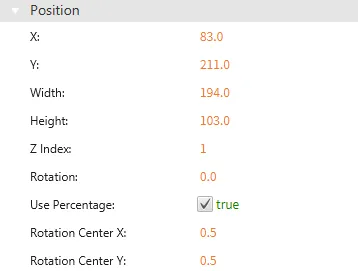
Section titled “Position”The Position section provides adjustable properties that reshape or move the Text Entry object.
Actions
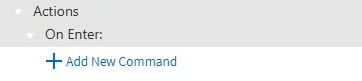
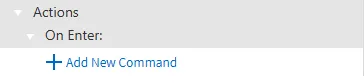
Section titled “Actions”If the user presses Enter within a Text Entry, an action will run a script or command. This is controlled under the On Enter section of the Actions tab.
Permissions can be assigned to the Text Entry object through the Identity and Access Management feature.
Numeric Entry Designer Functionalities
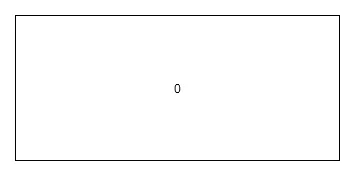
Section titled “Numeric Entry Designer Functionalities”The Numeric Entry object allows users to only input numerical data into the field. To create a Numeric Entry object, click Insert > Numeric Entry, or the Insert Numeric Entry icon in the toolbar and click and drag on the page to bring up the Numeric Entry object.
Numeric Entry Properties
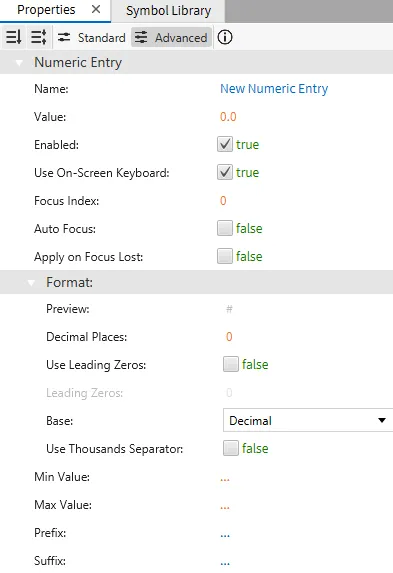
Section titled “Numeric Entry Properties”The Numeric Entry can be customized based on specific properties.
To ensure the property windows are enabled, click View > Properties.
Basic Properties
Section titled “Basic Properties”The Basic Properties section allows users to change the displayed content and the behavior of the object when interacted with.
Appearance
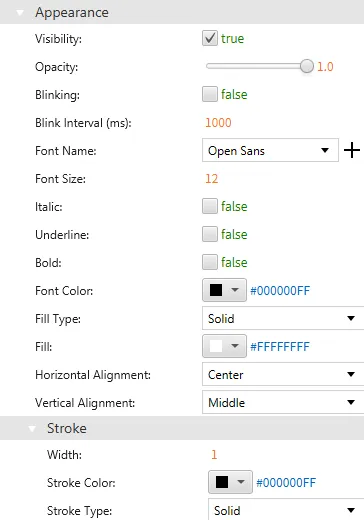
Section titled “Appearance”The Appearance section enables the use of selections to alter visible characteristics.
Position
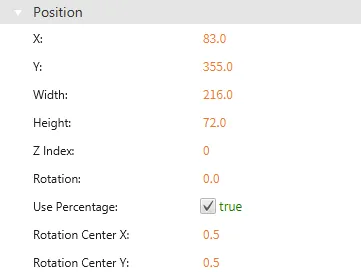
Section titled “Position”The Position section provides adjustable properties that reshape or move the Numeric Entry object.
Actions
Section titled “Actions”If the user presses Enter within a Numeric Entry, an action will run a script or command. This is controlled under the On Enter section of the Actions tab.
Permissions can be assigned to the Numeric Entry object through the Identity and Access Management feature.