Web Widget Exercise
Exercise
Section titled “Exercise”Exercise: Using the Web Widget object
Please follow the below exercise to understand Web Widget functionality.
Configuration
Section titled “Configuration”The following configuration is used to set up this exercise.
Project Configuration
Section titled “Project Configuration”- Insert a new Web Widget object onto the screen.
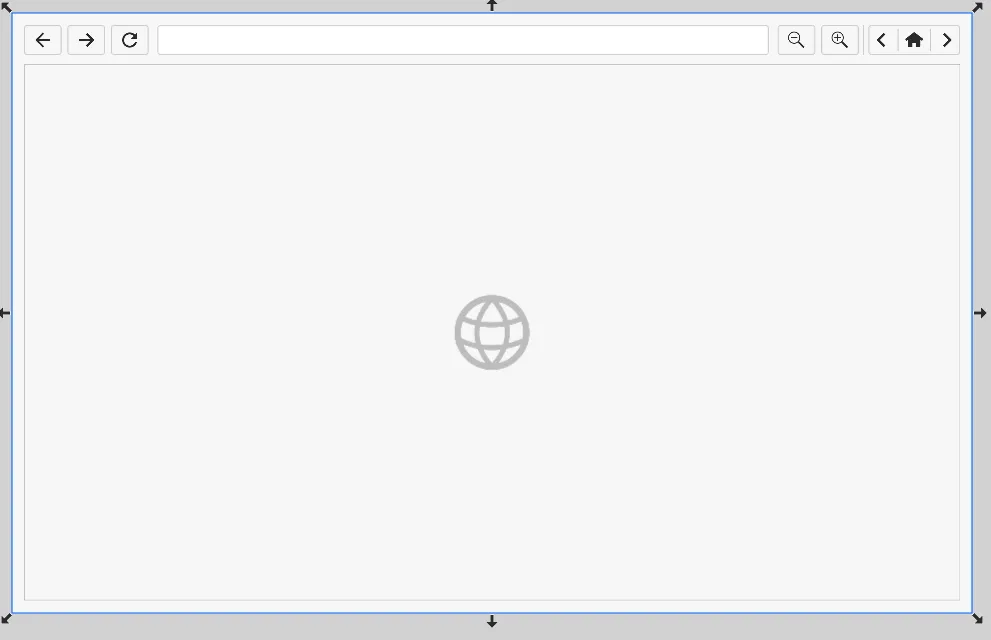
Web Widget Configuration
Section titled “Web Widget Configuration”- In the Default URL property field, set the URL to https://google.com. This will be the default home address.
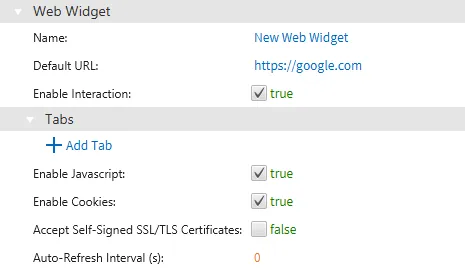
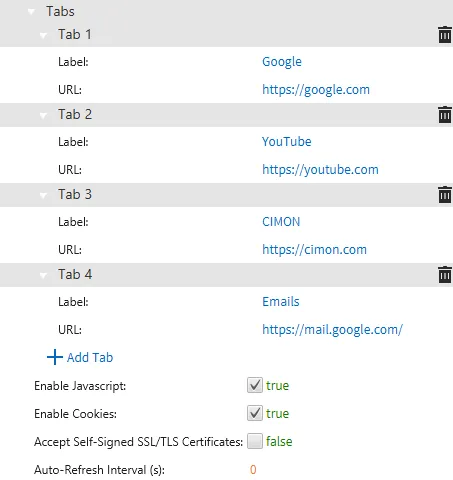
- Click the Add Tab button. Add a few different tabs with their specified Label and URL.
Project Deployment
Section titled “Project Deployment”-
Download the project to the HMI.
-
Ensure the HMI is connected to the internet using an Ethernet cable.
-
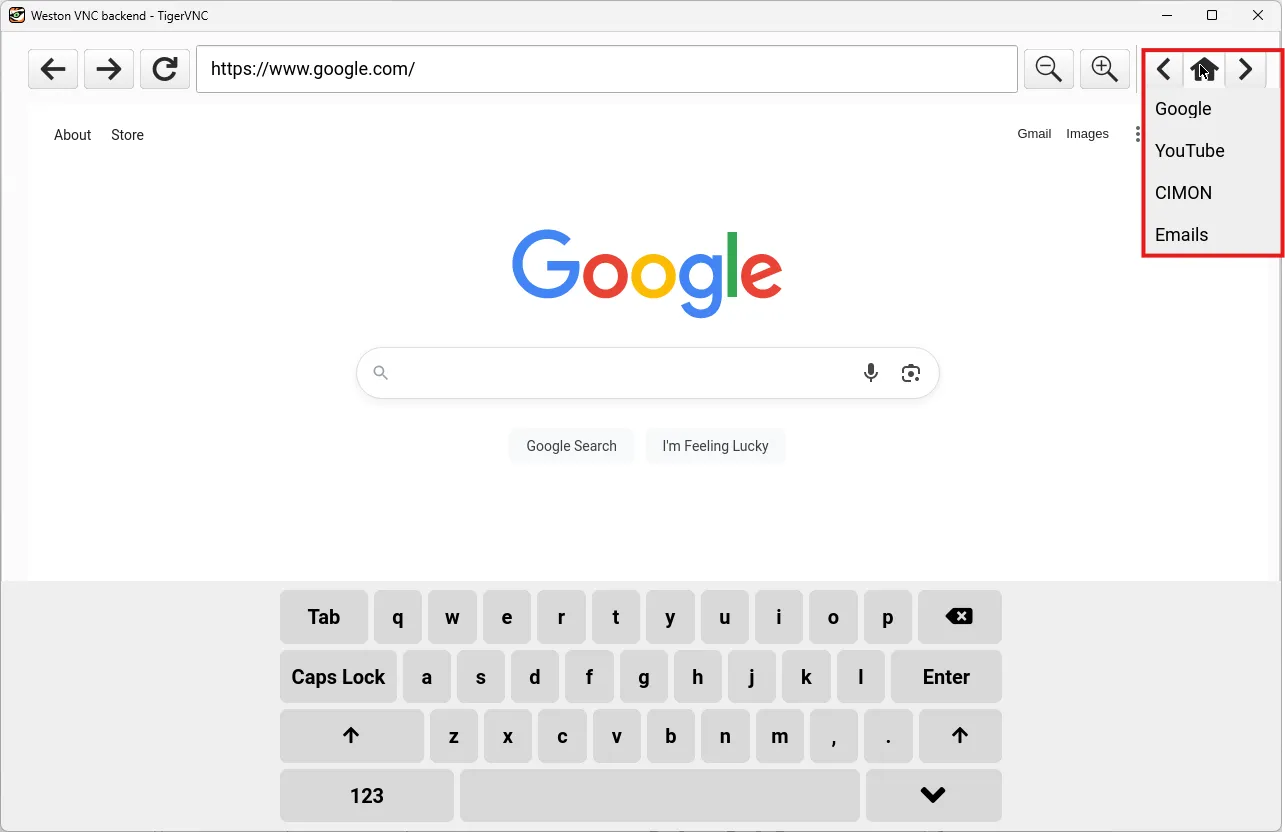
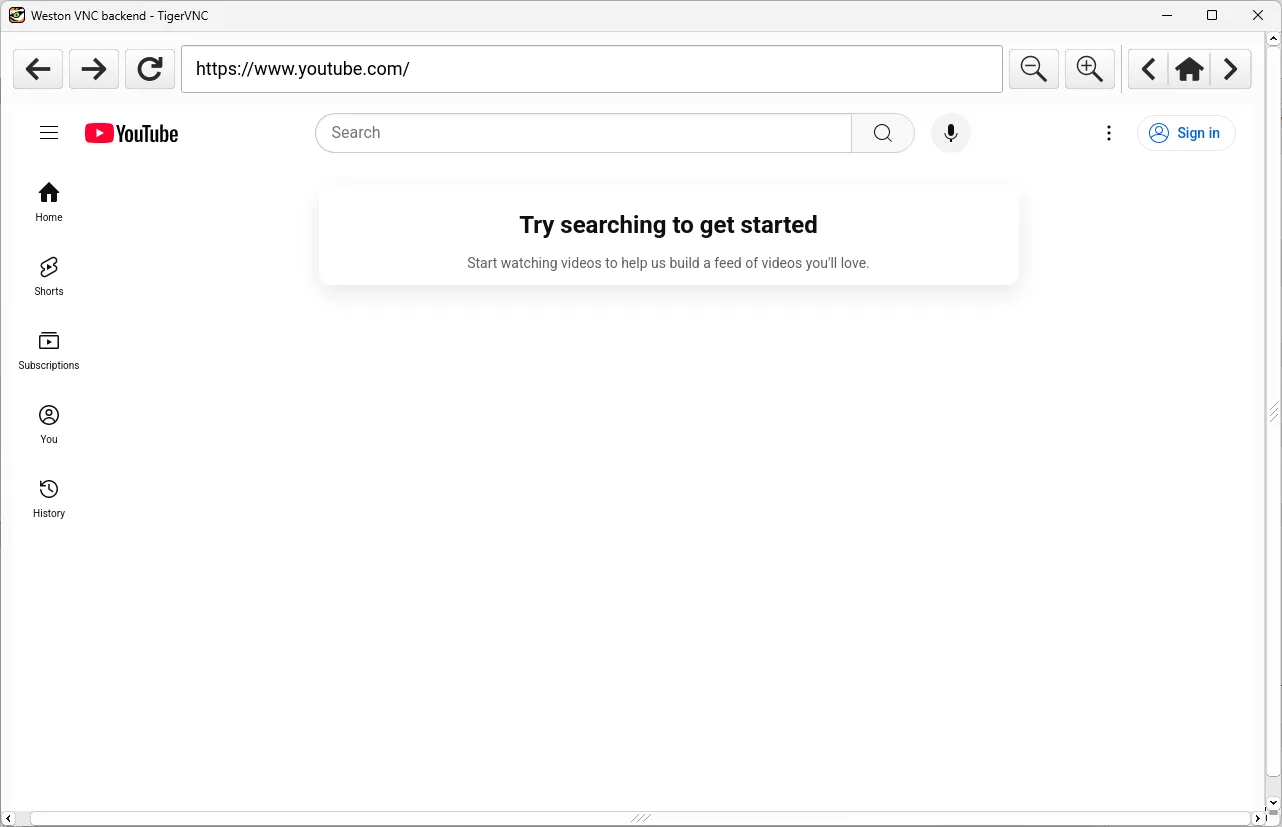
After deploying the project, the Web Widget simulates an internet browser.
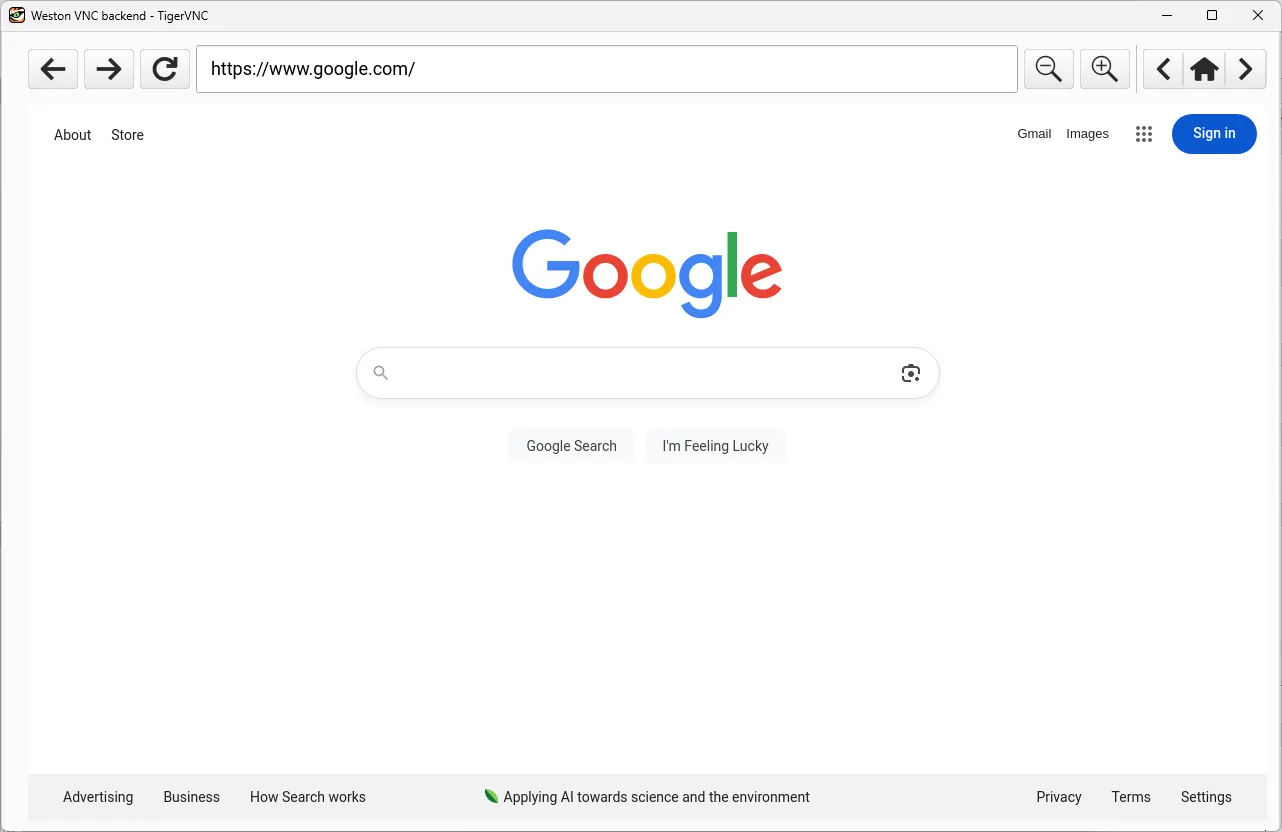
- Long-press the home icon, or click the arrow icons, to navigate between each tab created in step 3 above. Pressing the home icon will return to the Default URL specified in step 2 above.