Checkbox Exercise
Exercise
Exercise: Rainbow Checkbox Control Panel
Please follow the below exercise to understand checkboxes.
Configuration
The following configuration is used to set up this exercise.
Tag Configuration
-
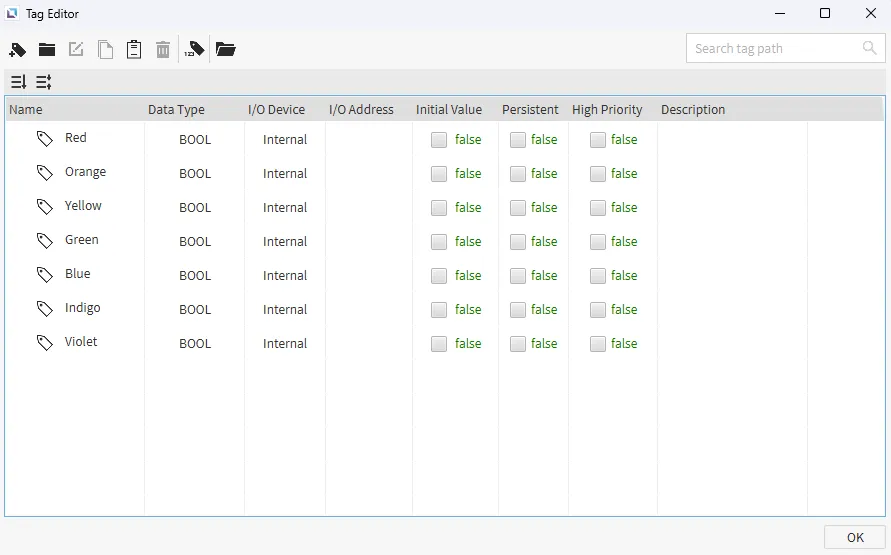
Create the following tags:
- Red
- Data type: BOOL
- Initial value: false
- Orange
- Data type: BOOL
- Initial value: false
- Yellow
- Data type: BOOL
- Initial value: false
- Greeb
- Data type: BOOL
- Initial value: false
- Blue
- Data type: BOOL
- Initial value: false
- Indigo
- Data type: BOOL
- Initial value: false
- Violet
- Data type: BOOL
- Initial value: false
- Red
Project Configuration
-
Add Checkboxes:
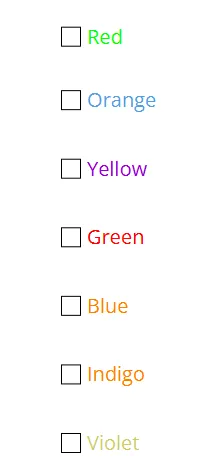
- Insert seven checkbox objects on the page. For each checkbox, link its value to the corresponding color tag (e.g., the checkbox labeled "Red" should be bound to the Red tag).
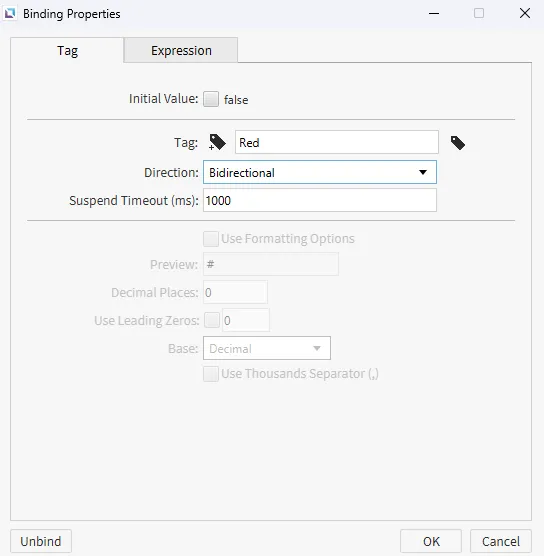
- In the binding properties, set the direction to Bidirectional to allow the tag to be controlled by the checkbox.
-
Add Rectangles:
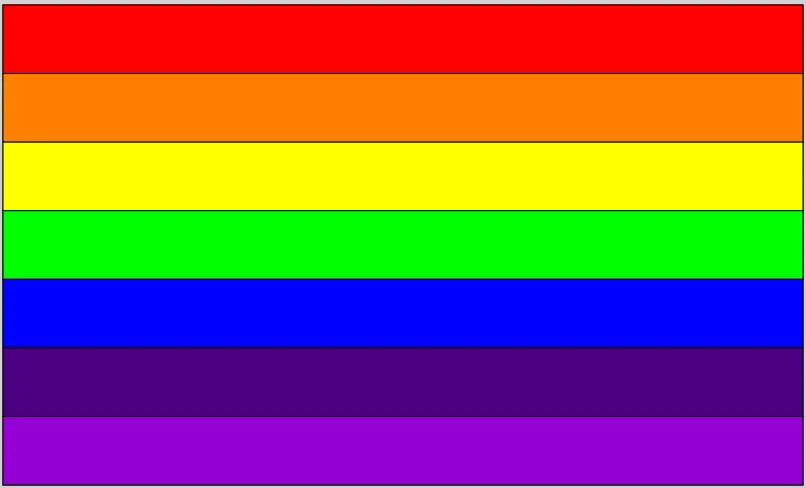
- Insert seven rectangle objects on the screen and arrange them in the order of the rainbow.
- Fill each rectangle with its corresponding color (e.g., the top rectangle is red, the next is orange, and so on).
-
Configure Visibility:
- For each rectangle, navigate to its visibility property and set the binding to Expression.
- Select Condition Map as the expression type.
- Link the expression to the corresponding color tag (e.g., link the red rectangle to the Red tag).
- Add a condition where the tag's value is equal to 1. Set the output to true. This ensures the rectangle is visible only when the tag's value is 1 (or true).
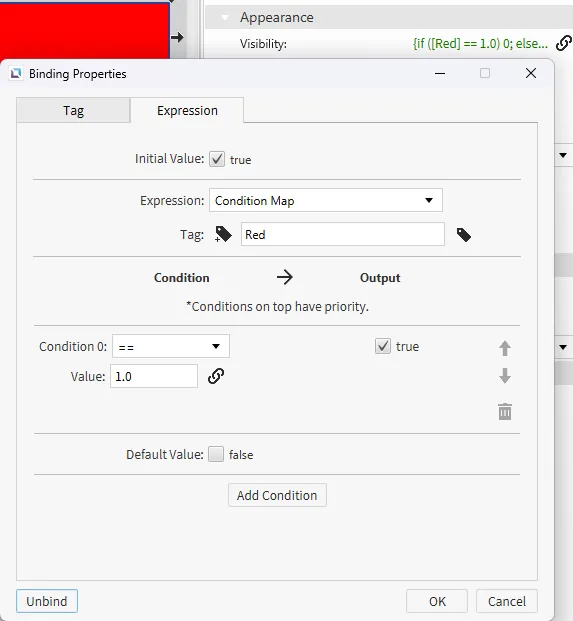
- For each rectangle, navigate to its visibility property and set the binding to Expression.
Project Deployment
-
Click Tools > Launch Simulator to launch the Canvas Simulator.
-
Interact with Checkboxes
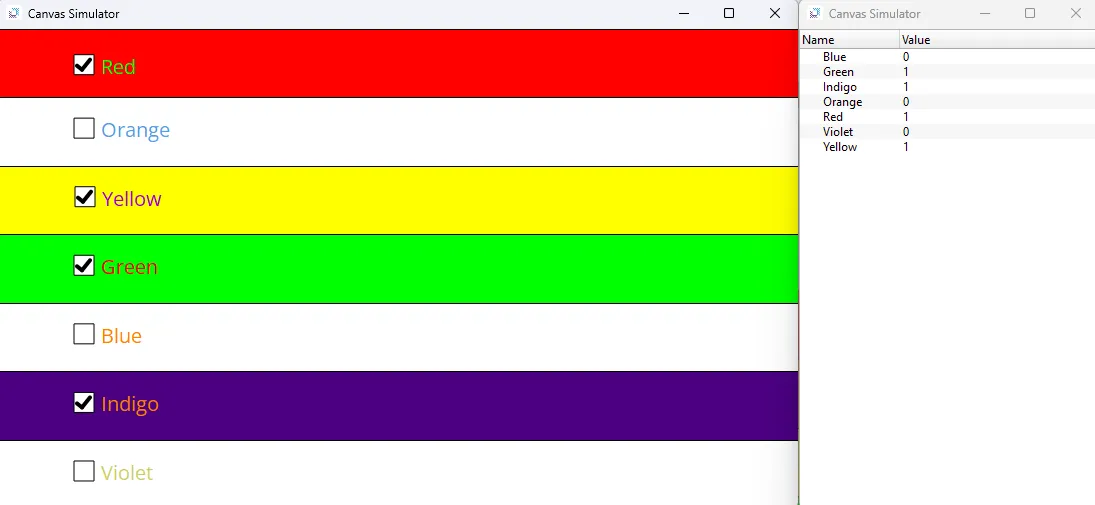
- When selecting a checkbox, the corresponding boolean tag's value will become true. The condition for the rectangle's visibility will be met, and the rectangle will become visible on the screen. Unchecking the box will make the rectangle disappear, allowing you to create your own unique rainbow display.