Recipe Exercise
Exercise
Exercise: Using a Recipe to Adjust Parameters
Please follow the below exercise to understand Recipe functionality.
Configuration
The following configuration is used to set up this exercise.
Tag Configuration
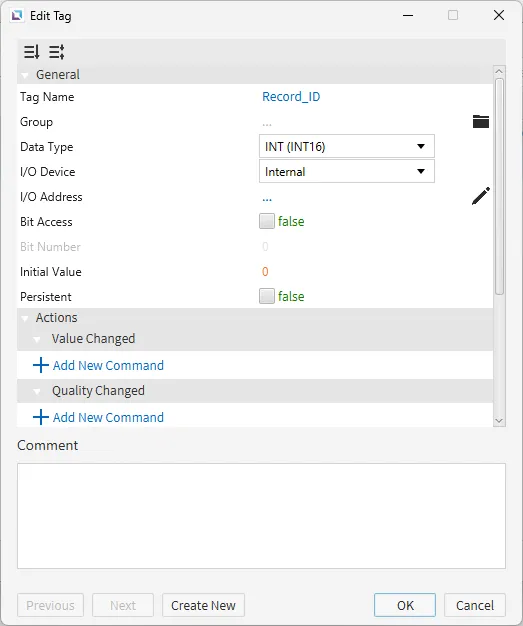
- Create the following tags:
- Record_ID
- Data type: INT (INT16)
- Initial value: 0
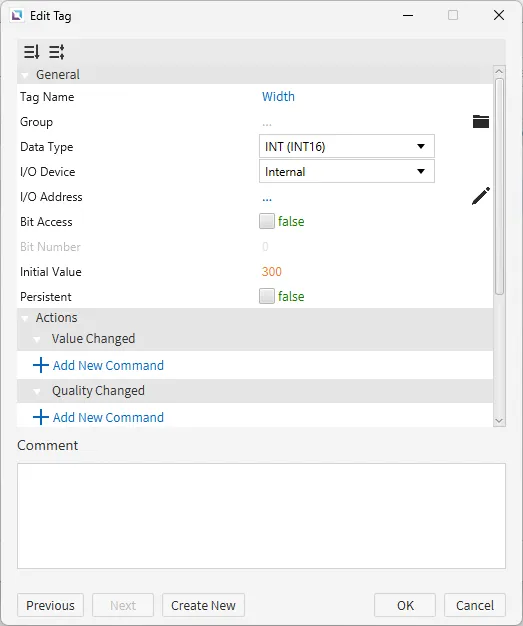
- Width
- Data type: INT (INT16)
- Initial value: 300
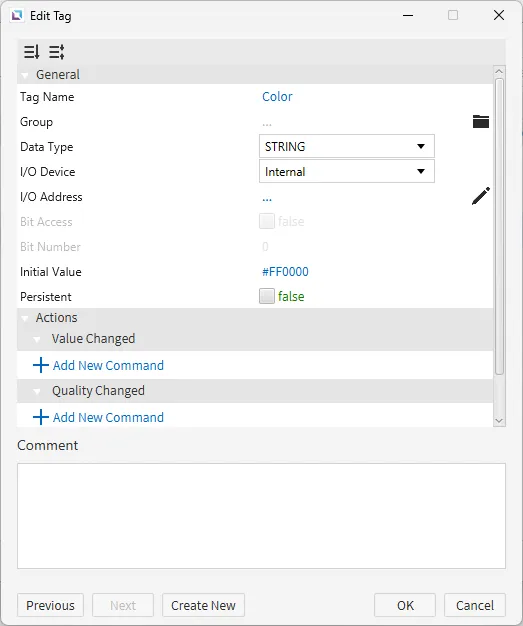
- Color
- Data type: String
- Initial value: #FF0000
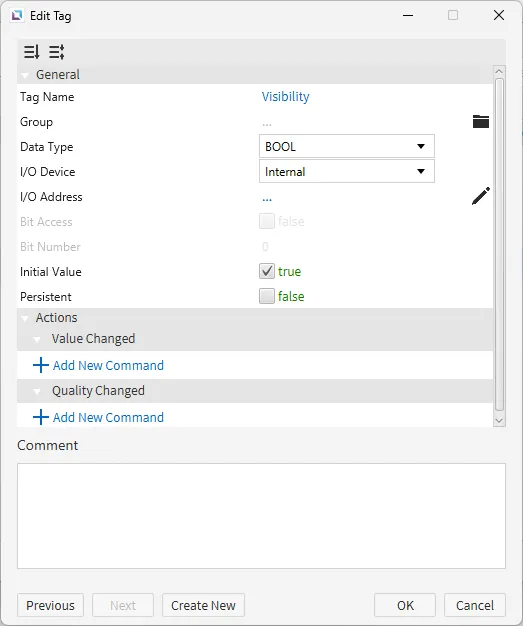
- Visibility
- Data type: BOOL
- Initial value: true
- Record_ID
Recipe Configuration
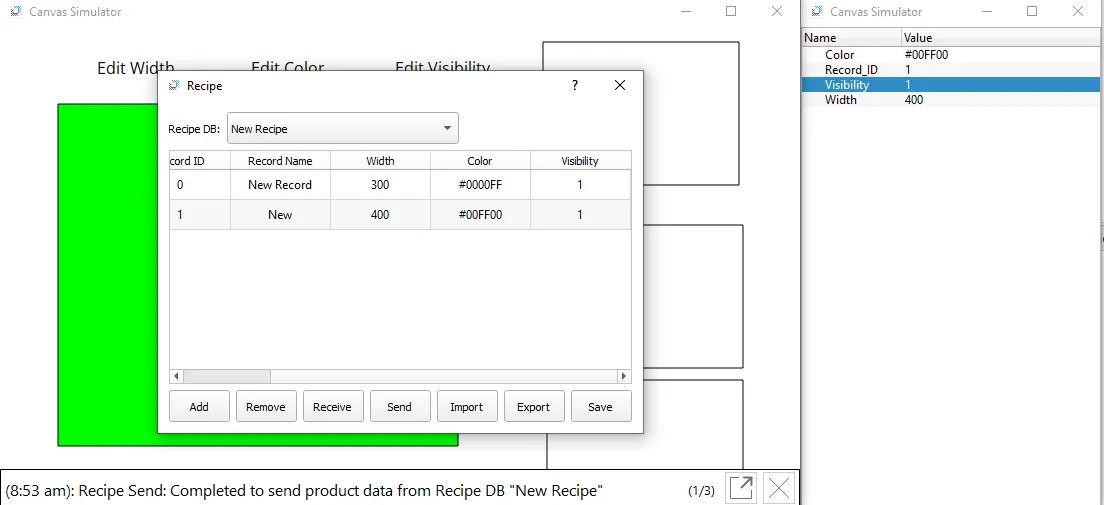
- Go to Tools > Recipe Editor or click on Open Recipe Editor icon within the toolbar. Create the following recipe database:
- New Recipe
- Record ID Tag: Record_ID
- Parameter bindings:
- Width
- Tag: Width
- Color
- Tag: Color
- Visibility
- Tag: Visibility
- Width
- New Recipe
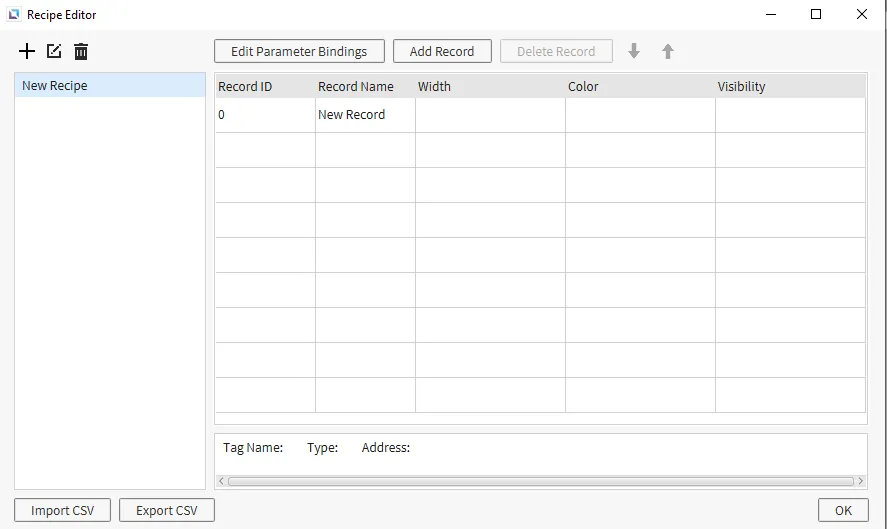
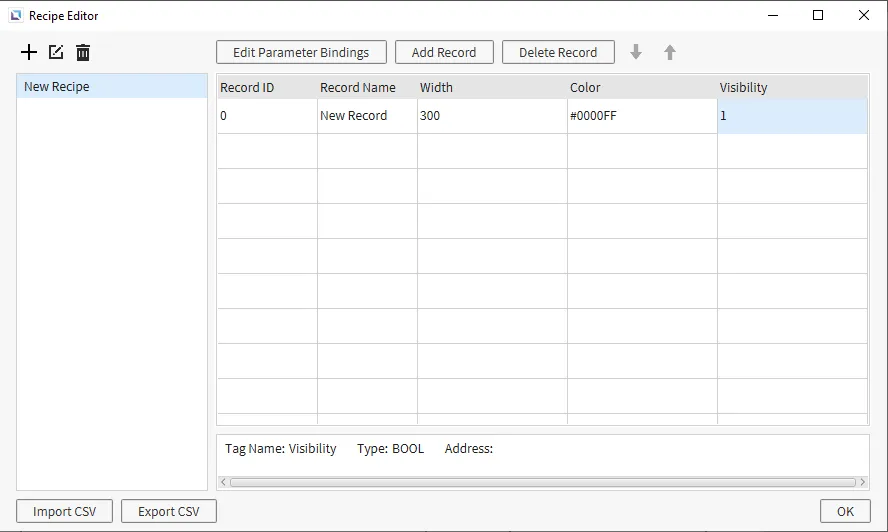
- Now, double-click the blank cell under Width and enter the value 300. Again, double-click Color to change the value to #0000FF. Lastly, double-click the empty Visibility cell and have the value set to 1.
Project Configuration
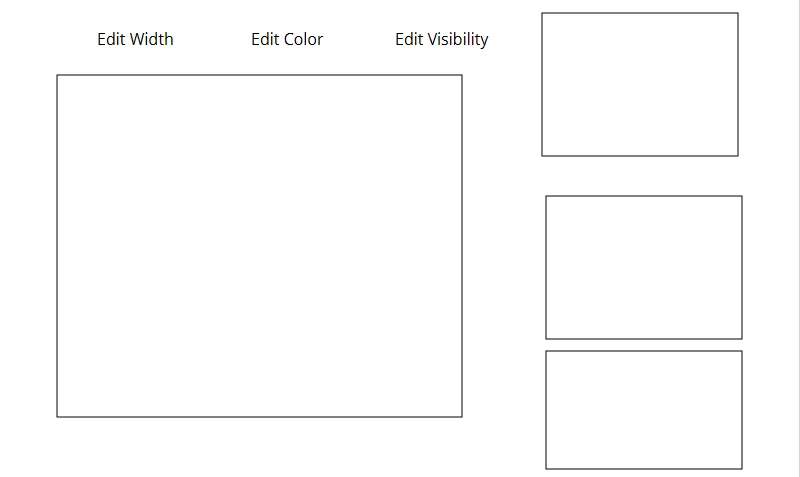
- Create three text displays and four rectangles. Three of the rectangles should be placed on the right side of the screen, while the last one will take up most of the left and middle of the screen. The three text displays will be placed above the final rectangle. The text displays will have the following text: “Edit Width”, “Edit Color”, and “Edit Visibility”.
-
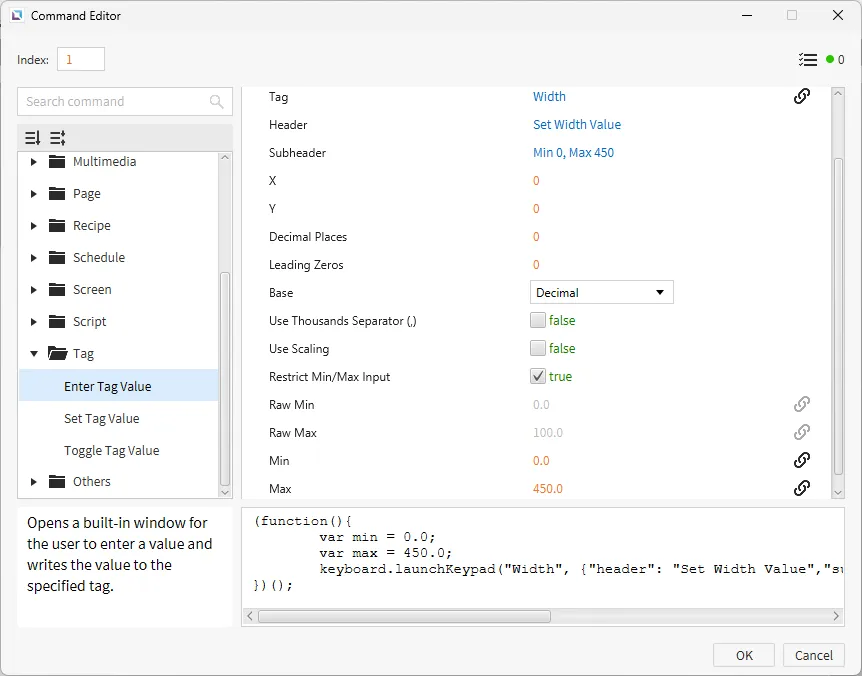
Click on the “Edit Width” text display and click the Actions property. Create a new On Press command. Select Enter Tag Value and bind the Width tag. The Header will say “Set Width Value” with the Subheader “Min 0, Max 450”. Enable Restrict Min/Max Input and set the Min to 0 and the Max to 450.
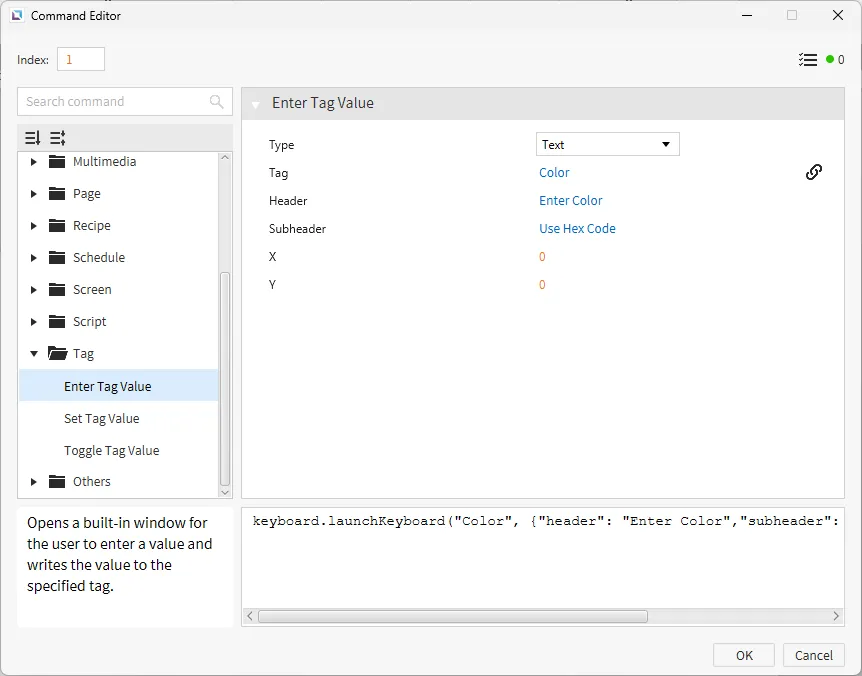
Select the "Edit Color" text display, click on the Actions property, and create a new On Press command. Select Enter Tag Value and bind the Color tag with the type set to text. The Header will say “Enter Color” with a Subheader of “Use Hex Code.”
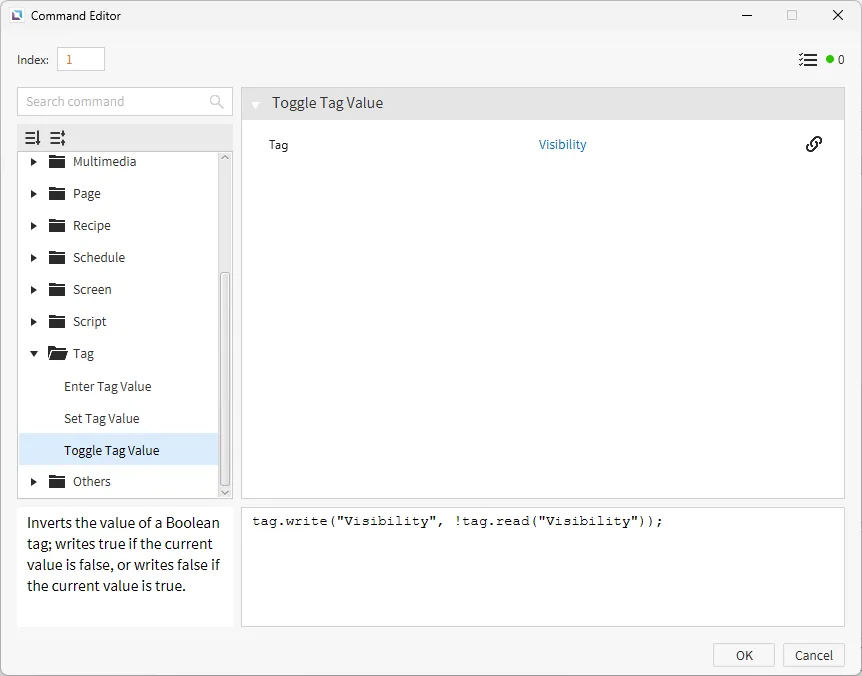
Finally, click on "Edit Visibility", then click on the Actions property. Create a new On Press command. Select Toggle Tag Value and bind the Visibility tag.
-
Select the top rectangle, go to the Actions property, and create a new On Press command. Select Send Recipe Record and select the New Recipe database that was created. Enable Use Record ID Tag, and the Record ID Tag will be Record_ID.
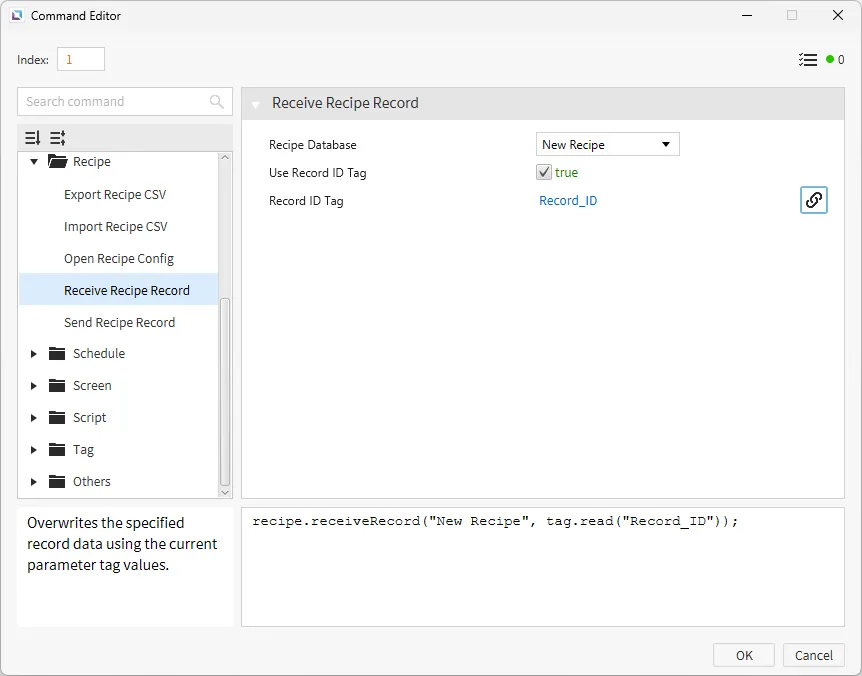
Now, in the middle rectangle, go to the Actions property. Create a new On Press command. Select Receive Recipe Record and select the New Recipe database that was created, enable Use Record ID Tag, and the Record ID Tag will be Record_ID.
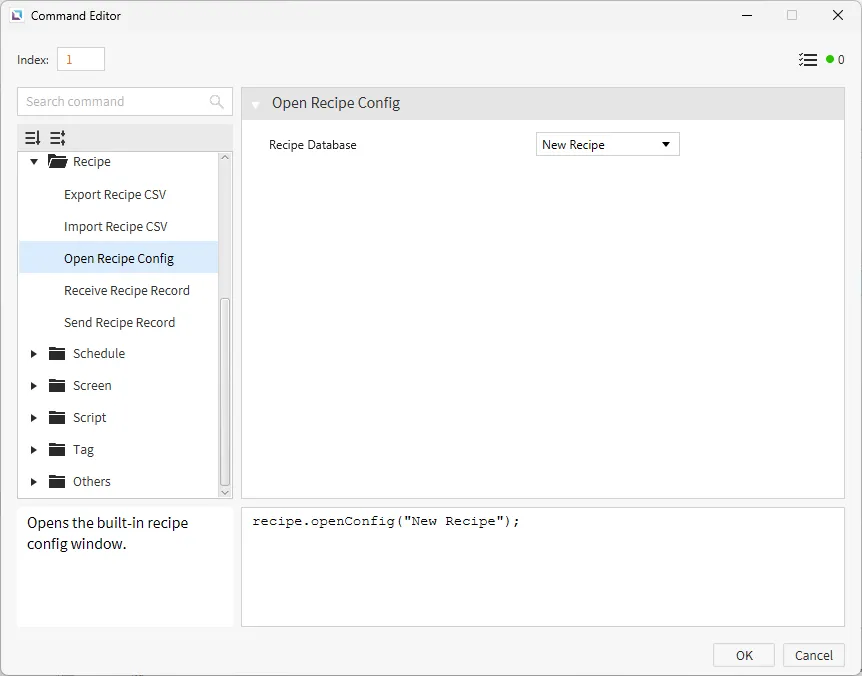
For the bottom rectangle, go to the Actions property and create a new On Press command. Select Open Recipe Config and select the recipe that was created.
-
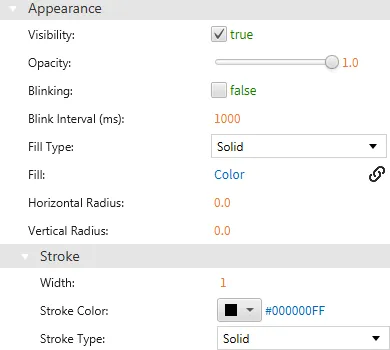
For the final rectangle, click and drag the tag, Visibility, to the visibility property under the Appearance section.
Click and drag the Color tag to the fill property under the Appearance section.
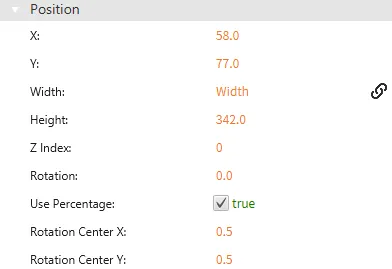
Lastly, drag the Width tag to the width property under the Position section.
Project Deployment
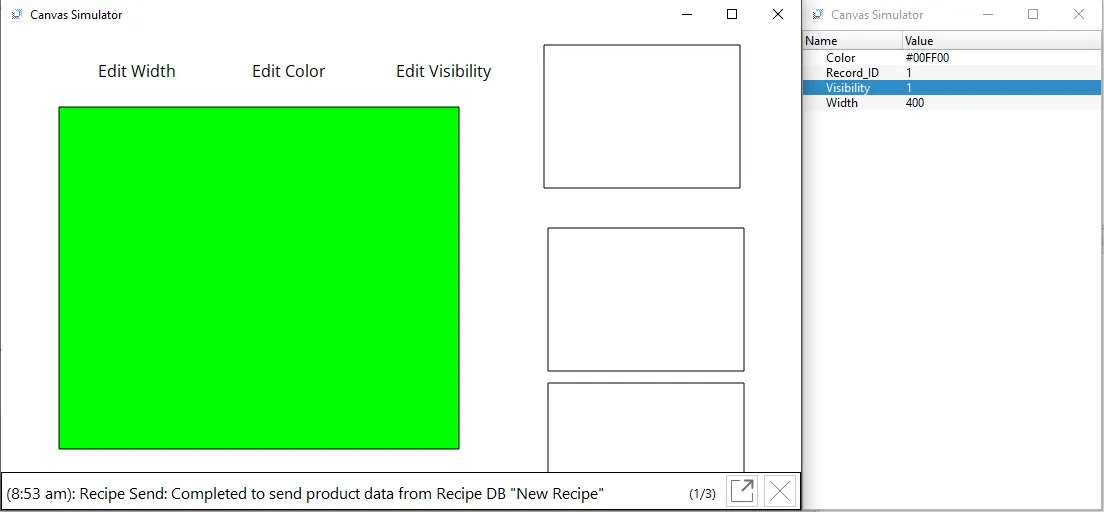
- Click Tools > Launch Simulator to launch the Canvas Simulator.
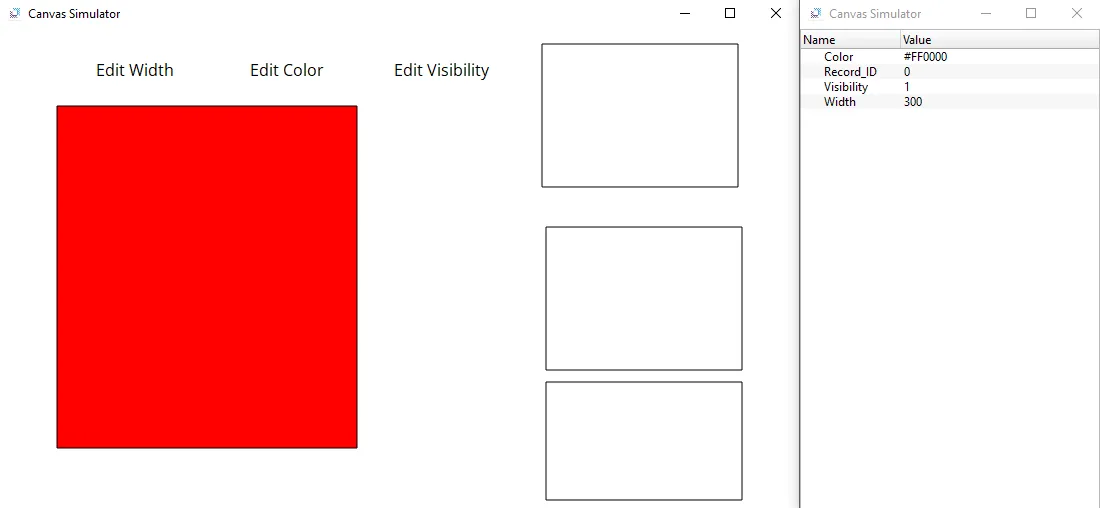
- Change the following values: Width to 400, Color to #AB50DE, and keep Visibility at 1.
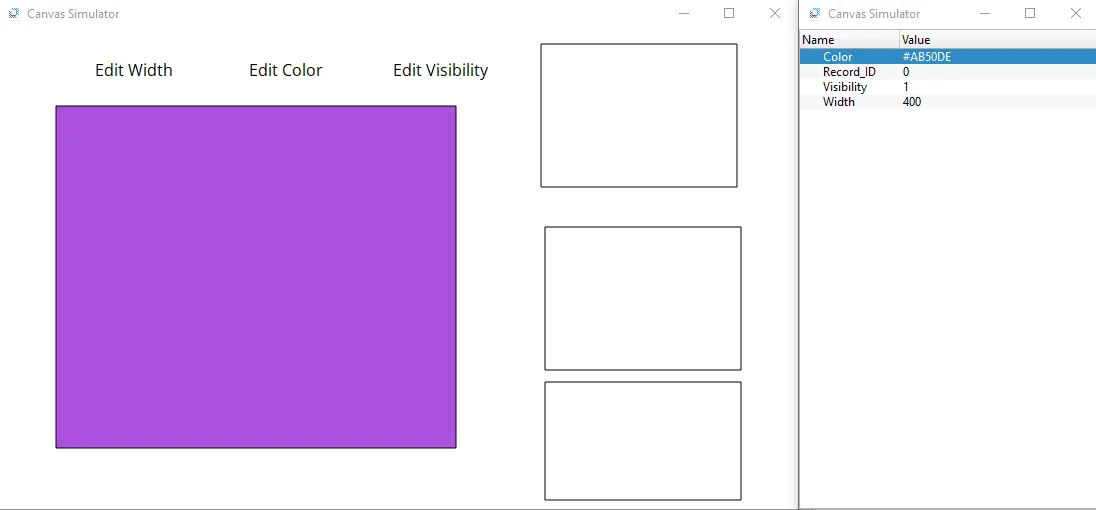
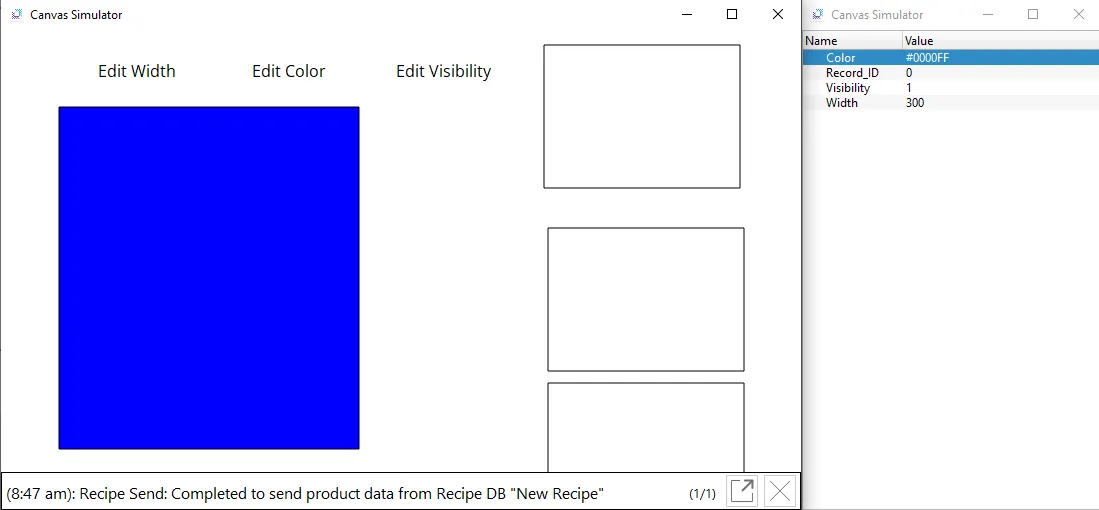
- Click on the top rectangle. This will change all tag values to what was saved within the recipe.
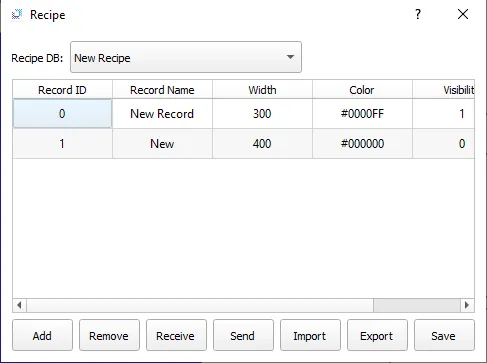
- Click the bottom rectangle, and click Add. Insert the following values: Record ID will be 1, Record Name will be "New", Width will be 400, Color will be #000000, and Visibility will be 0. After the following info has been added, click Save.
- Change the Record_ID to 1 and click on the top rectangle. This will change the tag values to the newly defined ones.
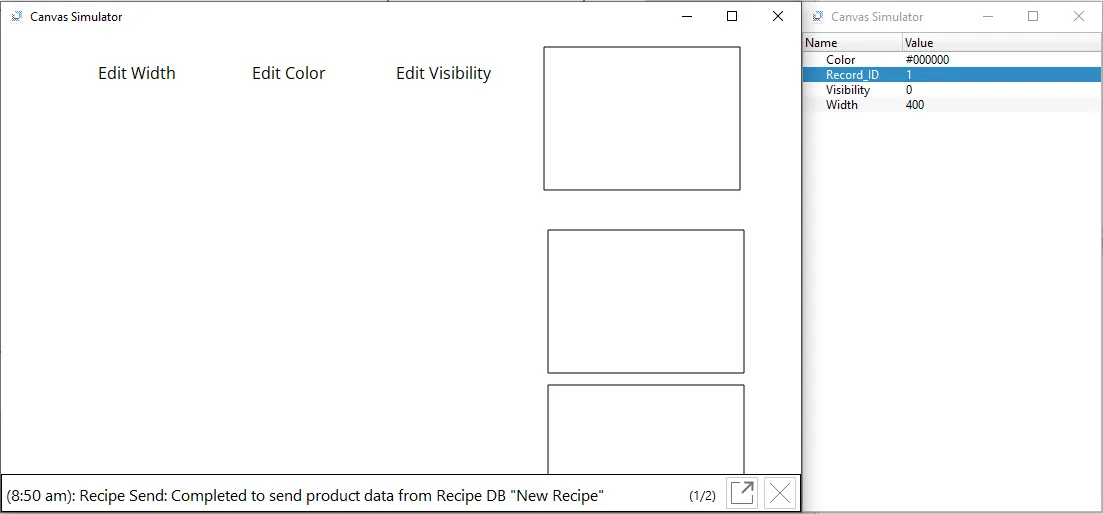
- Toggle Visibility and change the Color to #00FF00. Then, click on the middle rectangle.
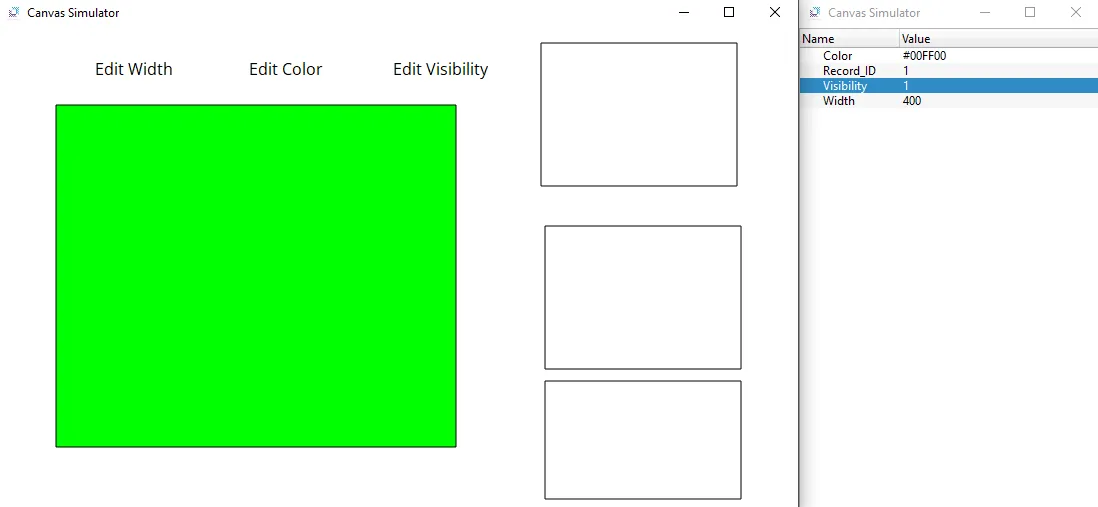
-
Now change Width to 100, Color to #0000FF, and toggle visibility again. Once these changes are made, click on the top rectangle.
This will switch back to the changes made in step 6.
By clicking on the middle rectangle, the current tag values are recorded and saved within the Recipe at Record_ID 1.
Click on the bottom rectangle to see the changes made to the recipe.