Scheduler Introduction
Scheduler Feature Description
Schedules enable the automated execution of scripts at designated times, offering various options such as hourly, daily, weekly, monthly, or yearly intervals. Custom repeat intervals can also be specified, allowing users to set specific time frames for Action execution. For instance, schedules can be configured to run every few hours, on particular weekdays, or before the end of each month. This feature facilitates the seamless automation of essential tasks through script and command execution.
Scheduler Designer Functionalities
The following functionalities can be configured in the Canvas software.
Schedule Editor
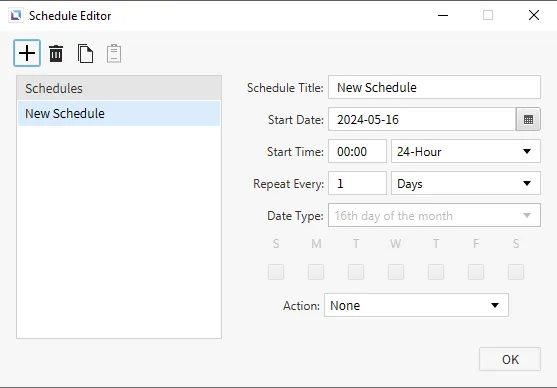
To open the Schedule Editor, click Tools > Schedule Editor or the Open Schedule Editor icon on the toolbar. The window will allow users to set schedules for when an action should occur. Users can select the start date, time, repetition period, and date type. Users can also set the action to run when the schedule activates. A script or command can execute when scheduled to do so.
Scheduler Runtime Functionalities
Schedule Enable/Disable
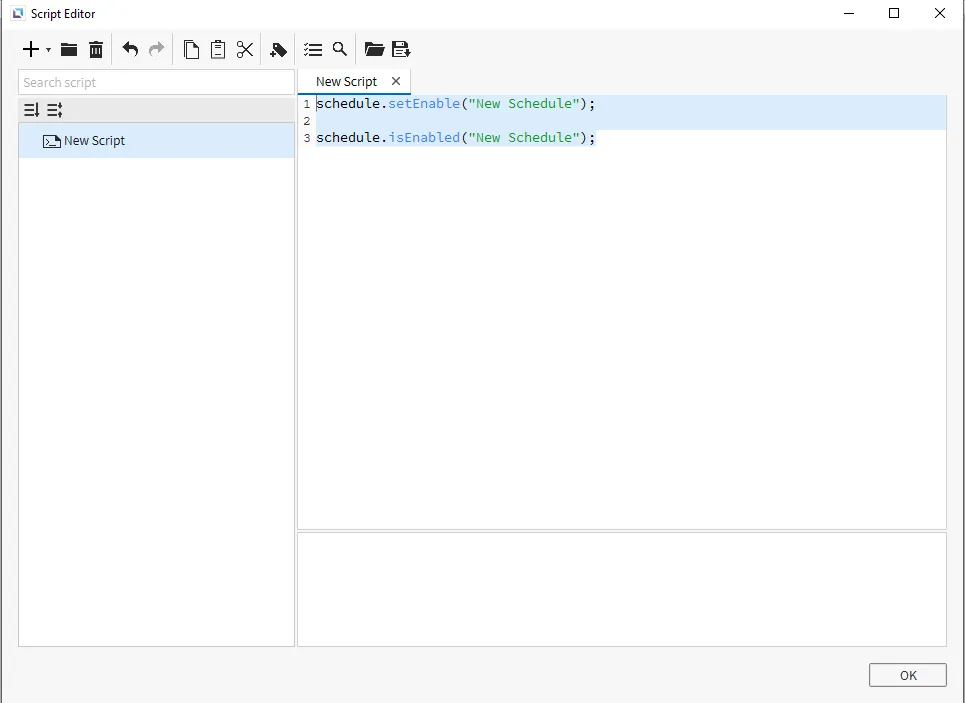
Users can set a script by using the schedule.setEnable(String title, boolean enable) function, they can then set which schedule to disable or re-enable during runtime. boolean enable must be 0 to disable or 1 to enable.
Users can also use schedule.isEnabled(String title) to check if a schedule is enabled or disabled during runtime.