Runtime Settings
Runtime
Runtime is when the project is actively running on the Xpanel. To exit the runtime means to close the project and exit to the settings menu.
Long Press Method
To open the settings menu with the long press method, press and hold on the screen for three (3) seconds.
Note: using the long press method on an object with an On Press, On Release, or On Double Click action bound to it will NOT bring up the settings menu.
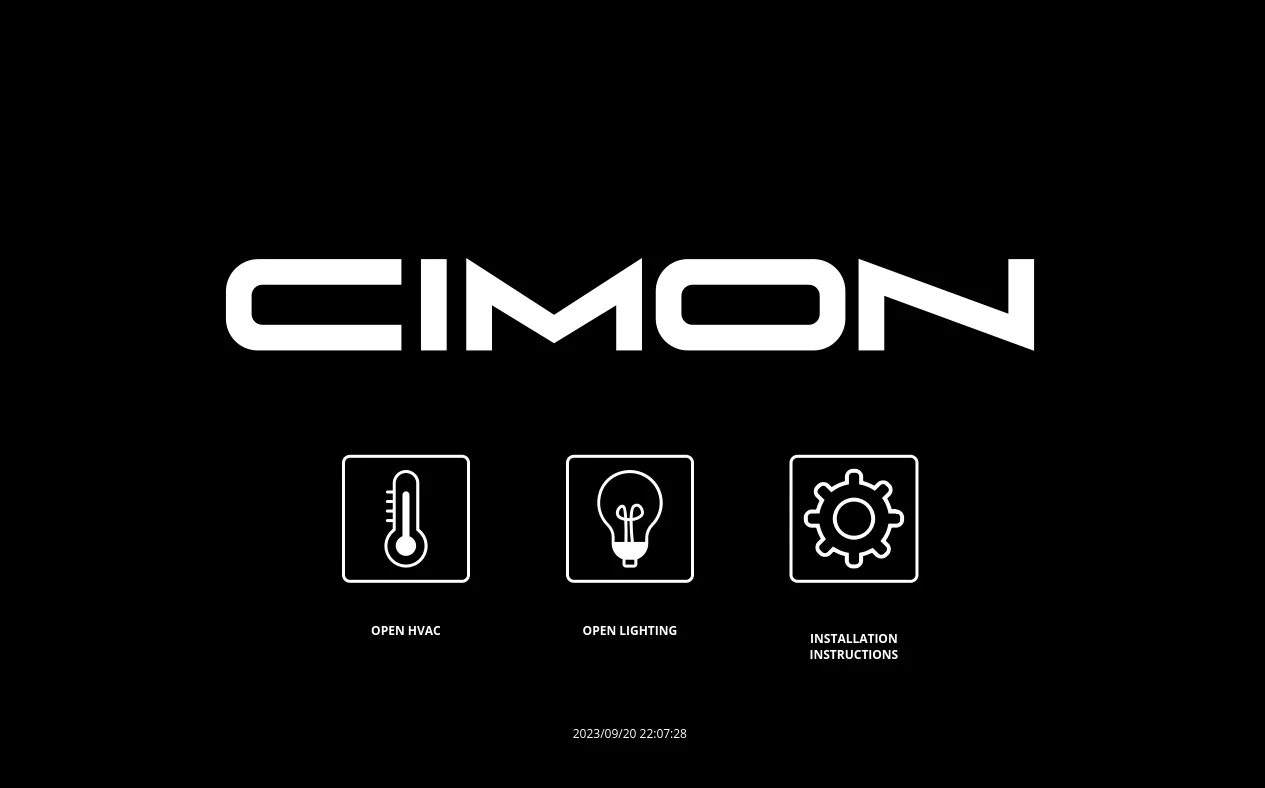
The runtime settings menu will appear after three seconds.
Open Runtime Settings
After using the long press method, the runtime settings menu will appear.
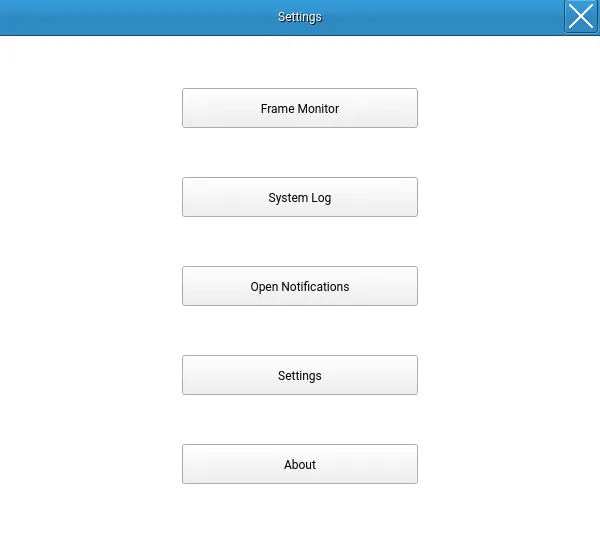
Frame Monitor
Refer to the Frame Monitor section for more information.
System Log
Refer to the System Log section for more information.
Open Notifications
Refer to the Open Notifications section for more information.
Settings
Refer to the Settings section for more information.
About
Refer to the About section for more information.