Settings
Settings
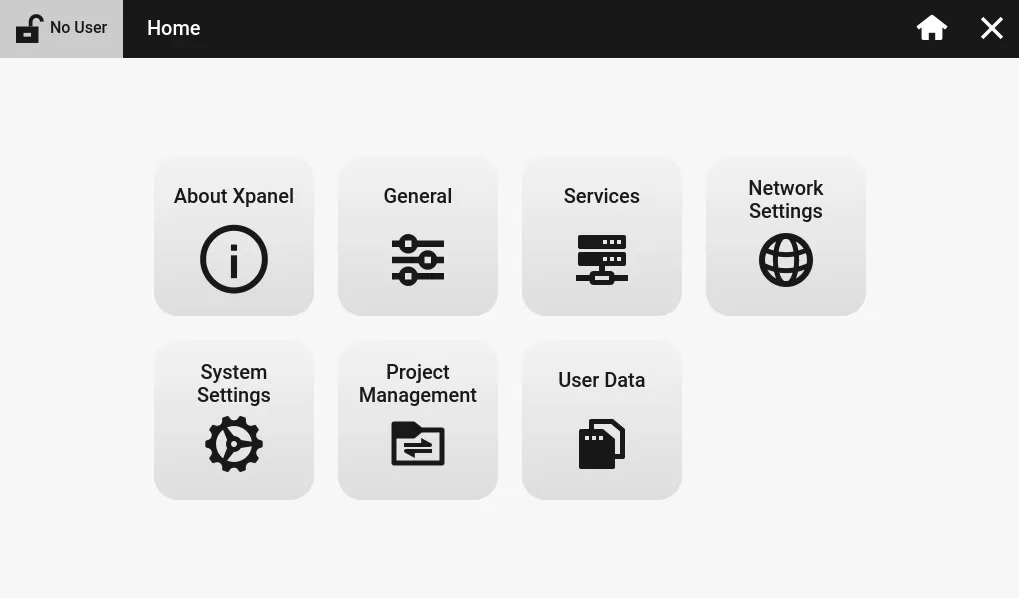
The settings menu allows users to view information about their Xpanel, change internal settings, and manage projects.
About Xpanel
About Xpanel displays information about the physical device.
Device
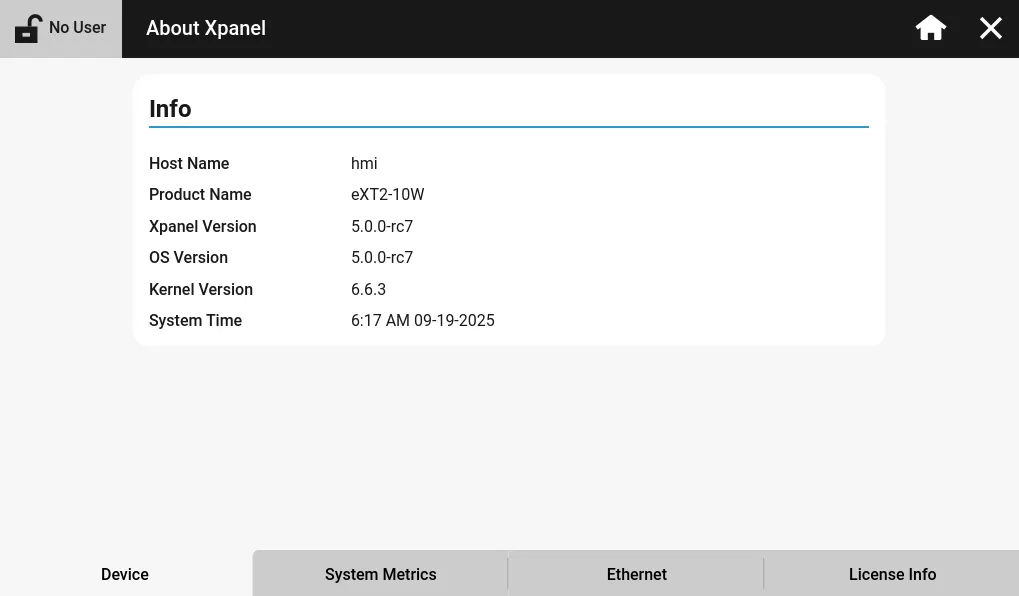
The Device tab displays the information, including the hostname, product name, Xpanel version, operating system version, kernel version, and system time.
The hostname is the name of the HMI as it appears on the network.
System Metrics
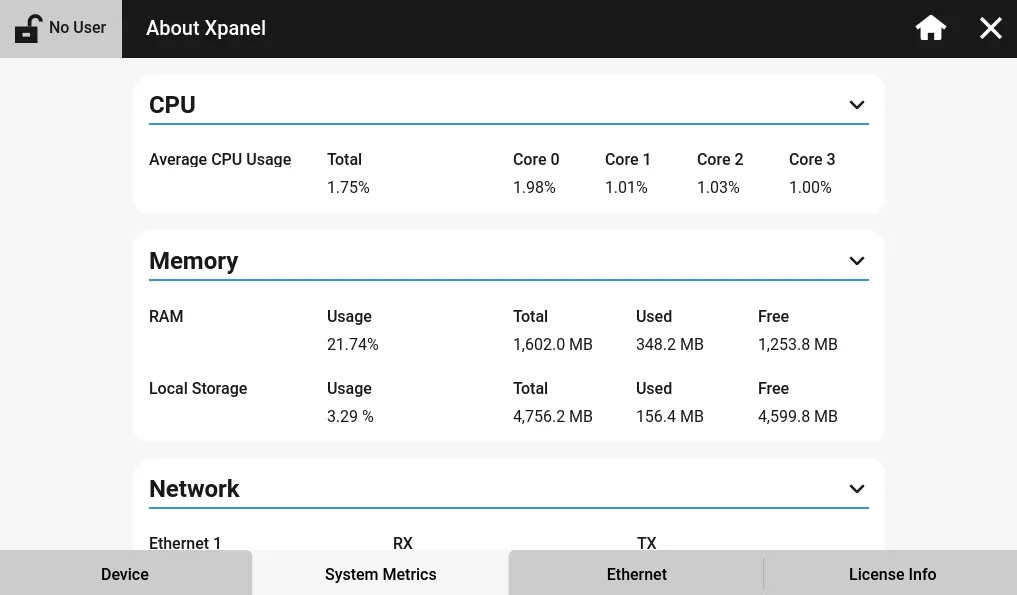
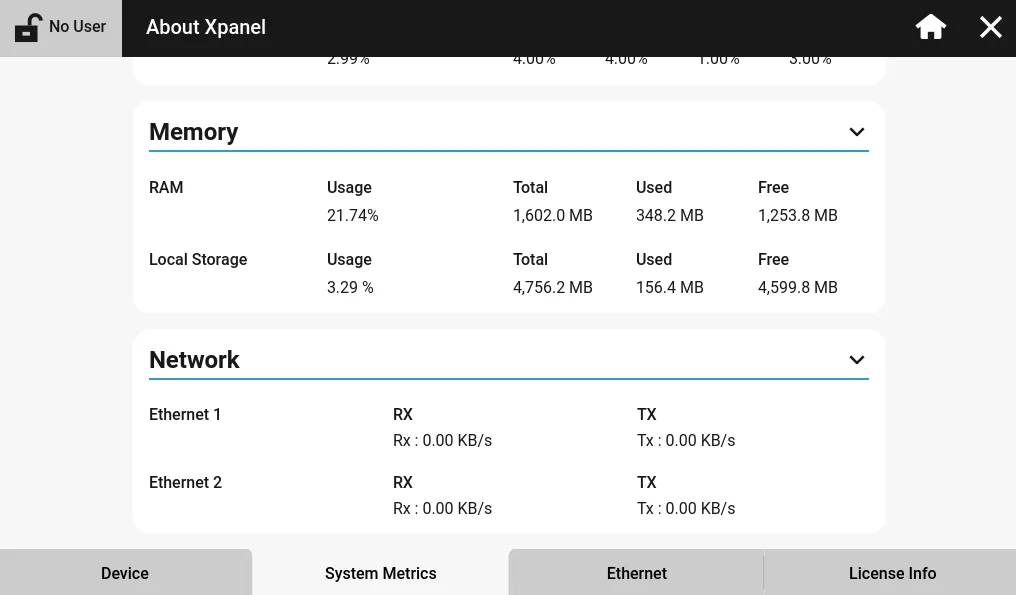
The System Metrics tab displays information about the hardware components of the Xpanel. This includes CPU usage, RAM usage, local storage usage, and network transmission speed.
Ethernet
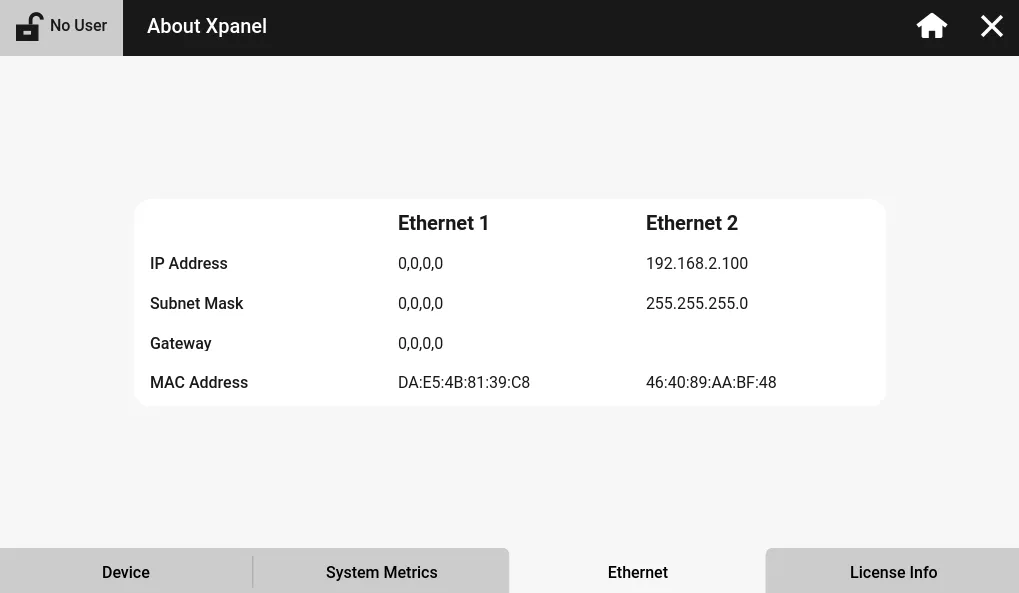
The Ethernet tab displays the configured IP address, subnet mask, gateway, and MAC address for all available Ethernet ports.
License Info
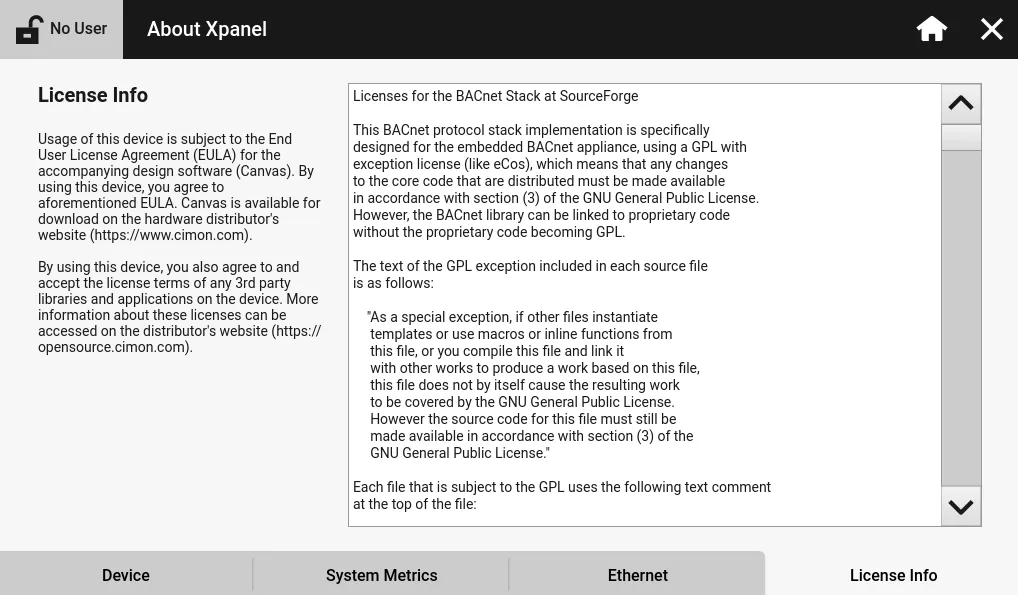
The License Info tab displays licensing information and the End User License Agreement (EULA) for Canvas.
General
General allows users to change the physical appearance of their Xpanel.
Language
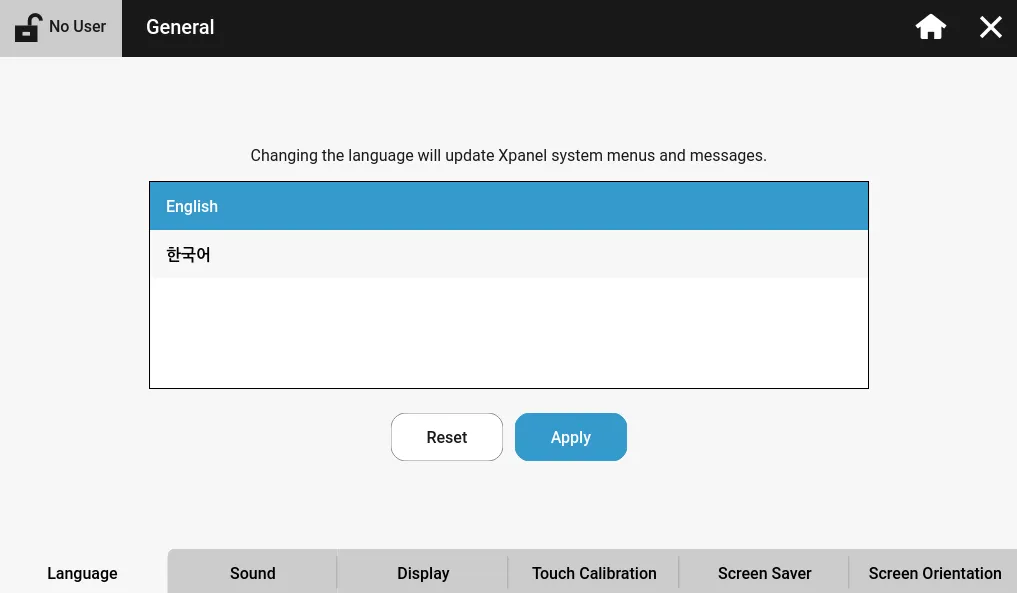
The Language tab allows users to change their default language between English and Korean.
Sound
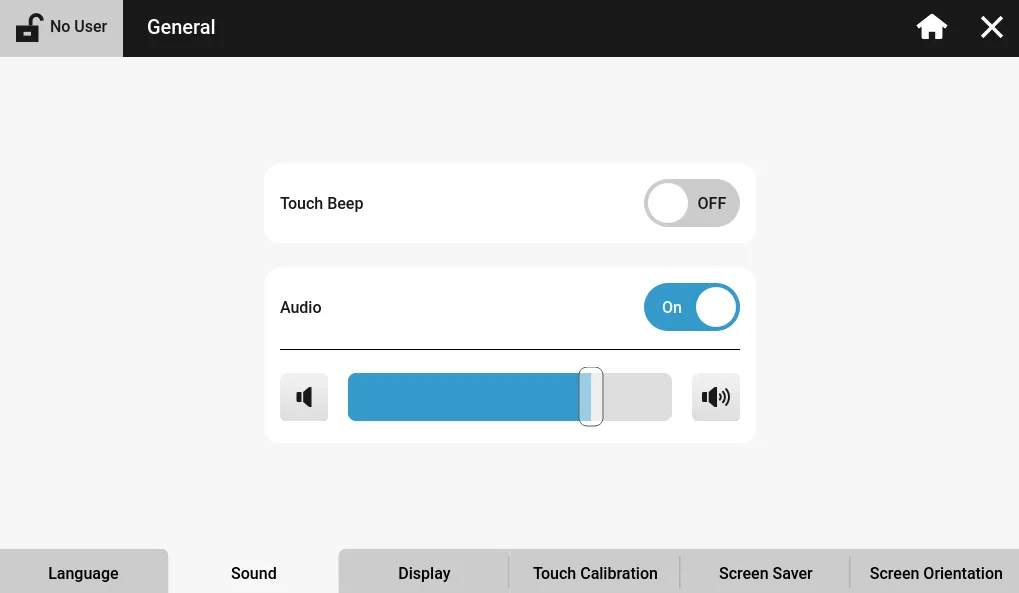
The Sound tab controls the sound output volume, touch beep noise, and volume level for the Xpanel.
Display
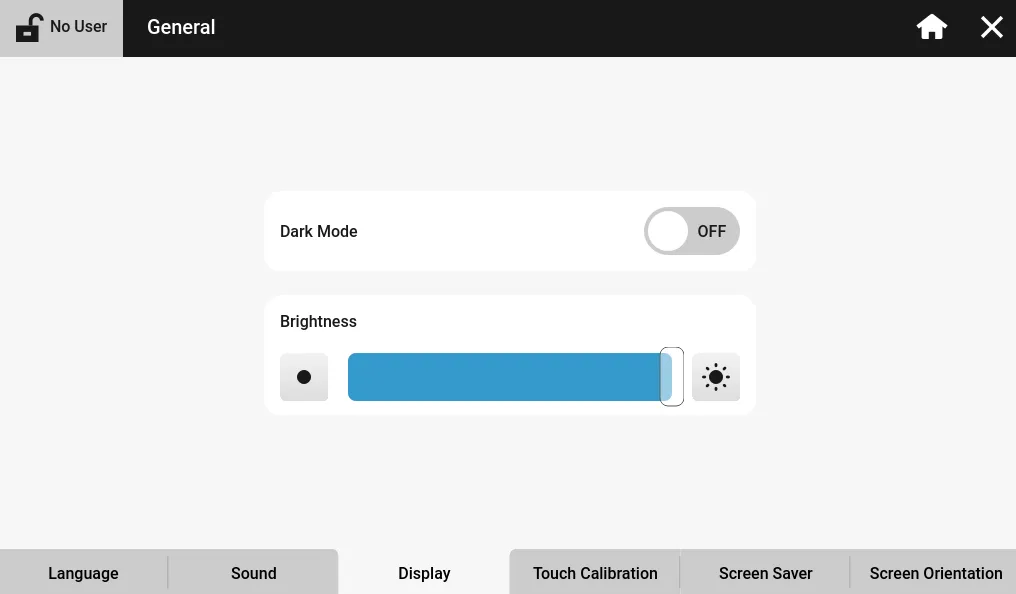
The Display tab allows users to change the brightness of the HMI screen and change the default view to dark mode.
Touch Calibration
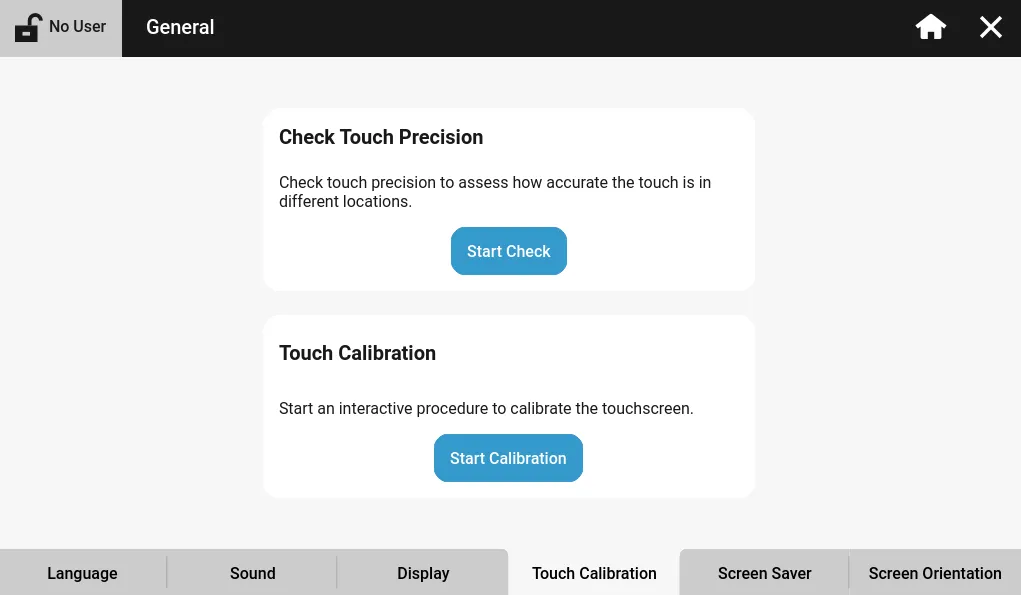
The Touch Calibration tab is used to calculate if touch actions on the physical screen are accurate. If not, the user can start the touch calibration process to reset the current touch calibration.
Screen Saver
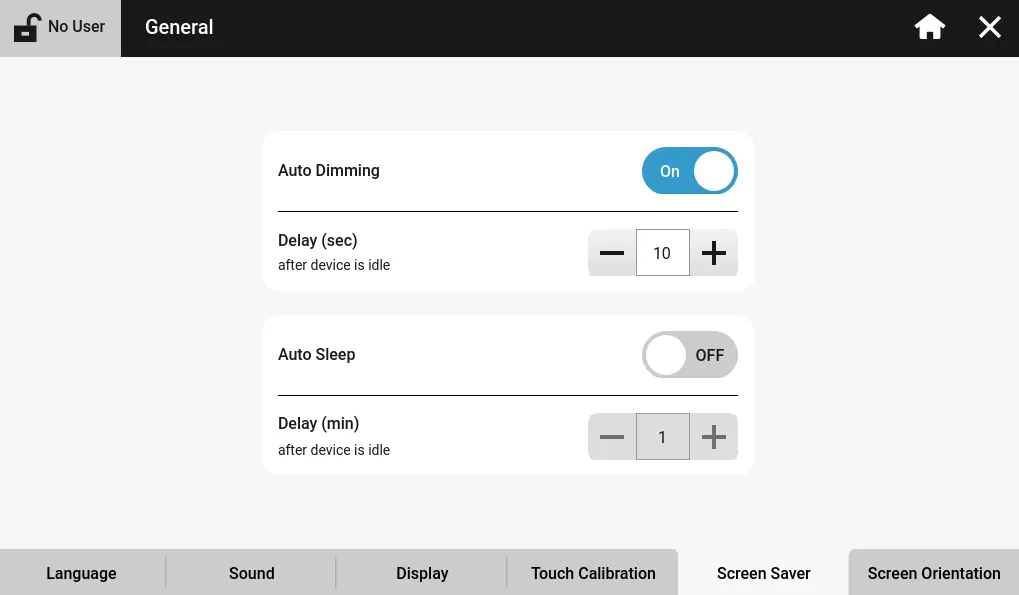
The Screen Saver tab allows the user to control the Xpanel's dimming and sleep mode functionality.
Screen Orientation
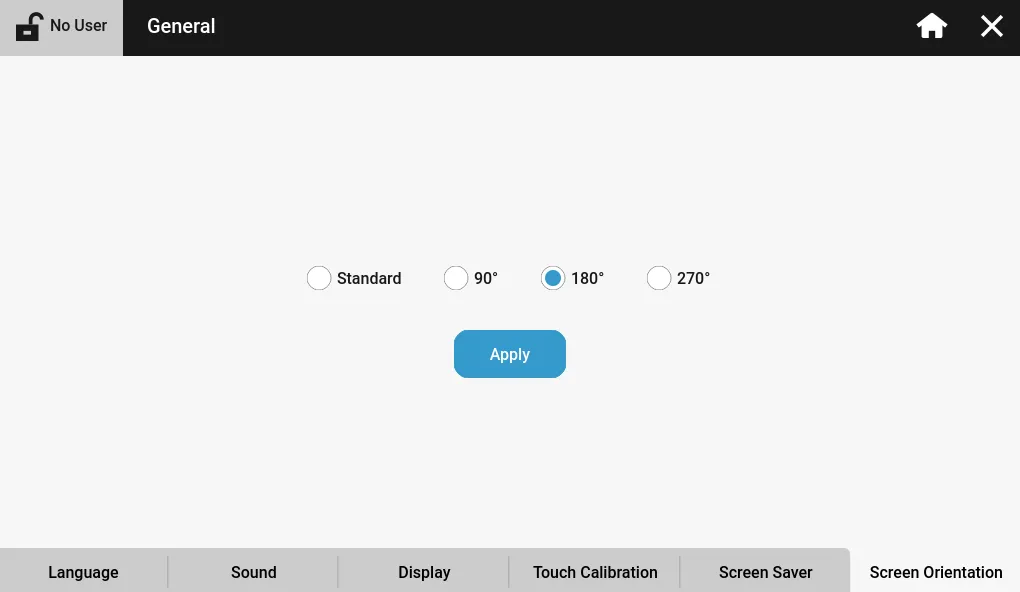
The Screen Orientation tab allows users to set the display orientation for the HMI screen. For landscape, use Standard or 180°. For portrait, use 90° or 270°.
Services
Services allow users to enable or disable RDP/VNC and enable, disable, and configure FTP.
RDP/VNC Server Setup
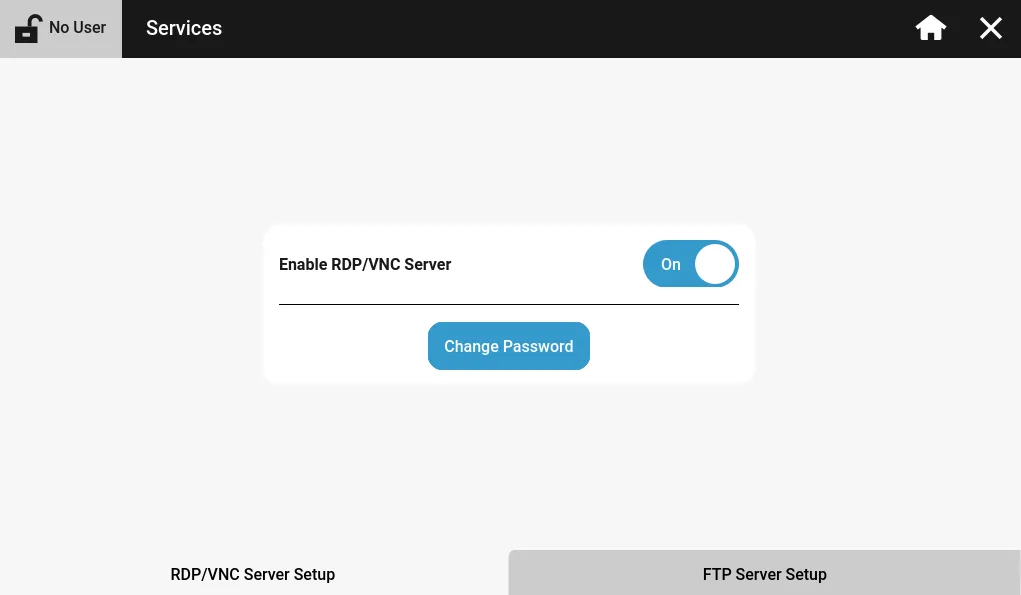
The RDP/VNC Server Setup tab enables or disables RDP (eXT series) and VNC (eXT2 series). The password for the services can be configured as well.
FTP Server Setup
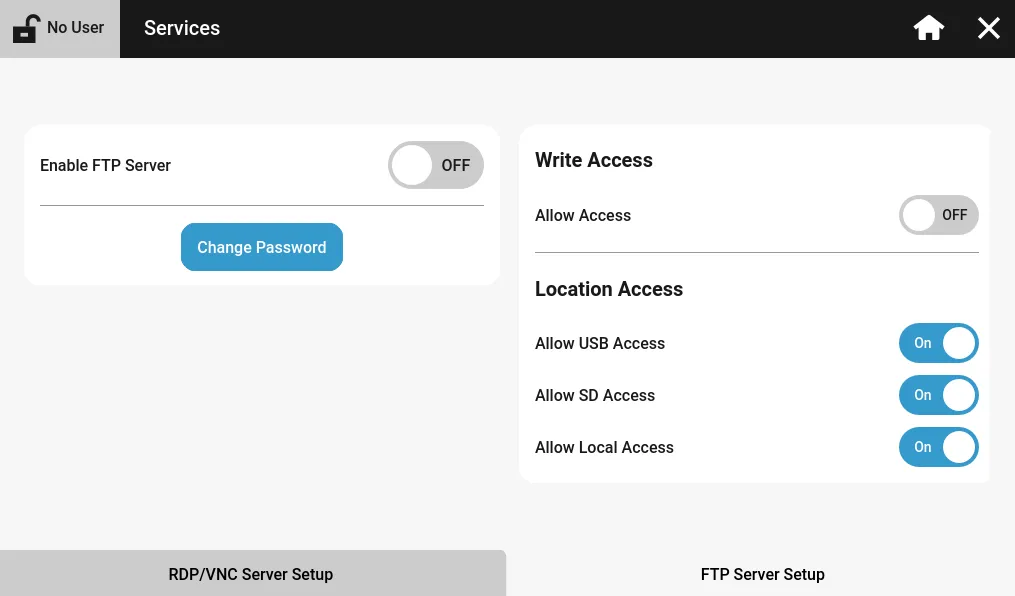
The FTP Server Setup controls configuration for the Xpanel's FTP server. The server can be enabled or disabled, and the password can be changed. Additionally, write and location access can be controlled.
Network Settings
Network Settings allows users to configure IP settings and the hostname of the Xpanel.
Name Server
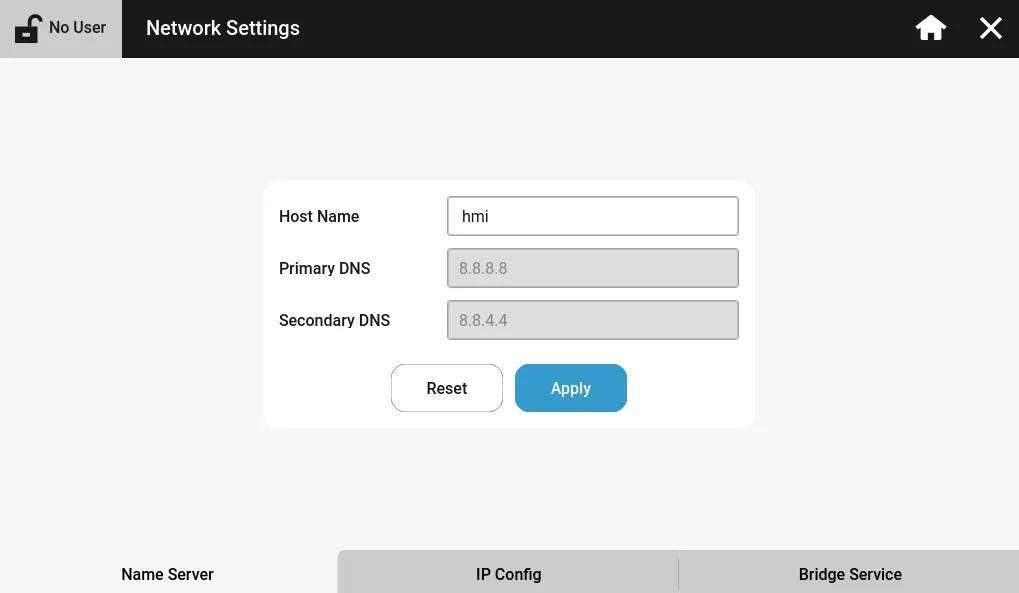
The Name Server tab specifies the hostname of the HMI as it appears on the network. It also allows configuration for the primary and secondary DNS servers.
IP Config
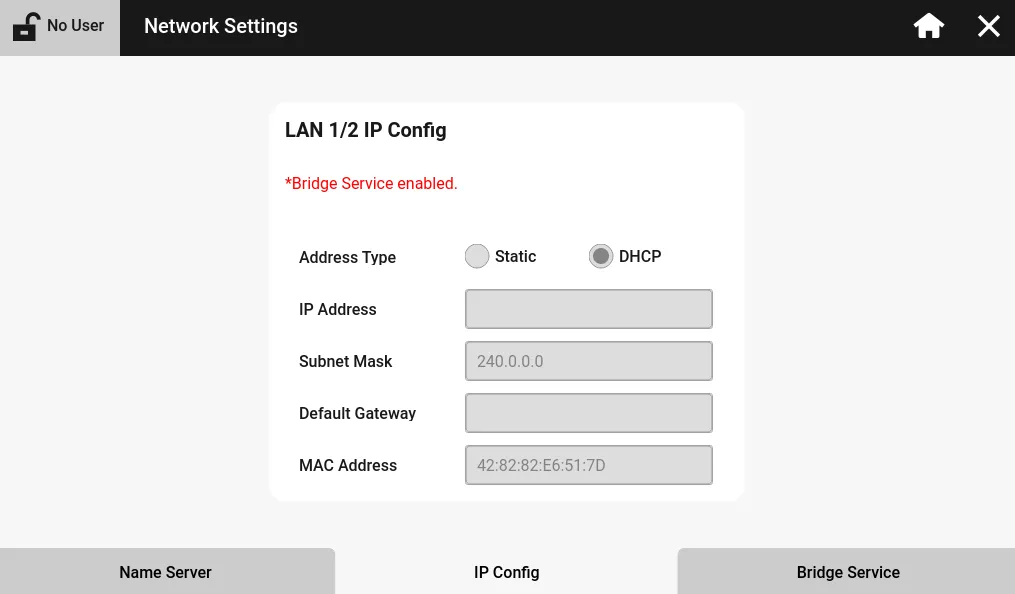
The IP Config tab allows users to configure the IP address, subnet mask, and default gateway for each Ethernet port on the Xpanel. The options can only be configured if the Address Type is set to Static. If the ports are set to DHCP, the Ethernet ports will be given an IP address by the network's DHCP.
If the Xpanel has two Ethernet ports and the Bridge Service setting is enabled, only one port can be configured.
Bridge Service
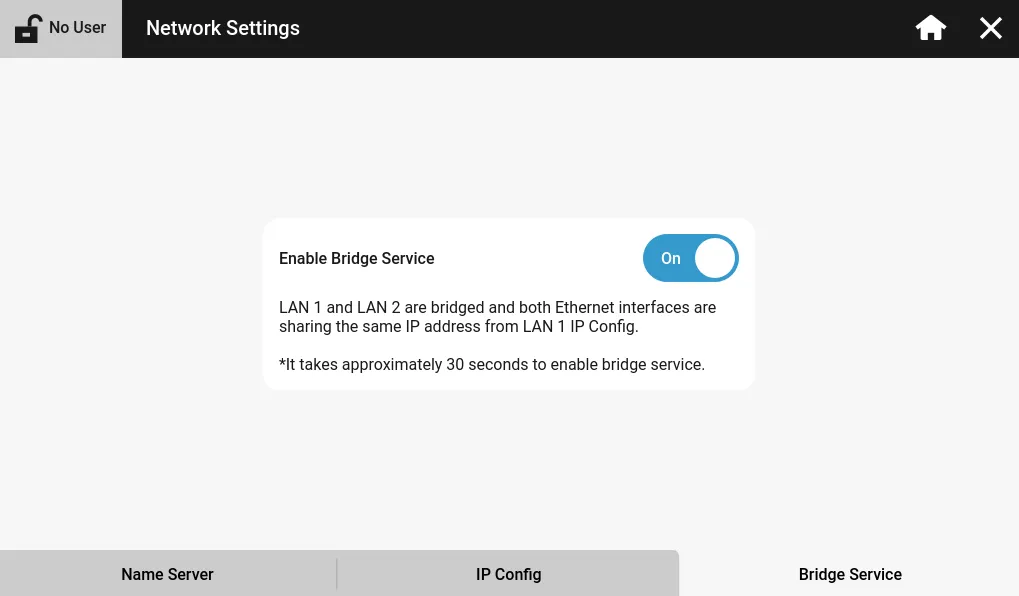
The Bridge Service tab enables or disables bridging between both Ethernet ports (if applicable). The LAN 2 Ethernet port will share the same IP address as the LAN 1 Ethernet port.
System Settings
System Settings allows users to control system time, conduct device updates, enable/disable the watchdog timer, delay the project runtime, or reset and recover the Xpanel.
System Time
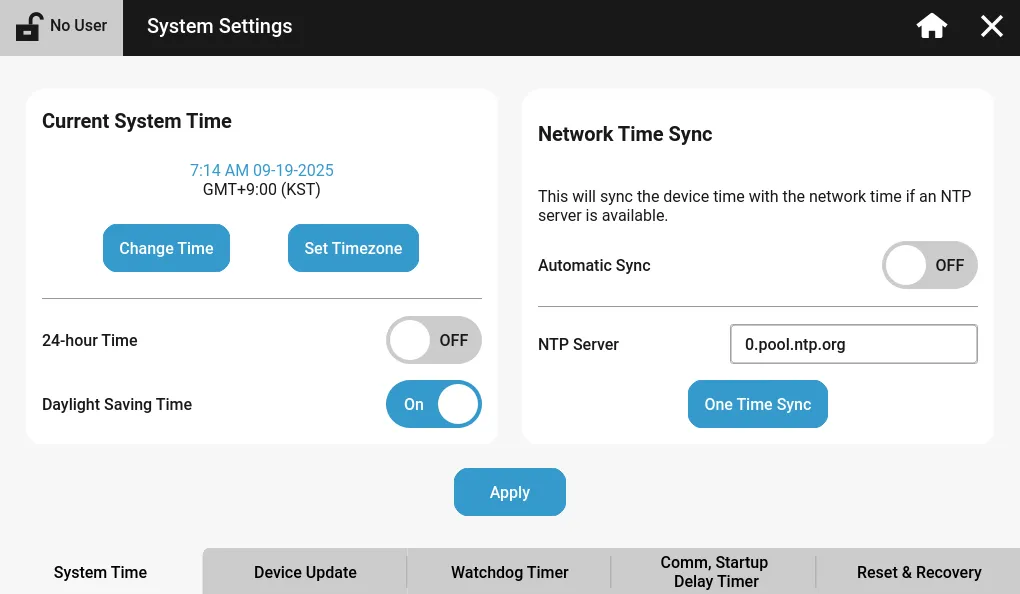
The System Time tab allows for configuration of the internal Xpanel time. The time can be changed manually or by syncing with an NTP server.
The Date/Time object pulls the time from the Xpanel's time.
Device Update
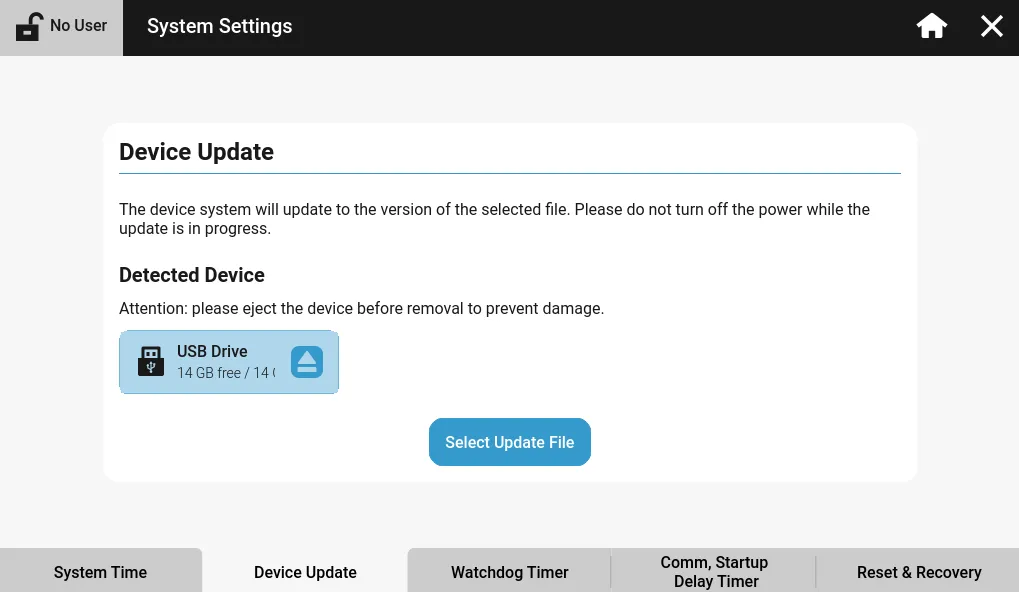
The Device Update tab allows users to conduct software or application upgrades/downgrades for the Xpanel.
Refer to the Update Device section on how to upgrade/downgrade the Xpanel.
Watchdog Timer
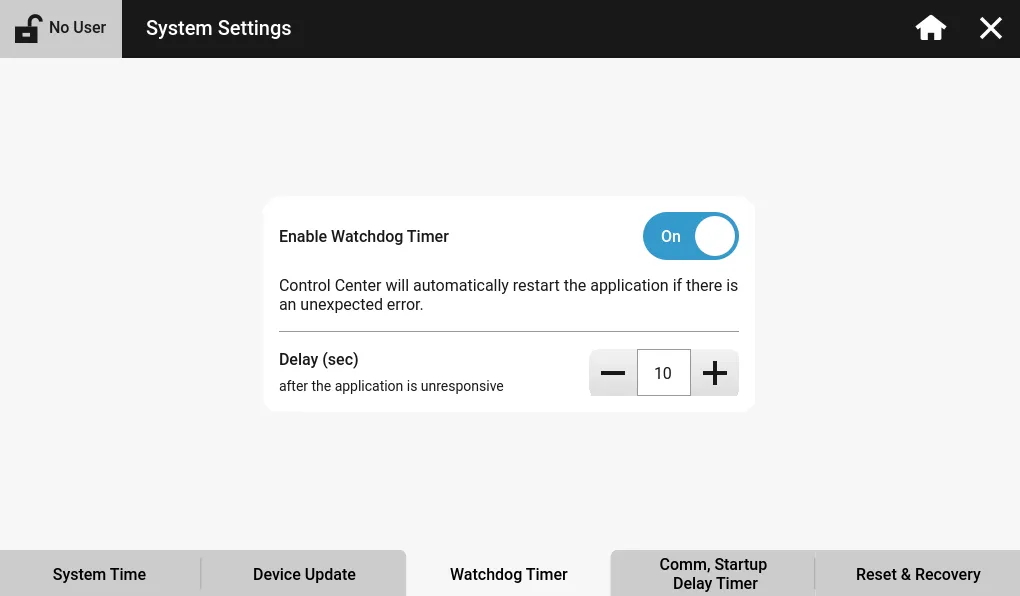
The Watchdog Timer tab configures the internal watchdog timer on the HMI. Users can enable or disable the watchdog timer, and specify the number of seconds before the project should restart.
Comm, Startup Delay Timer
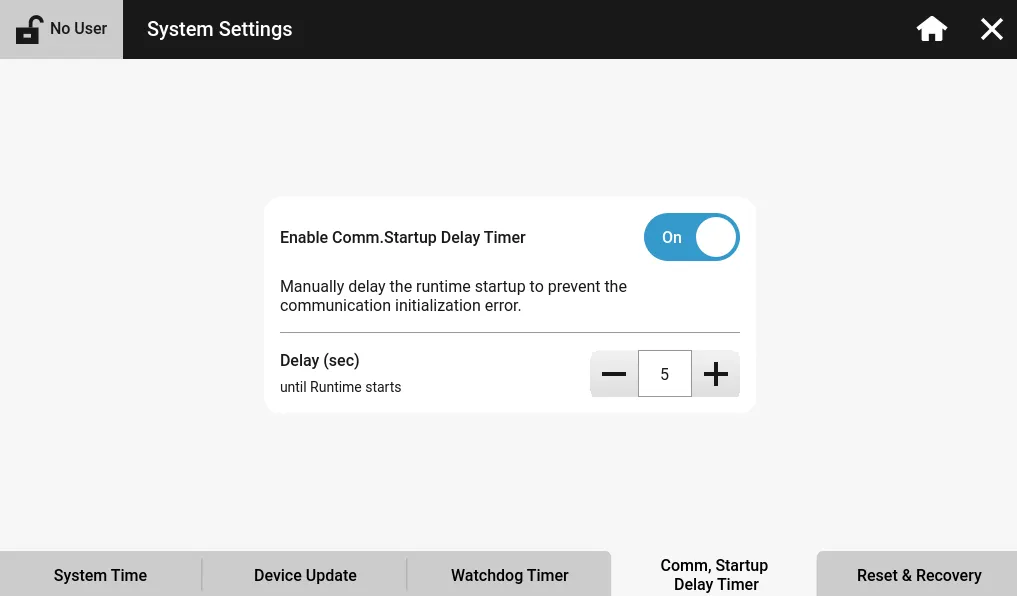
The Comm, Startup Delay Timer tab delays the project runtime for a specified number of seconds. This allows I/O devices to properly retrieve their values before tags try to read them.
Reset & Recovery
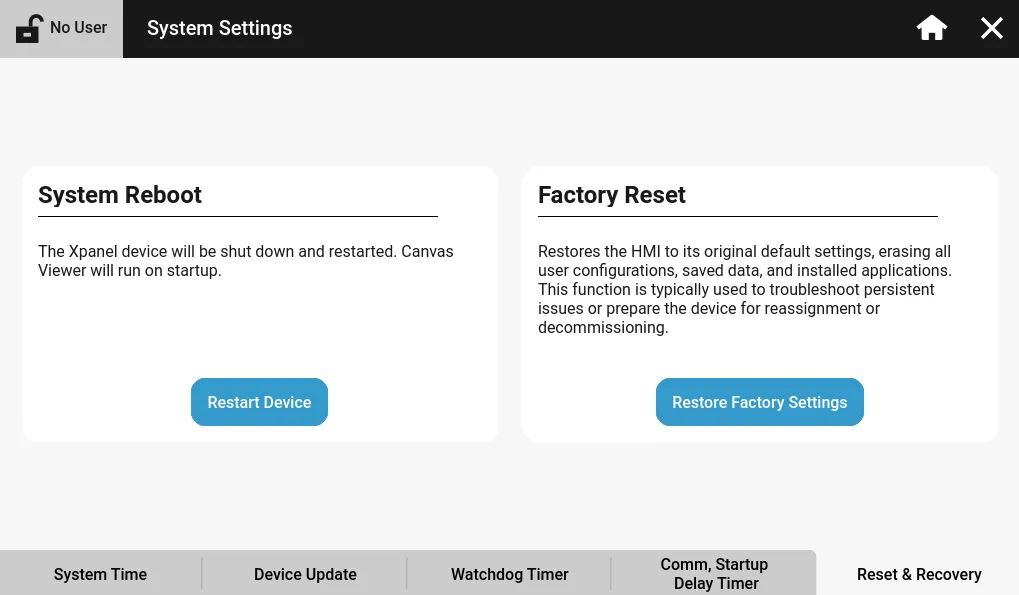
The Reset & Recovery tab allows users to reboot their HMI without having to power cycle it. Additionally, it allows users to factory reset their Xpanel for troubleshooting issues or decommissioning.
Project Management
Project Management allows users to upload a project to the Xpanel, download a project from the Xpanel, or manually restart the project.
Project Transfer
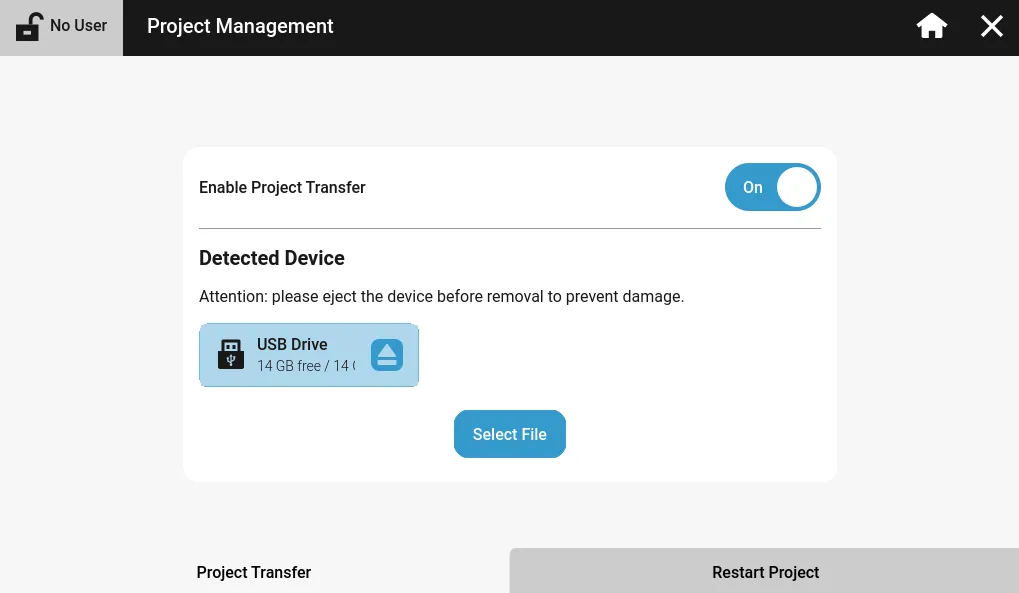
The Project Transfer tab allows users to enable/disable project transfer between the Xpanel. If this setting is disabled, it prevents projects from being downloaded to the Xpanel and prevents the project, currently on the Xpanel, from being uploaded to the computer or physical storage device, such as a USB or SD card.
Restart Project
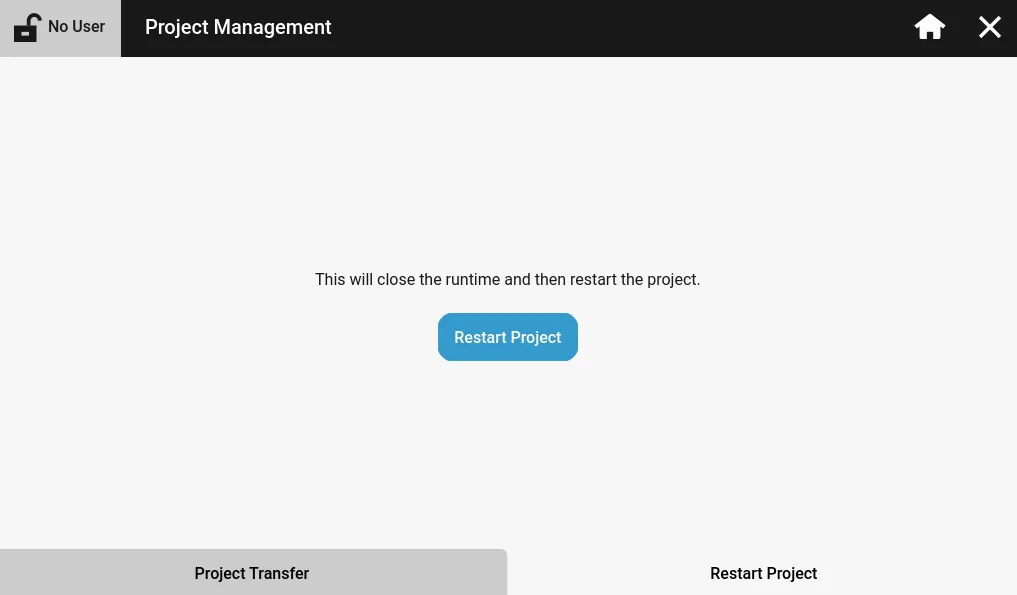
The Restart Project tab restarts the currently downloaded project on the Xpanel. This is as if the Xpanel powers on for the first time, or the project is downloaded for the first time.
User Data
User Data allows users to delete specific project data to free up space or remove old project data.
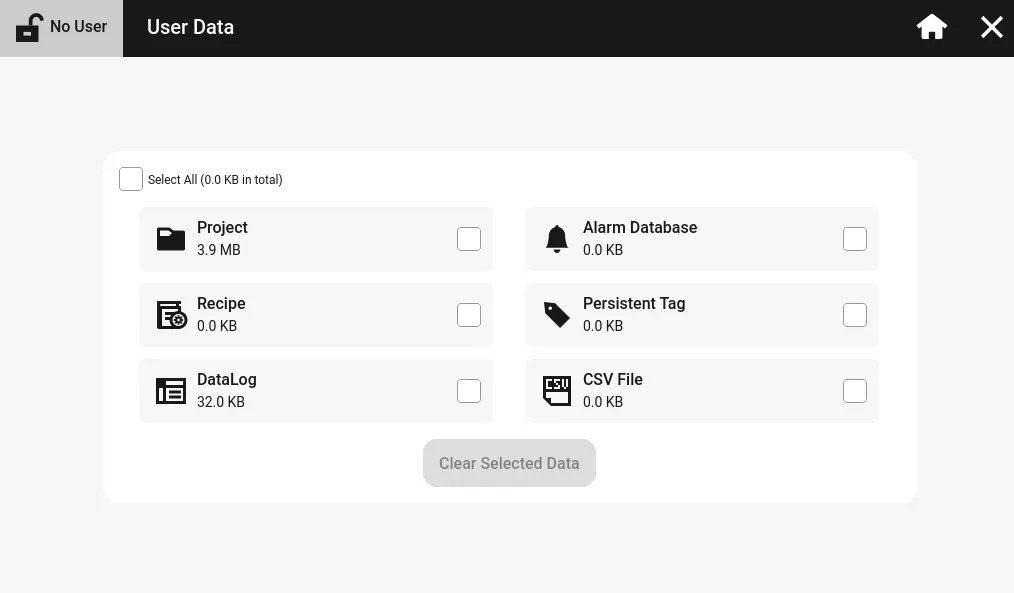
Users can select to delete the project, recipes, data logs, alarms, persistent tags, and CSV files.
If deleted, these options cannot be restored.