Fillable Rectangle Exercise
Exercise
Exercise: Filling and Draining a Water Tank
Please follow the below exercise to understand Fillable Rectangle functionality.
Configuration
The following configuration is used to set up this exercise.
Tag Configuration
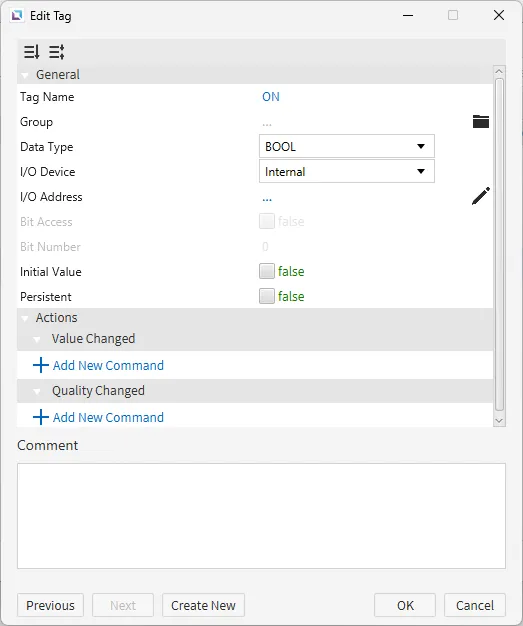
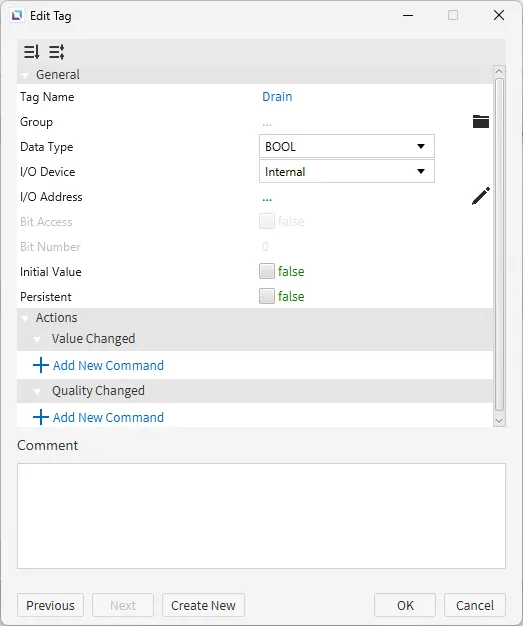
- Create the following tags:
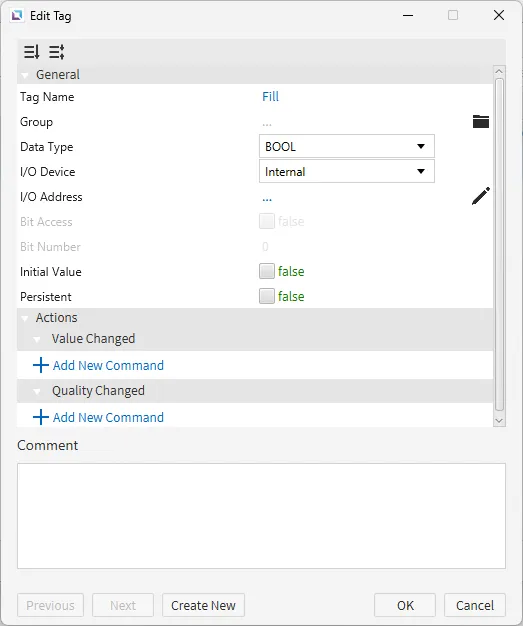
- Fill
- Data type: BOOL
- Initial value: false
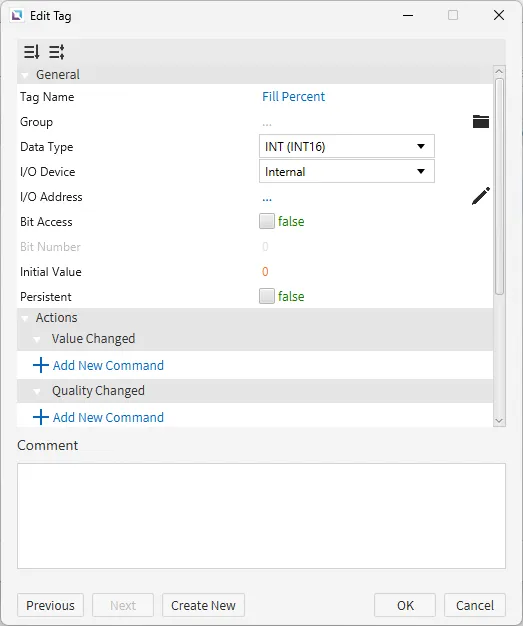
- Fill Percent
- Data type: INT (INT16)
- Initial value: 0
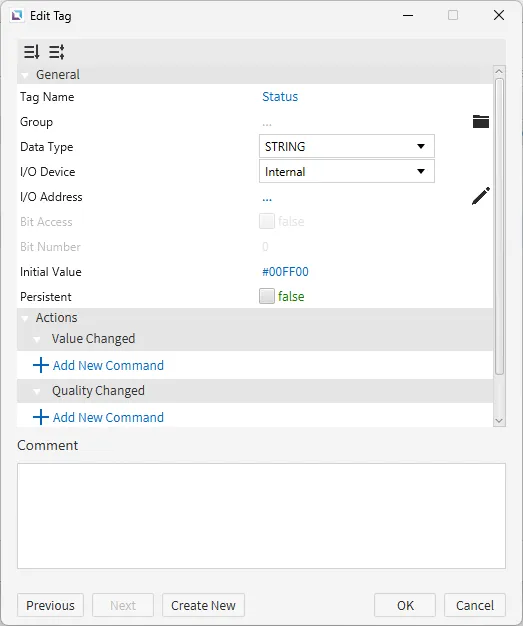
- Status
- Data type: STRING
- Initial value: #00FF00
- ON
- Data type: BOOL
- Initial value: false
- Drain
- Data type: BOOL
- Initial value: false
- Fill
Project Configuration 1
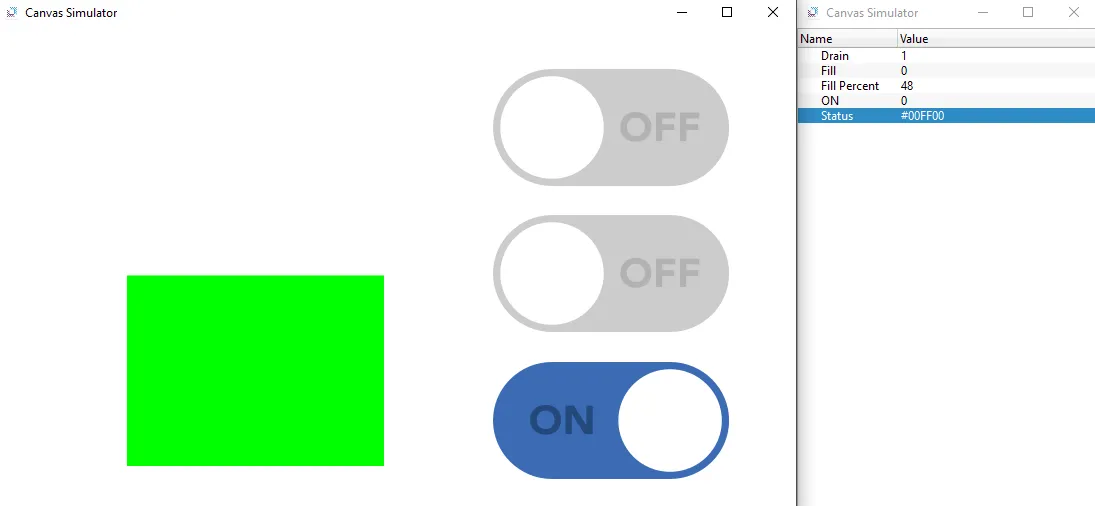
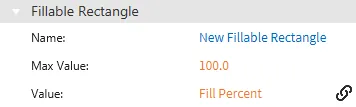
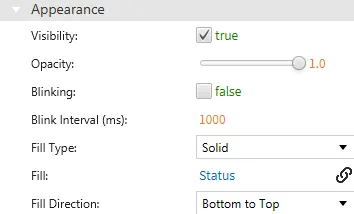
- Create a fillable rectangle object on the screen. Bind the Fill Percent tag to the value property and bind the Status tag to the fill property.
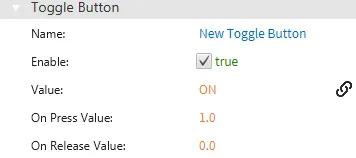
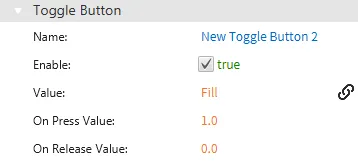
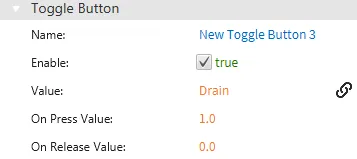
- Create three toggle button objects. Bind the ON tag to the first, the FILL tag to the second, and the DRAIN tag to the third.
Script Configuration
- Create the following script:
- Fill Tank
- Running type: Manual
- Fill Tank
tag.write("ON", !tag.read("ON"));
thread.msleep(100);
while(tag.read("ON")){
	if(tag.read("Fill")){
		if(tag.read("Fill Percent") < 100){
		tag.write("Fill Percent", tag.read("Fill Percent") + 1);
		}
	}
	else if(tag.read("Drain")){
		if(tag.read("Fill Percent") > 0){
			tag.write("Fill Percent", tag.read("Fill Percent") - 1);
		}
	}
	if(tag.read("Fill Percent") < 79){
		tag.write("Status", "#00FF00");
	}
	else if(tag.read("Fill Percent") >= 79 && tag.read("Fill Percent") < 89){
		tag.write("Status", "#FFFF00");
	}
	else if(tag.read("Fill Percent") >= 89){
		tag.write("Status", "#FF0000");
		}
	thread.msleep(300);
}
Project Configuration 2
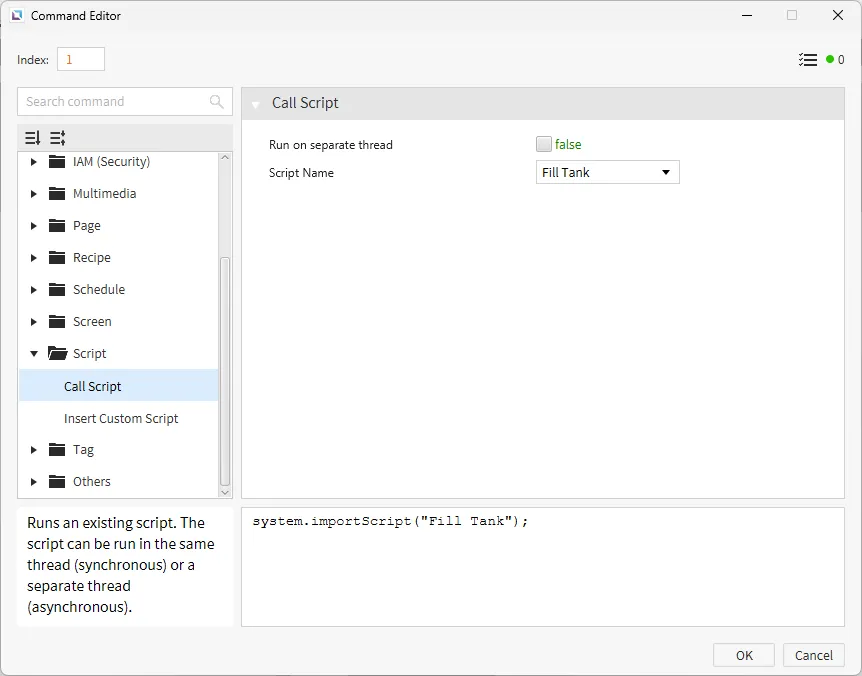
- For the ON tag toggle button, go to the Actions property. Under On Press, create a Call Script command. Select the Fill Tank script from the list and click OK.
Project Deployment
- Click Tools > Launch Simulator to launch the Canvas Simulator.
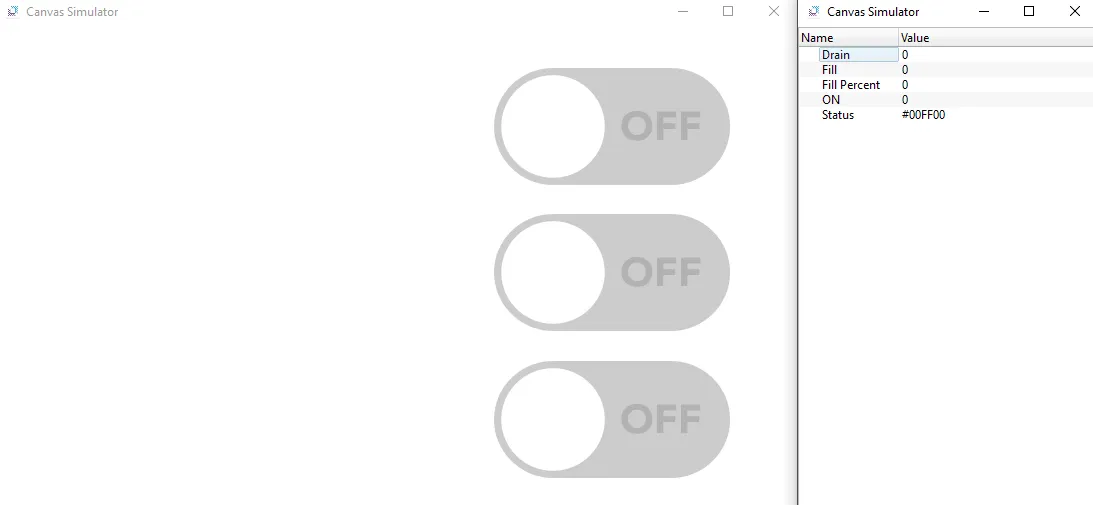
- Toggle the ON button. Once that button is toggled, toggle the Fill button. The fillable rectangle should start to fill. The fillable rectangle will switch to yellow and red depending on how full the tank is.
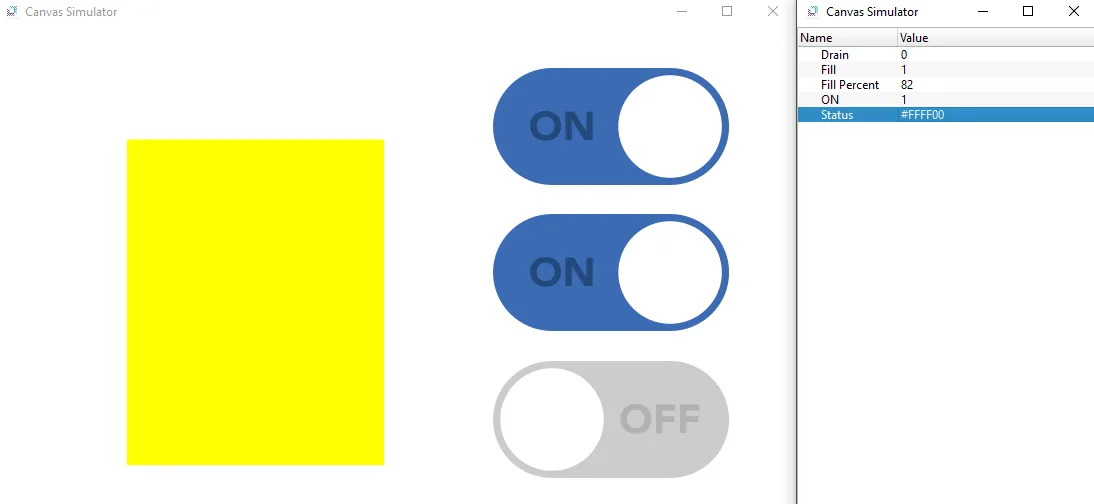
- Once the tank is full, turn off the Fill button and toggle the Drain button. The fillable rectangle should start to drain. The fillable rectangle will switch to yellow and green depending on how full the tank is.
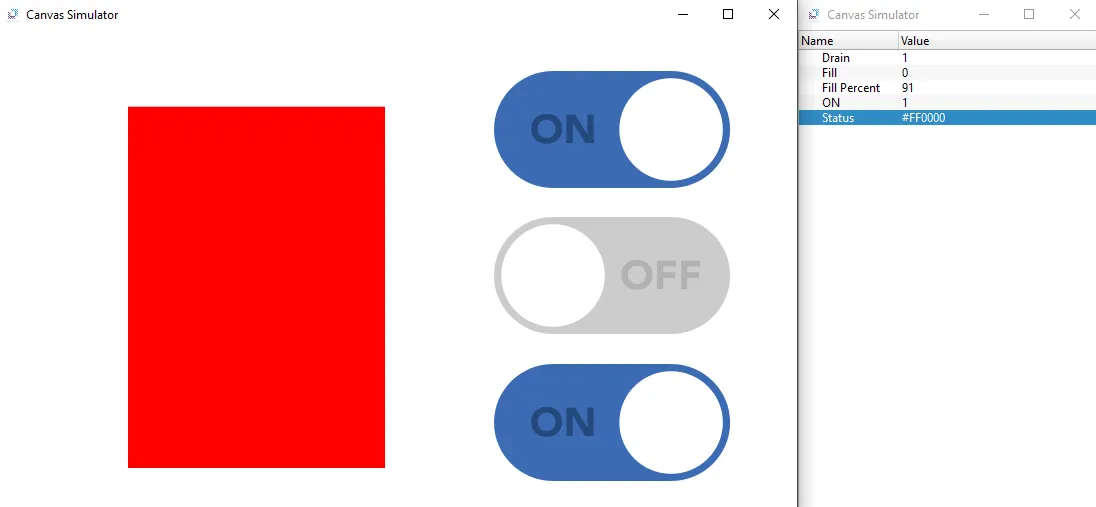
- Toggle the ON button to stop the tank from filling or draining. The fillable rectangle should stop filling or draining.