Switch/Lamp Exercise
Exercise
Exercise: Activating a Number Counter
Please follow the below exercise to understand Switch/Lamp functionality.
Configuration
The following configuration is used to set up this exercise.
Tag Configuration
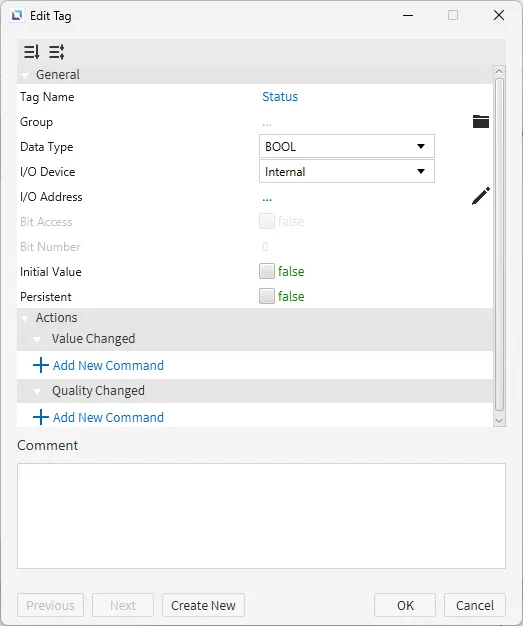
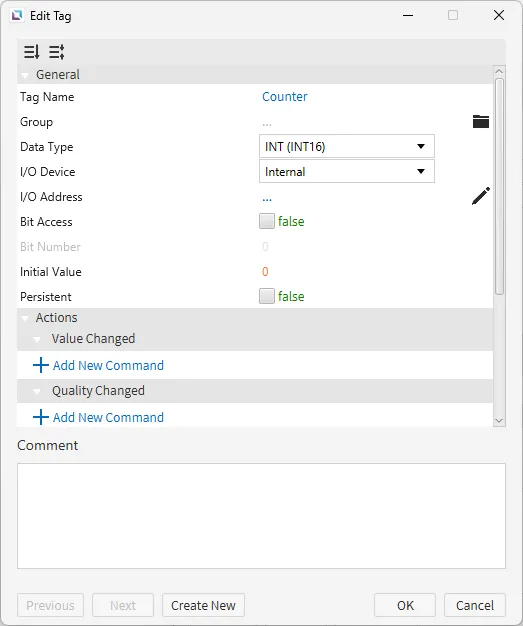
- Create the following tags:
- Status
- Data type: BOOL
- Initial value: false
- Counter
- Data type: INT (INT16)
- Initial value: 0
- Status
Project Configuration
- Create a Switch/Lamp object and a Numeric Display Object. Click Insert > Switch/Lamp or the Insert Switch/Lamp icon in the toolbar. Click and drag on the page to bring up the Switch/Lamp object. Click Insert > Numeric Display or the Insert Numeric Display icon in the toolbar. Click and drag on the page to bring up the Numeric Display object.

- Bind the Status tag to the Switch/Lamp object. Click and hold the Status tag and drag it to the Switch/Lamp object. Release the mouse button to bind the tag to the Switch/Lamp object. Another way would be to click the Switch/Lamp object, go to the Basic Properties section, and click the Bind button on State. Select the Status tag from the list and click OK.
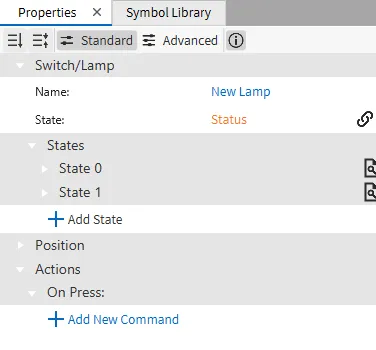
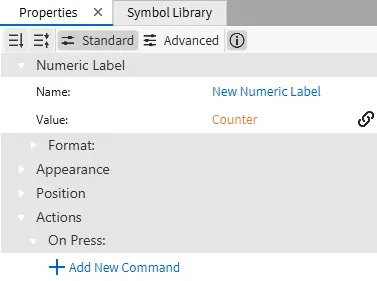
- Bind the Counter tag to the Numeric Text object. Click and hold the Counter tag and drag it to the Numeric Text object. Release the mouse button to bind the tag to the Numeric Text object. Another way would be to click the Numeric Text object, go to the Basic Properties section, and click the Bind button on Value. Select the Counter tag from the list and click OK.
Script Configuration
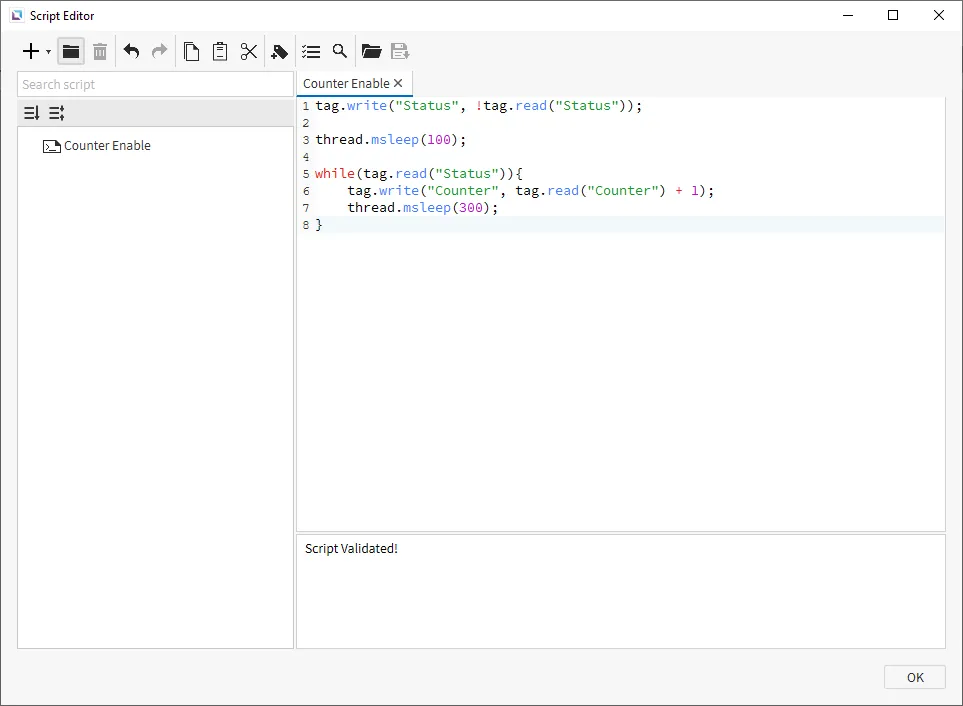
- Create the following script:
- Counter Enable
- Running type: Manual
- Counter Enable
tag.write("Status", !tag.read("Status"));
thread.msleep(100);
while(tag.read("Status")){
	tag.write("Counter", tag.read("Counter") + 1);
	thread.msleep(300);
}
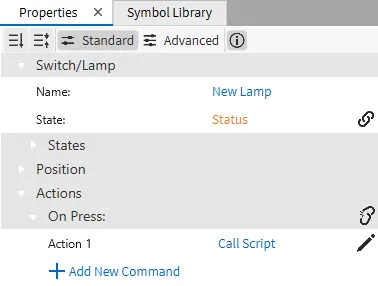
- On the Switch/Lamp, go to the Actions properties. Under On Press, click Add New Command. Select Call Script and select the Counter Script.
Project Deployment
- Click Tools > Launch Simulator to launch the Canvas Simulator.
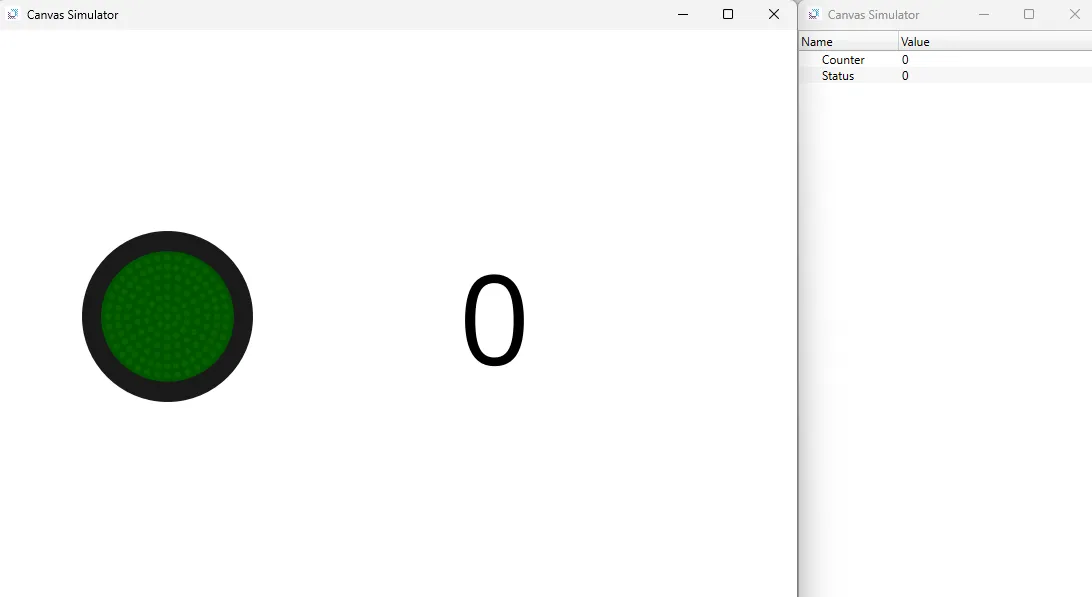
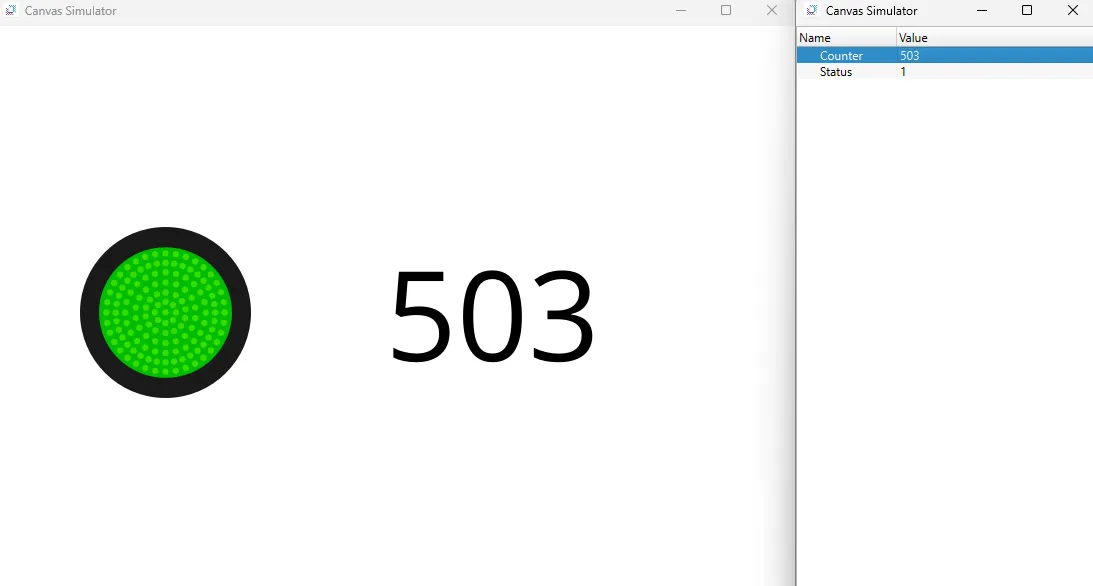
- Click the Switch/Lamp object to toggle the Counter tag. The numeric display object should increment by one every time the Switch/Lamp object is toggled.
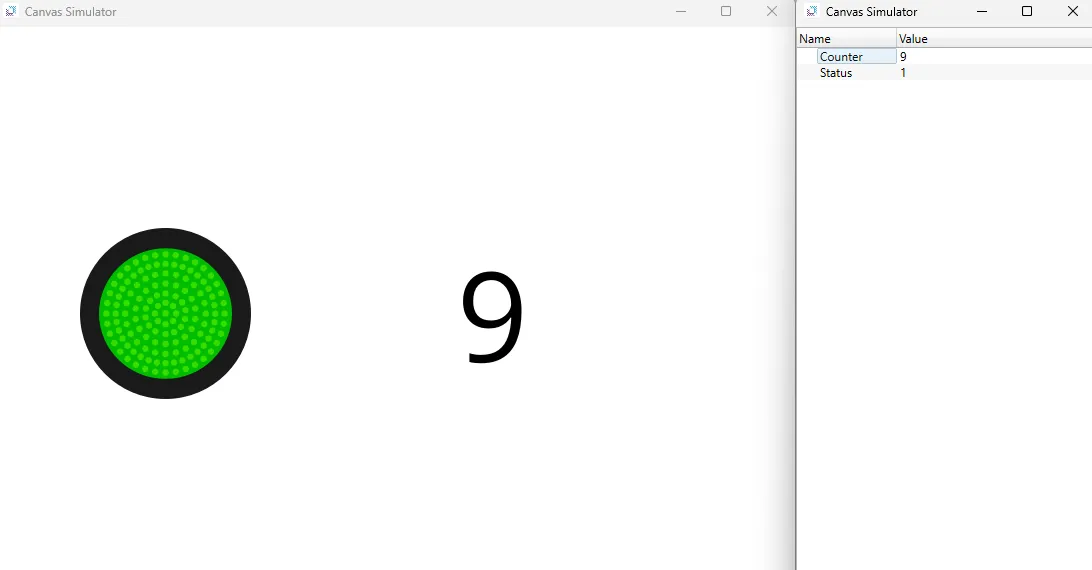
- To stop the counter, click the Switch/Lamp object again to toggle the Counter tag off.
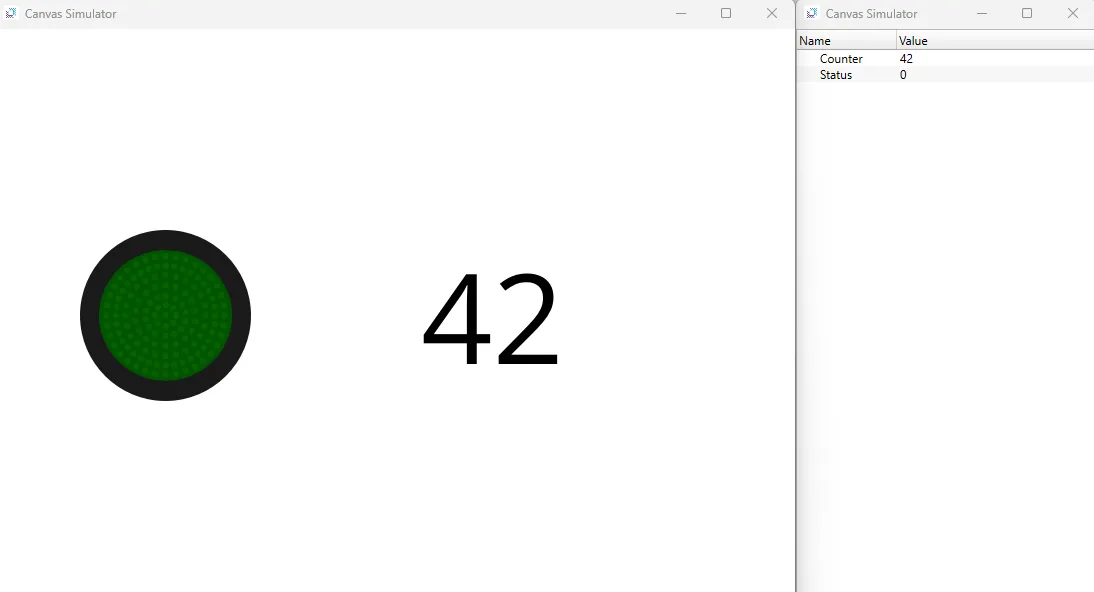
- Change the counter value to any random number to change the starting number.
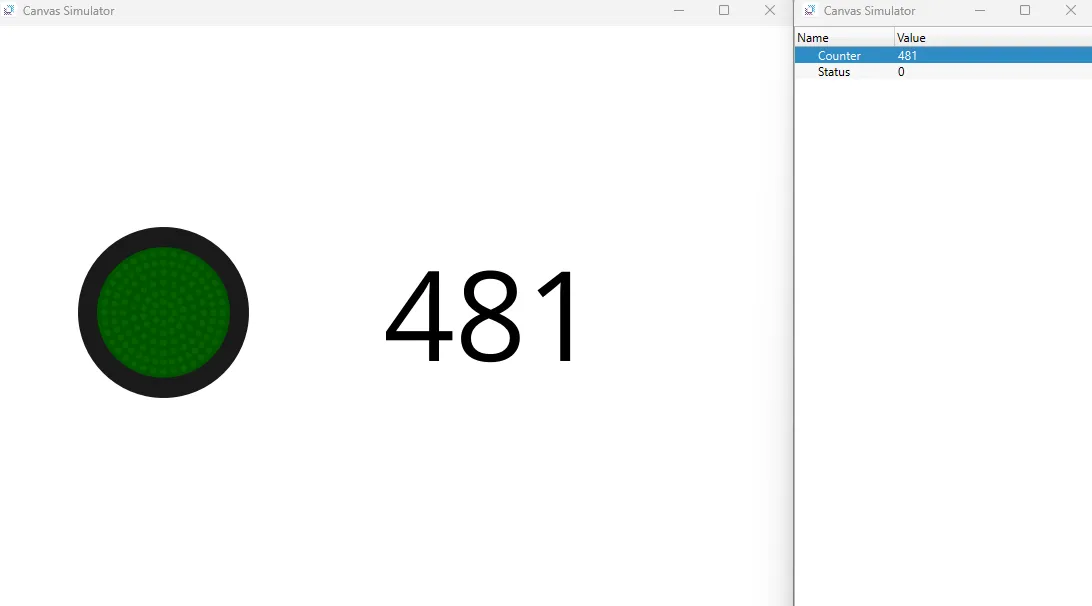
- Click the Switch/Lamp object to toggle the Counter tag. The counter value should incrememnt from where it was last set.