Display Object Introduction
Display Object Feature Description
Canvas has a Text Display object that allows users to display text content in a variety of styles. Users can customize the appearance, position, and actions related to the text object. Canvas provides a Numeric Display object, allowing users to display and edit numerical data with customized formatting. This object is particularly useful for representing numbers and performing calculations based on input.
Text Display Designer Functionalities
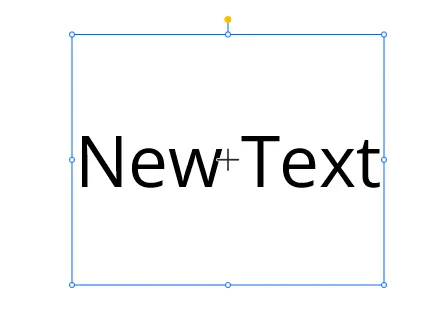
The Text Display object allows users to display any alphanumeric and special characters as text. To create a Text Display object, click Insert > Text Display, or select the Insert Text Display icon on the toolbar and click and drag on the page.
Once inserted, users can edit the text by clicking on the object and typing the desired content.
Properties
The Text Display object can be customized based on specific properties.
To ensure the property windows are enabled, click View > Properties.
Basic Properties
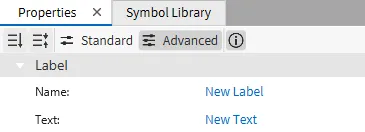
The Basic Properties section allows the user to modify the text displayed in the object and bind it to tags or other data sources.
Appearance
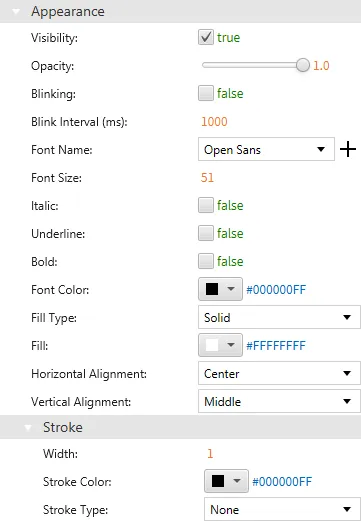
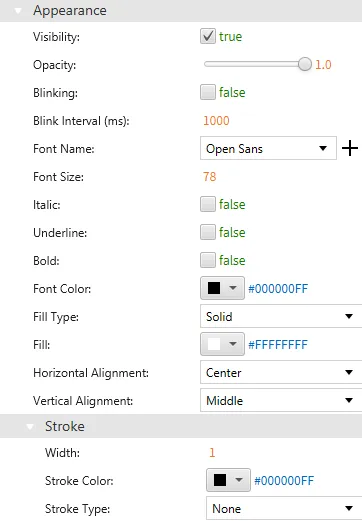
The Appearance section enables users to adjust visible characteristics of the text such as font style, color, size, and alignment.
Position
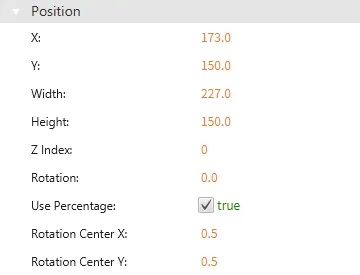
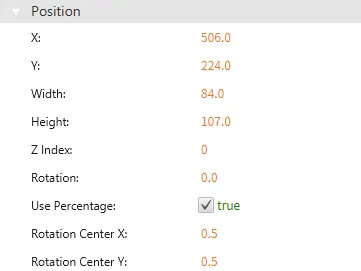
The Position section provides options to adjust the position, size, and rotation of the Text Display object.
Actions
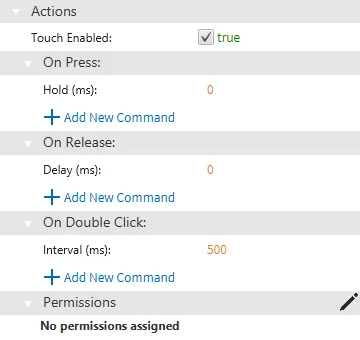
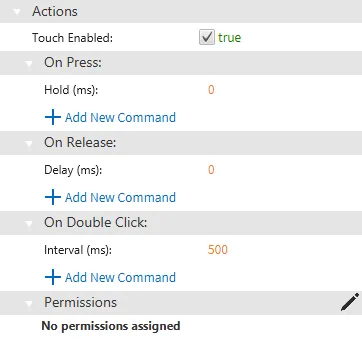
In the Actions tab, users can configure how the Text Display object responds to events such as pressing, releasing, or double-clicking.
Numeric Display Designer Functionalities
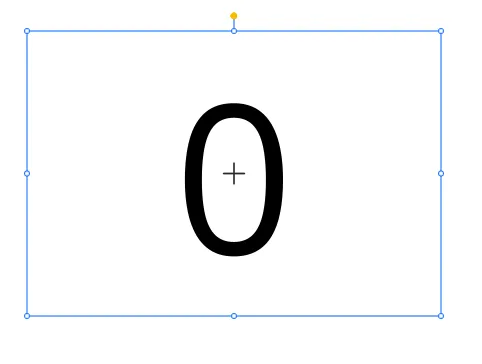
The Numeric Display object allows users to input only numerical characters into the field. To create a Numeric Display object, click Insert > Numeric Display, or select the Insert Numeric Display icon on the toolbar and click and drag on the page.
Once inserted, users can customize the numeric display content and configure how the numeric value is displayed.
Properties
The Numeric Display object can be customized based on specific properties.
To ensure the property windows are enabled, click View > Properties.
Basic Properties
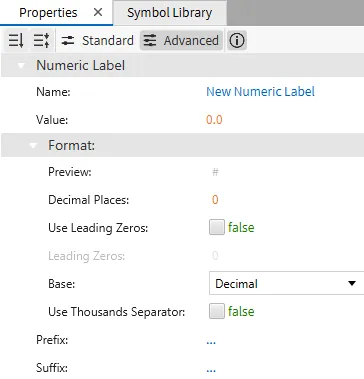
The Basic Properties section allows the user to modify the displayed numeric value, format it (e.g., decimal places), and bind it to a tag for real-time data updates.
Appearance
The Appearance section allows users to change the visible characteristics of the Numeric Display object, such as font style, size, color, and alignment.
Position
The Position section enables users to adjust the position, size, and rotation of the Numeric Display object.
Actions
In the Actions tab, users can configure how the Numeric Display object responds to various actions, such as pressing, releasing, or double-clicking.